18
• Connect the USB cable to the computer. If you want to configure the modem with
SIM card inside, please connect also the power adaptor
• Configure the modem using the Teleorigin Manager program. The detailed
configuration procedure is described in the Teleorigin Manager User Manual
document.
• If you can’t connect to the modem, follow these steps:
- check if the modem is connected to the computer via USB interface
- check if the COM port number is correct
• Disconnect the USB cable after setting up the device.
• Screw the GSM/LTE antenna on if an external antenna is to be used.
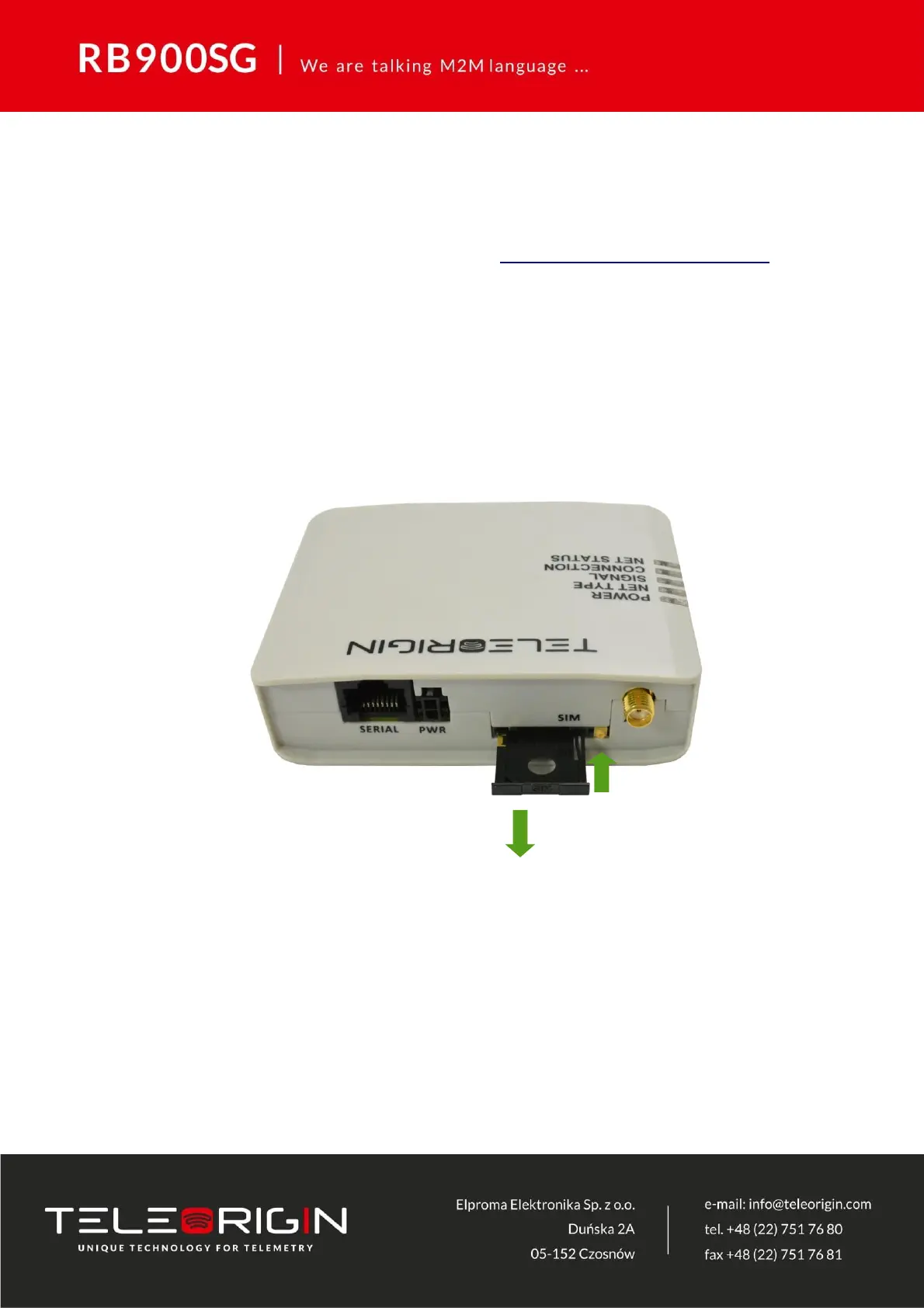
• Remove the SIM card tray by pressing the yellow button as shown in the picture
below.
• Insert your SIM card into the drawer.
• Verify if SIM card fits in the drawer properly (as shown below).



 To Next Page