17
Using the modem
Setting up the modem
To set up the modem, follow these steps:
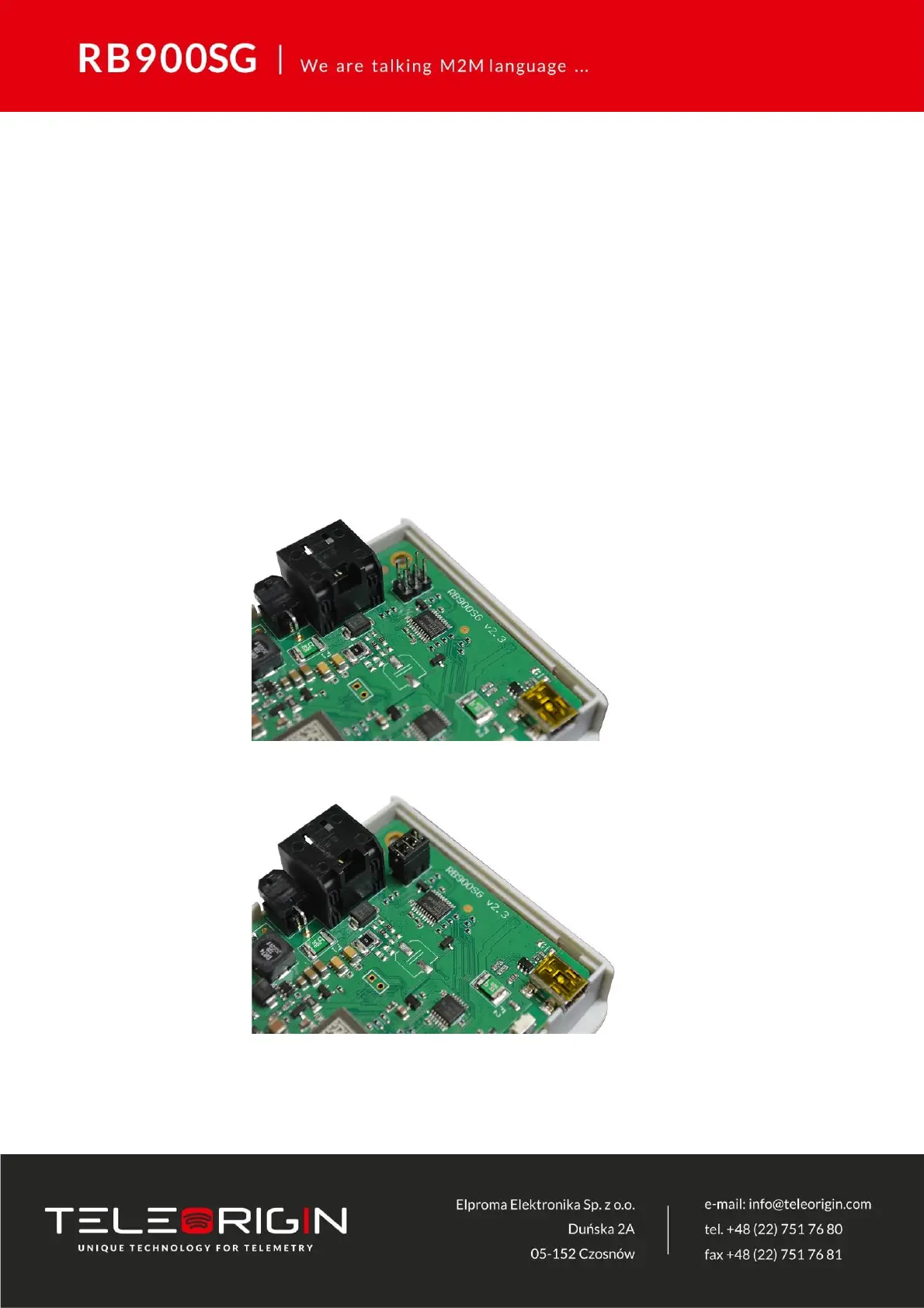
• At the production stage, the device is set up with a RS232 serial interface. If there is
a need to change the interface to RS422 please connect the modem to Teleorigin
Manager and choose „422” in „Serial” -> „Serial type” in „Basic” menu tab, save the
configuration and reboot the modem. To change the interface to RS485 open the
device housing and plug the jumper on the appropriate connector of the internal
board, close the housing and set „485” in „Serial” -> „Serial type” in „Basic” menu
tab, save the configuration and reboot the modem..



 To Next Page