28 CA824 Alarm System User Manual
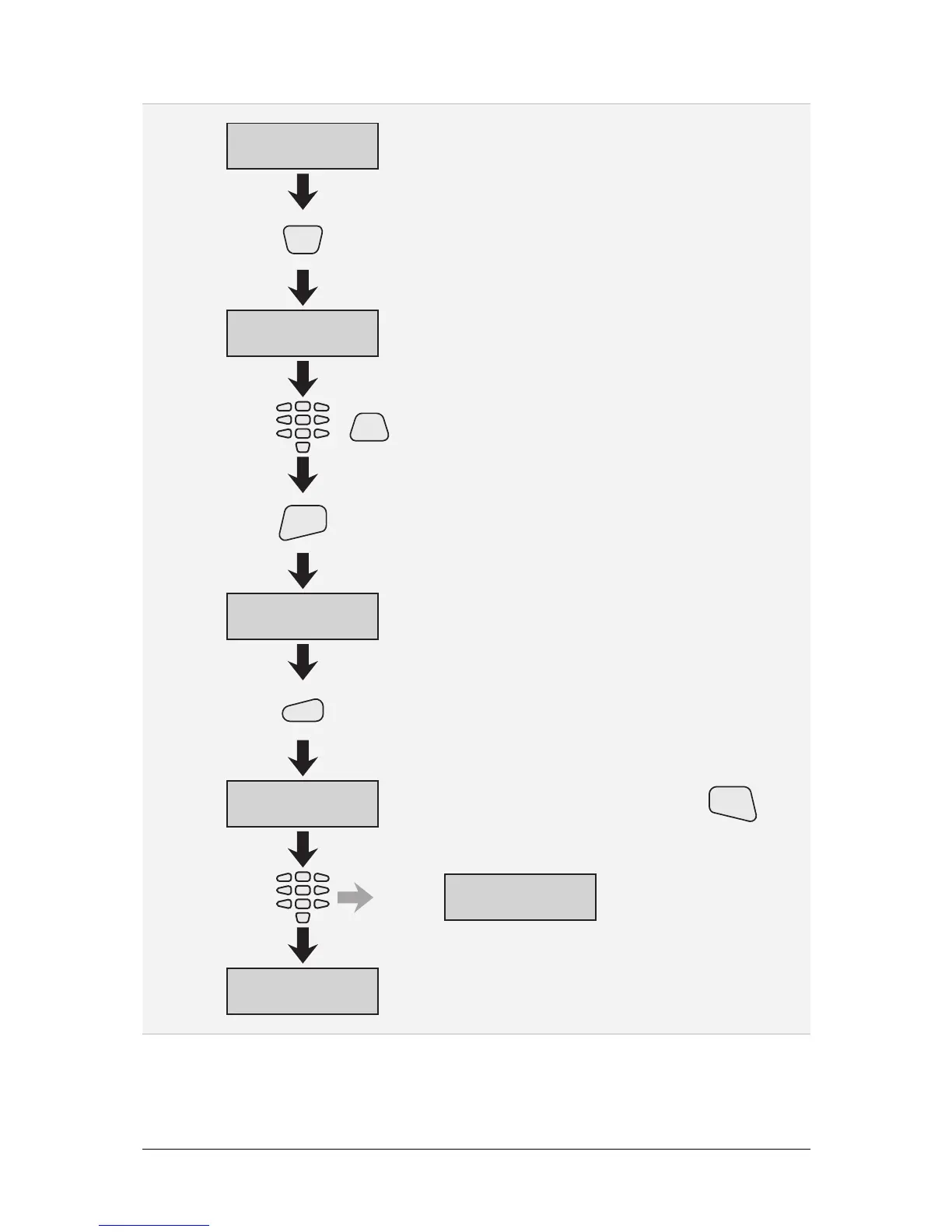
C. XX * UserName
0)Rename code
Continues from the previous page
0)Rename code
new:_
1
0
User
name
User
name
PRG
Switches between upper and lower case)(
ENT
2
C. XX * UserName
0)Rename code
1)Change code
new:[_ ]
1
1)Change code
confirm:[_ ]
1
1
New
code
1)Change code
already exists
3
New code rejected
Continues on the next page
To erase a combination, press and hold the key
for two seconds
CLR
The user name is changed.



 To Next Page