Repeater – Installation and Programming Manual
6
9
11
The access codes could be changed only from level Installer - menu 2) General Settings - submenu 2.1)
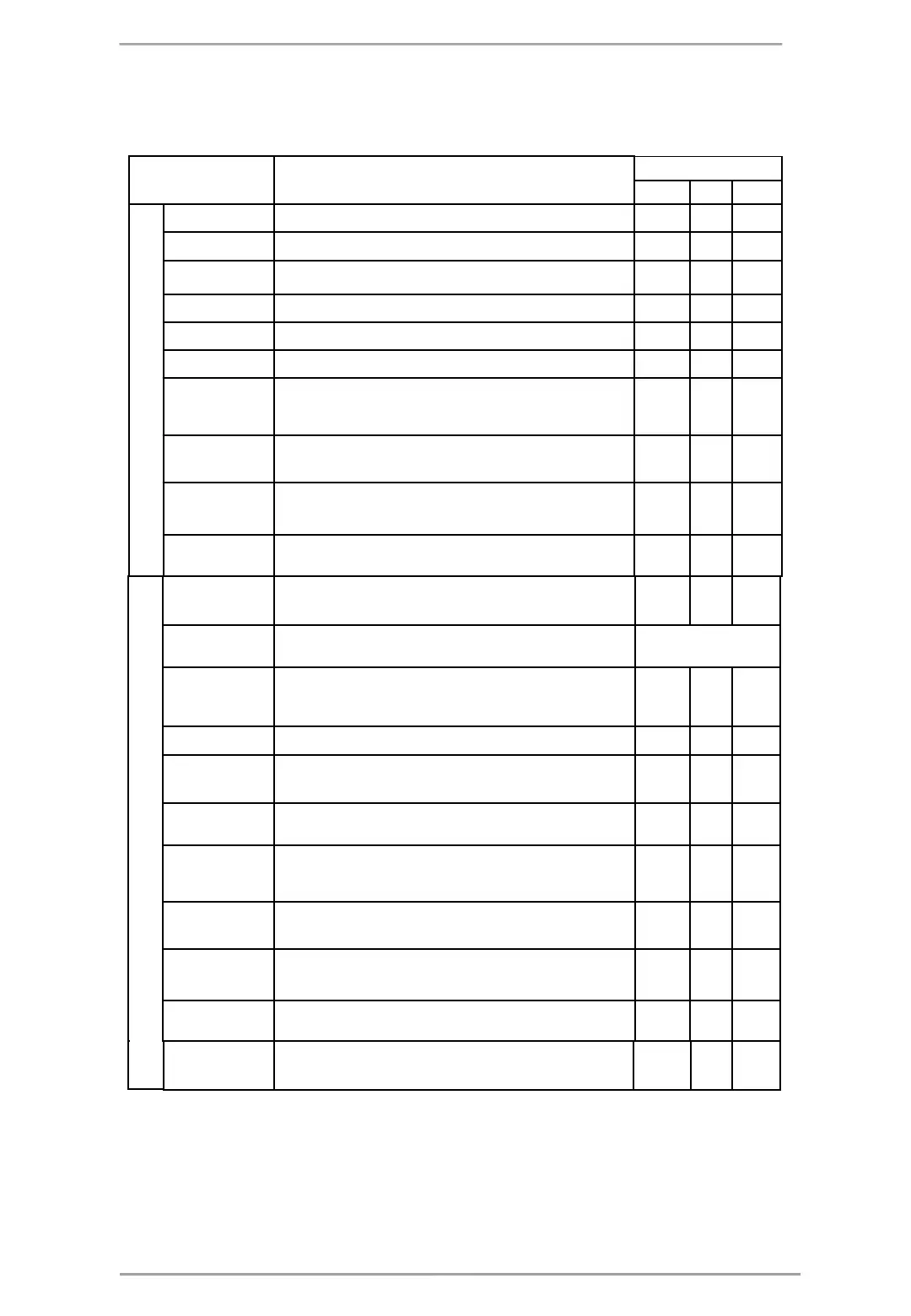
Access codes. There are different restrictions on the panel functions in the relative access levels, which are
shown in the following table:
Mode/ Menu Description
Access Level
1 2 3
Operation Modes
Viewing the Alarms Messages in the system.
✓
FAULTS Viewing the Faults Messages in the system.
✓
DISABLED Viewing the active disablements in the system.
✓
TESTS Viewing the running tests in the system.
✓
WARNINGS Viewing the Warnings Messages in the system.
✓
Silence buzzer Deactivating Internal Buzzer.
✓ ✓ ✓
Silence
Sounders
Viewing the LOG file for all events; printing of all or
separate events; clear the log file.
✓ ✓
General
Settings:
General settings common for the panel.
-
• Access
codes
Changing the code combinations for levels Maintenance
and Installer; enable/ disable the automatic exit from the
installer programming menus.
✓
• Time/ Day Setting the current time and date.
✓
• Panel
settings
Changing the menu language, setting the backlight
brightness; entering disablements.
✓ ✓
• Company
logo
Enter company information for the main screen.
✓ ✓
Save
configuration
Saving the set system configuration.
✓
Restore
defaults
Restoring the factory default settings.
✓
Software
revision
Reviewing the current software revision.
✓ ✓
Network Setting the redundant network parameters
✓
Access level 1 Return to Access Level 1.
✓ ✓
* Just for those cases, when the fire alarm signal is received from a device.
- The operation modes and the menus are not supported for that access level
✓ - The operation modes and the menus can be reviewed or are allowed for partial programming for that access level














 To Next Page