Repeater – Installation and Programming Manual
6
9
➢ Use the Windows Explorer file manager to copy the new image update file (with *.bin extension) in
Removable Disk directory.
➢ When the copying of the image file completes, remove the Removable Disk, as select Eject option from its
dialogue box (right click with the mouse over it).
➢ If the data in the image file are correct, the panel starts the firmware update procedure of the main
microprocessor accompanied with short beeps.
➢ Disconnect the USB cable.
➢ The panel will reset itself automatically after a successful firmware update.
5. PROGRAMMING OF THE REPEATER PANEL
5.1. General Information for Programming and Operation
The Repeater panel can be programmed directly through the navigation and functional digit buttons on the front
panel. The programming menus are organized in a text tree-structure and are viewed on the LCD-display (4
rows x 40 symbols). The access to the programming menus is organized in three levels – see items 5.2.
If there are any active alarm and fault messages they are displayed on the screen, as the indication follows the
priority:
The name of the current active indication group is blinking together with the number of the first message. Press
the ENTER button to review some additional information for the respective message as data and time of
occurring, device address, zone number or other, according the trouble type.
The indication for the active ALARMS in the system is viewed with highest priority.
The Repeater supports different languages for the programming menus.
The factory default setting of the language is in English. You can change the language after the initial
powerup as enter in sequence:
Press CANCEL – enter code 3333 – select menu 2) GENERAL SETTINGS – menu 2.3) PANEL SETTINGS
Button 1 – Button ENTER
Use the ENTER button to enter in programming menus and confirmation of entered values
and parameters; the functional digit buttons are used for entering of access codes and
changing the current status; the navigation buttons (up/ down and left/ right arrows) are used
for scrolling through the menus and for changing the editing field.
10
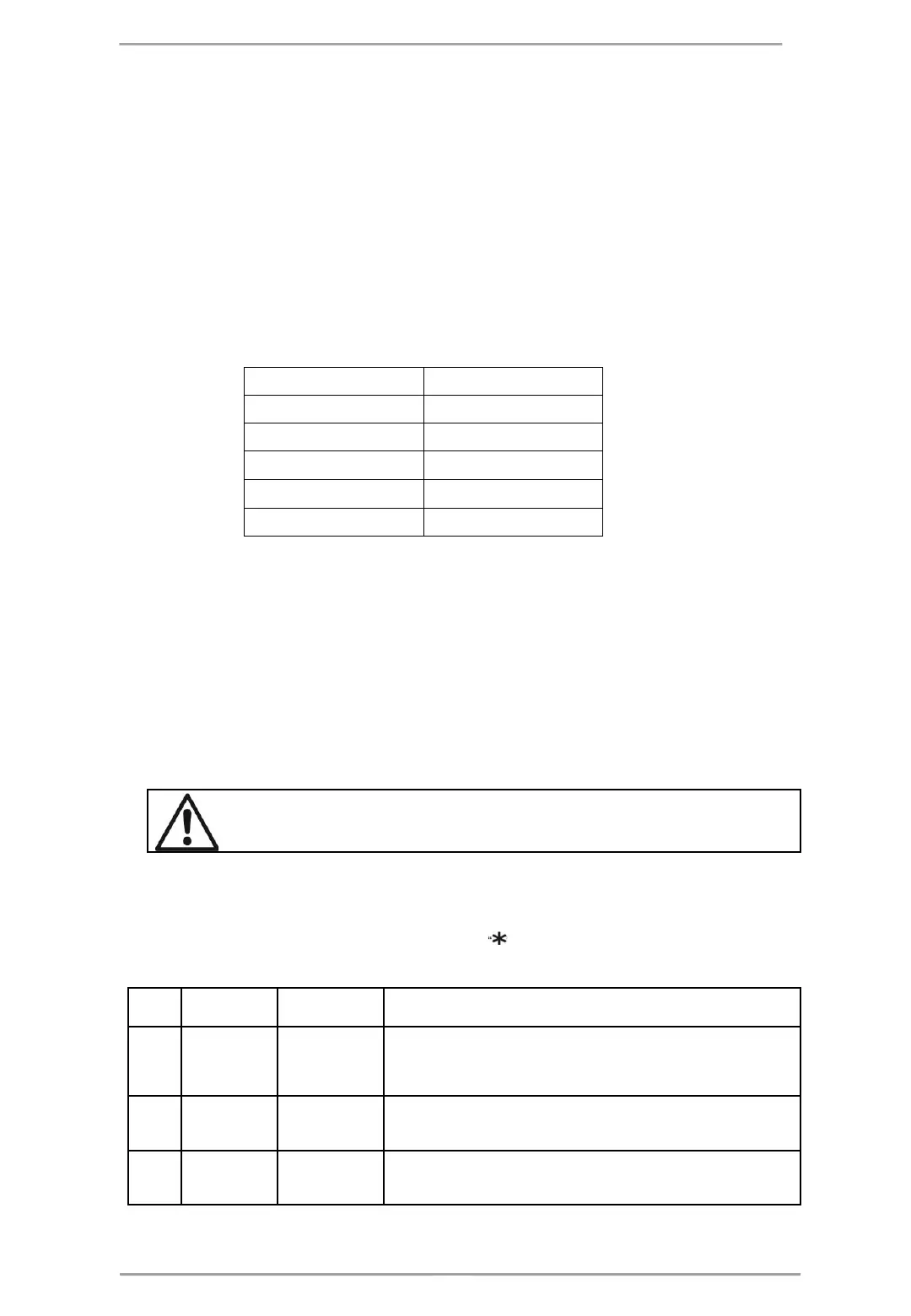
Indication - Groups z Priority
ALARMS The highest
FAULTS High
DISABLED Normal
TESTS Normal
WARNINGS Low
5.2. Codes and Access Levels
There are three access levels in the Repeater panel: User, Maintenance and Installer. Every level comprises
different functions and operations. To enter Maintenance and Installer levels is necessary to enter valid access
code: The introduced code combinations are visualized with “ “ symbol. The entry is automatic.
Level Description
Code
Combination
Access
1 User
-
Only Silence buzzer and Evacuation* buttons are active. It is not allowed
to enter Maintenance and Programming access levels.
* Just for that cases, when the fire alarm signal is received from a device.
2 Maintenance
2222
Silence buzzer, Silence sounders, Reset and Evacuation buttons are
active. Maintenance access level entry, which allows partial programming
and menu settings.
3 Installer
3333
Silence buzzer, Silence sounders, Reset and Evacuation buttons are
active. Installer access level entry, which allows full programming and
settings.














 To Next Page