Repeater – Installation and Programming Manual
6
9
26
7.6.2 Panels Settings
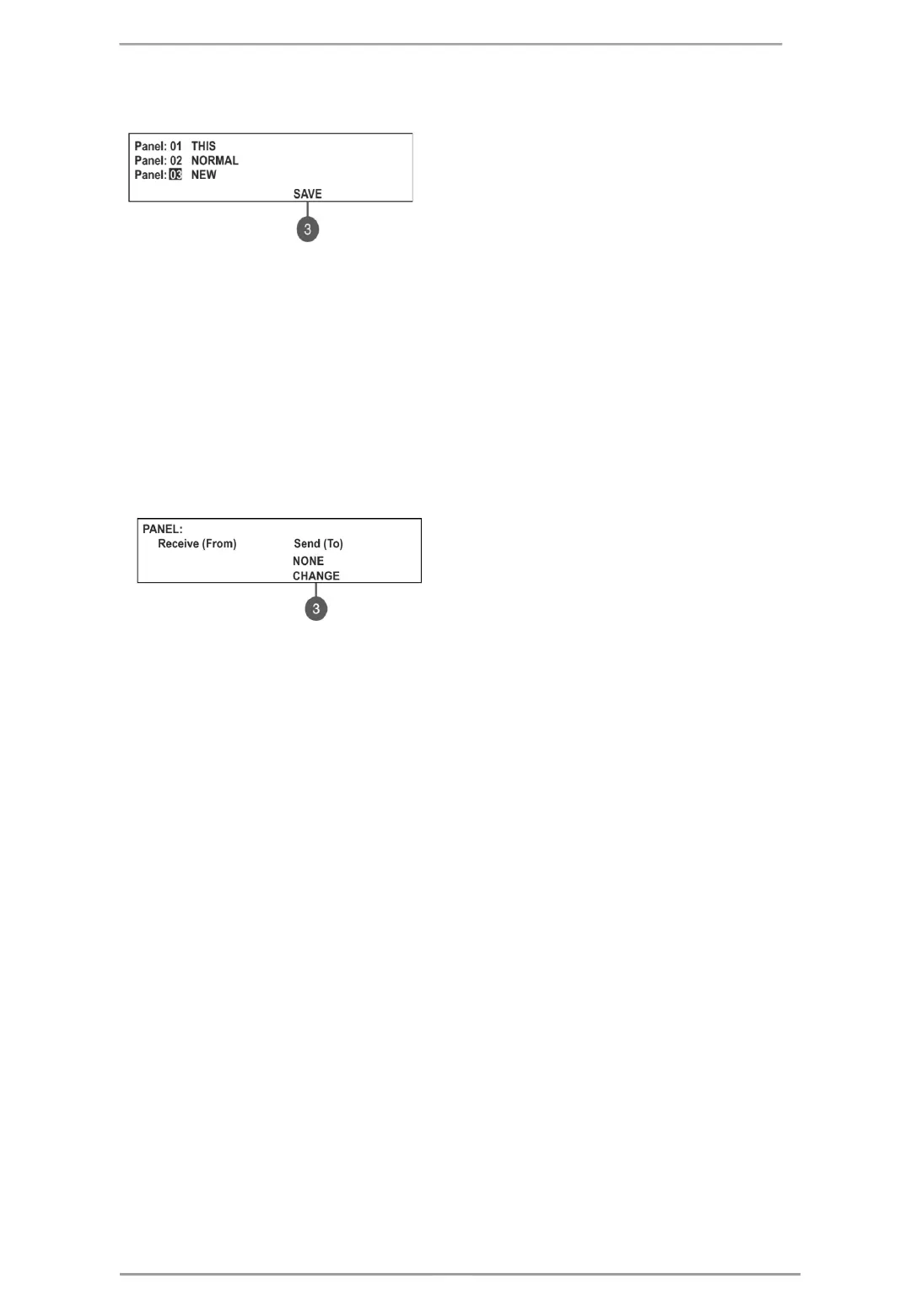
To access the PANELS settings, enter in the installer’s menu - 3. NETWORK – 3.2) PANELS.
On the screen are listed the panels with their current state
in the redundant network:
• NEW – The panel is new in the system. To save it
press button (3) SAVE.
• NORMAL – The redundant network for the panel is
enabled.
• THIS – The panel from which the redundant network
is reviewed.
• FAULT – The panel is DISABLED or there is problem with the redundant network.
• NONE – No panel connected to the redundant network.
All new panels connected to the redundant network can be saved with (3) SAVE button. The panels with
current state NORMAL, THIS and FAULT can be deleted from the network with (3) REMOVE button.
If a new panel enabled in the network is with number already set for another panel the “GENERAL FAULT”
LED will lights on and a message for fault event “Double Panel number” is generated. The installer should
change the doubled panel number for proper operation in the redundant network.
For every panel the installer can set individually the panel’s activity to Receive/ Send messages and/ or
commands.
The settings for sending commands can be done only for THIS panel (current panel).
Use the (3) CHANGE button to set the options:
• NONE – The panel cannot send any
commands to other panels in the redundant network.
• COMMANDS – The panel can send commands to
other panels in the redundant network.
7.7. Access Level 1
Exit from Access Levels 2 and 3 to Access Level 1.
After choosing the menu with button ENTER, the panel automatically returns to Access Level 1. To enter in
Access Level 2 (Maintenance) and Access Level 3 (Installer) again, the user has to enter a valid code for the
respective access level.
21














 To Next Page