Repeater – Installation and Programming Manual
6
9
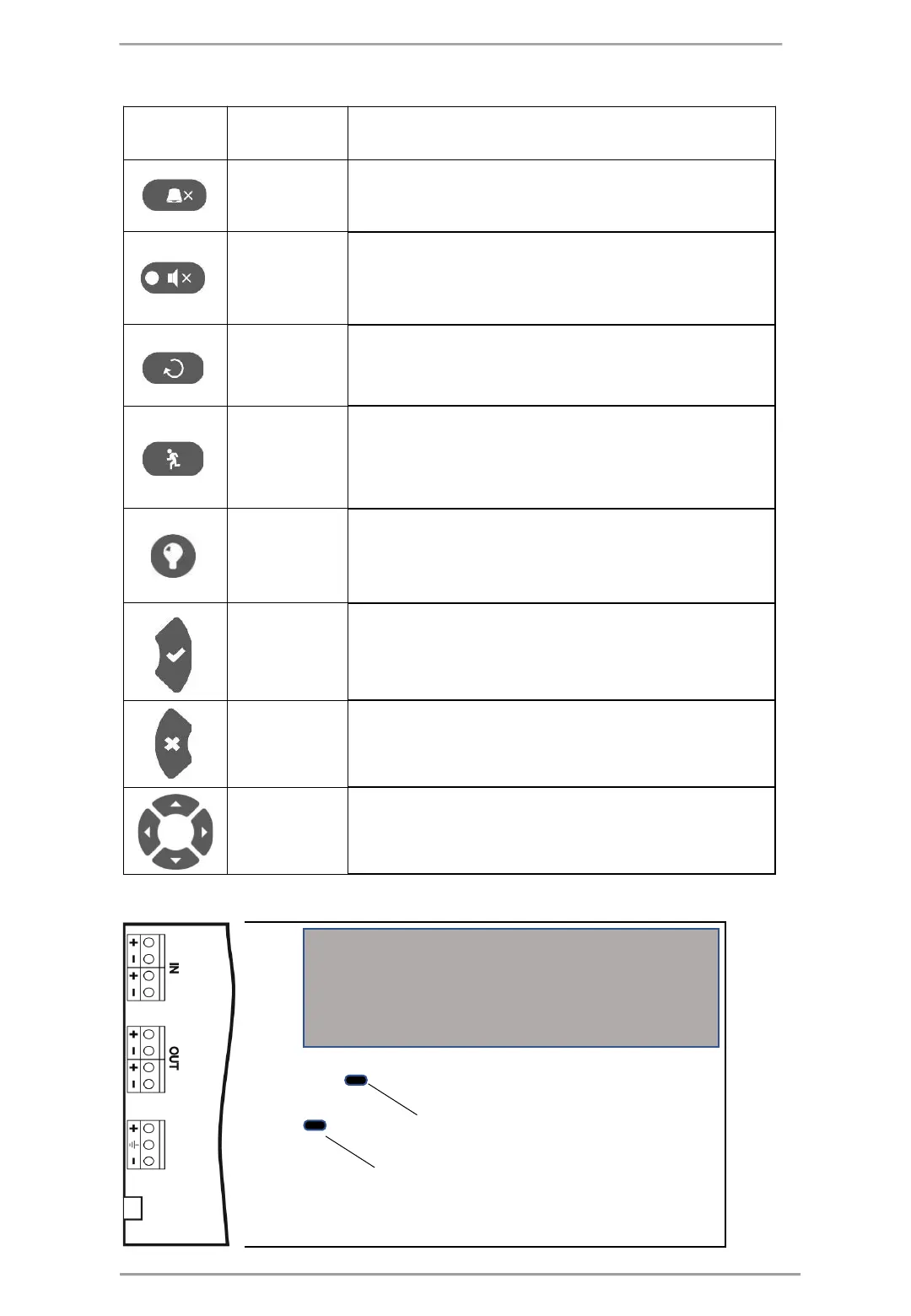
5 – Description of control and navigation buttons:
The button is active at access levels 1, 2 and 3. The button
functionality is deactivation of the internal buzzer.
The button is active at access levels 2 and 3. The button functionality
is deactivation of the sounders in case of fire alarm event. After
pressing the button the LED next to it is lighting in yellow.
The button is active at access levels 2 and 3. The button functionality
is resetting the panel without switching off the main power supply.
The button is active at access levels 1*, 2 and 3. The button
immediately activates the sounders
– the sounder delay is ignored if
In case of fire alarm event in a zone and set sounder delay.
Buzzer and LED
general test
The button will activate all LEDs on the front panel
zones, as and the internal buzzer. The next pressing of the button
deactivates the test.
The button is active at access levels 1, 2 and 3. Use the button to
confirm the entered values and parameters; in the devices and zones
menus use the button to enter in a submenu for name and status
changing.
The button is active at access levels 1, 2 and 3. Use the button to
reject the entered values and parameters; one step back to the
previous menu.
The button is active at access levels 2 and 3. Use the arrows to scroll
over the menus; in the programming menus the buttons has a
specific function for changing values and switching between the
editable fields.
2.1.2 Description of the main PCB (control panel)
Power Supply
Micro
USB
LCD Display
Jumper Battery
Jumper Restore Default
7














 To Next Page