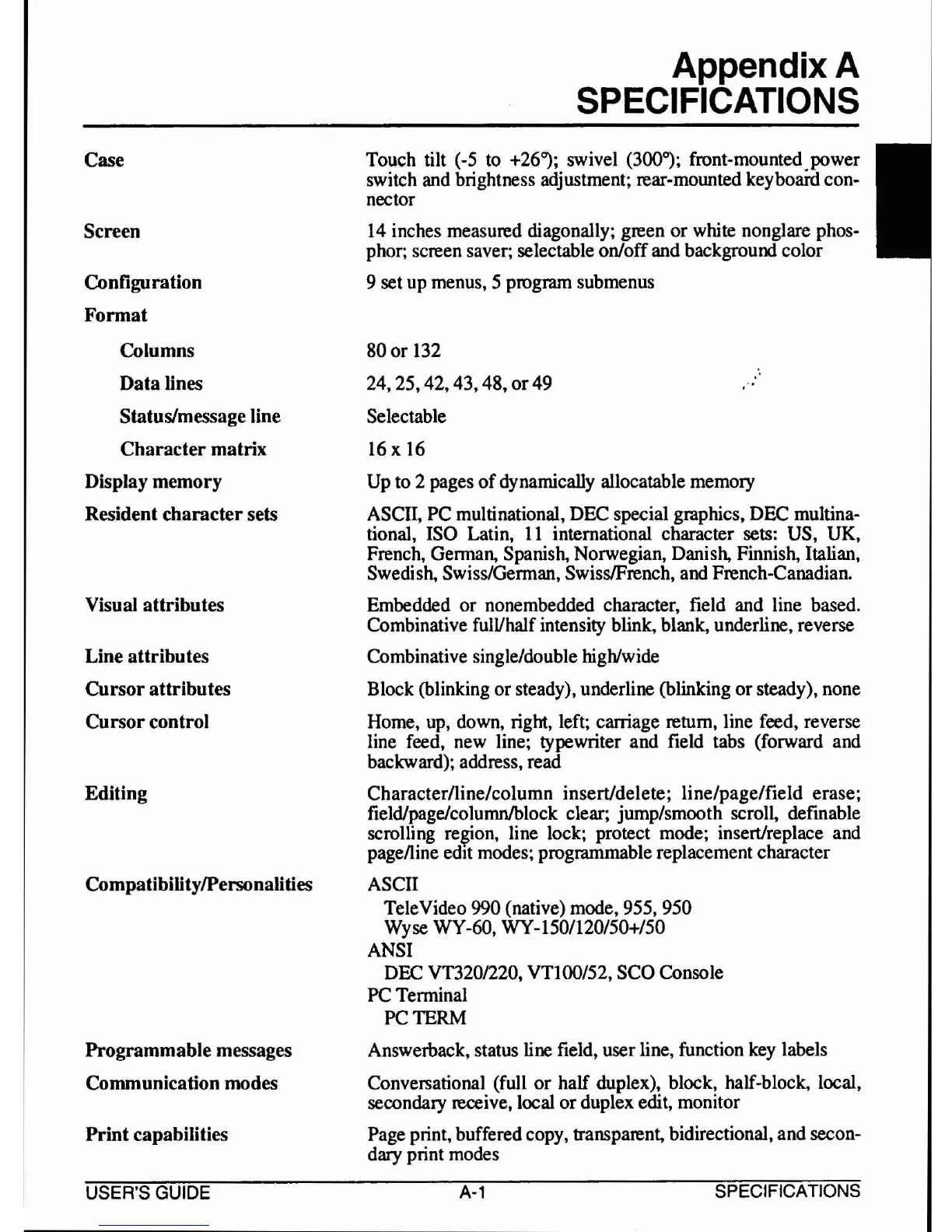
Case
Screen
Configuration
Format
Columns
Data lines
Status/message line
Character matrix
Display memory
Resident character sets
Visual attributes
Line attributes
Cursor attributes
Cursorcontrol
Editing
CompatibilitylPersonalities
Programmable messages
Communication modes
Print capabilities
Appendix A
SPECIFICATIONS
Touch tilt (-5 to +26"); swivel (300°); front-mounted power
switch and brightness adjustment; rear-mounted
keyboafd con-
nector
14
inches measured diagonally; green
or
white nonglare phos-
phor; screen saver; selectable on/offand background color
9 set up menus, 5 program submenus
80
or
132
24,25,42,43,48,or49
Selectable
16
x 16
Up to
2 pages
of
dynamically allocatable memory
ASCII, PC multinational, DEC special graphics, DEC multina-
tional, ISO Latin,
II
international character sets: US, UK,
French, German, Spanish, Norwegian, Danish, Finnish, Italian,
Swedish, Swiss/German, SwisslFrench, and French-Canadian.
Embedded
or
nonembedded character, field and line based.
Combinative fulVhalf intensity blink, blank, underline, reverse
Combinative single/double high/wide
Block (blinking
or
steady), underline (blinking
or
steady), none
Home, up, down, right, left; carriage return, line feed, reverse
line feed, new line; typewriter and field tabs (forward and
backward); address, read
Character/line/column insert/delete; line/pagelfield erase;
field/page/columnlblock clear; jump/smooth scroll, definable
scrolling
re~ion,
line lock; protect mode; insert/replace and
pagelline edIt modes; programmable replacement character
ASCII
TeleVideo 990 (native) mode,
955,950
Wyse WY-60, WY-150/120/50+/50
ANSI
DEC VT320/220, VTloo/52, SCO Console
PC Terminal
PC TERM
Answerback, status line field, user line, function key labels
Conversational (full
or
half duplex), block, half-block, local,
secondary receive, local
or
duplex edit, monitor
Page print, buffered copy, transparent, bidirectional, and secon-
dary print modes
USER'S
GUIDE
A-1
SPECIFICATIONS


 To Next Page