I
The Command Menu
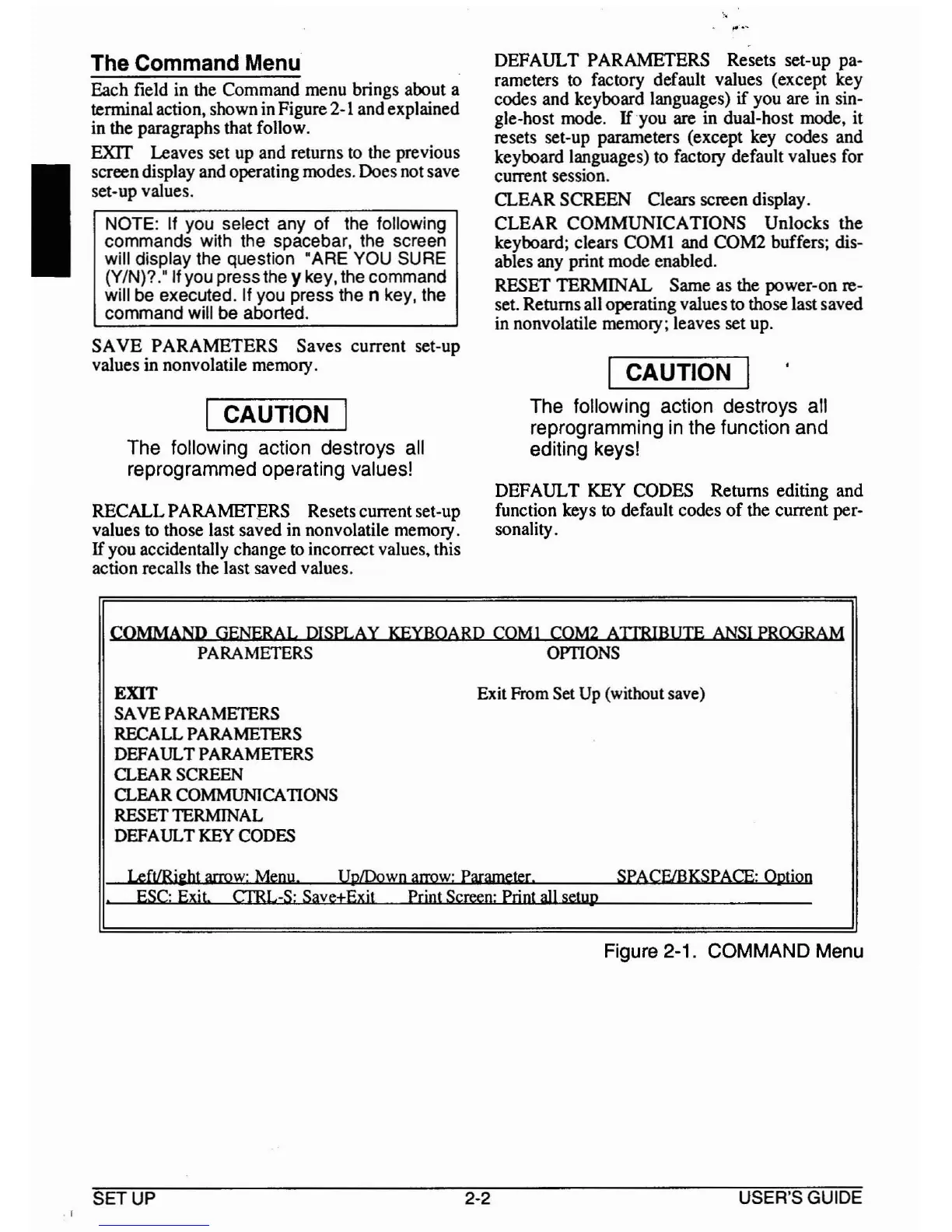
Each field in the Command menu brings about a
tenninal action, shown in Figure
2-1
and explained
in the paragraphs that follow.
EXIT Leaves set up and returns to the previous
screen display and operating modes. Does not save
set-up values.
NOTE: If you select any of the following
commands with the spacebar, the screen
will display the question "ARE YOU SURE
(YIN)?" If you pressthe y key, the command
will be executed. If you press the n key, the
command will be aborted.
SAVE
PARAMETERS Saves current set-up
values
in nonvolatile memory.
I CAUTION I
The following action destroys all
reprogrammed operating values!
RECALL
PARAMEfpRS
Resets current set-up
values to those last saved in nonvolatile memory.
If
you accidentally change
to
incorrect values. this
action recalls the last saved values.
DEFAULT PARAMETERS Resets set-up pa-
rameters to factory default values (except key
codes and keyboard languages)
if
you are in sin-
gle-host mode.
If
you are in dual-host mode, it
resets set-up parameters (except key codes and
keyboard languages) to factory default values for
current session.
CLEAR SCREEN Clears screen display.
CLEAR
COMMUNICA
nONS
Unlocks the
keyboard; clears COMI and COM2 buffers; dis-
ables any print mode enabled.
RESET TERMINAL Same as the power-on re-
set. Returns all operating values to those last saved
in nonvolatile memory; leaves set up.
I CAUTION I
The following action destroys all
reprogramming
in
the function and
editing keys!
DEFAULT KEY CODES Returns editing and
function keys to default codes
of
the current per-
sonality.
COMMAND GENERAL DISPLAY KEYBOARD COMI
COM2
ATIRIBUTE
ANSI
PROGRAM
PARAMETERS OPTIONS
EXIT
SAVE PARAMETERS
RECALL PARAMETERS
DEFAULT PARAMETERS
CLEAR SCREEN
CLEAR COMMUNICATIONS
RESET TERMINAL
DEFAULT
KEY CODES
Exit From Set
Up
(without save)
Left/Rieht
arrow:
Menu
UplDown
arrow:
Parameter. SPACE/BKSPACE: Option
ESe- Exit. CI'RL-S: SavetExit Print
Screen:
Print
all
setup
Figure 2-1. COMMAND Menu
.1
SETUP
2-2
USER'S GUIDE



 To Next Page