The General Menu
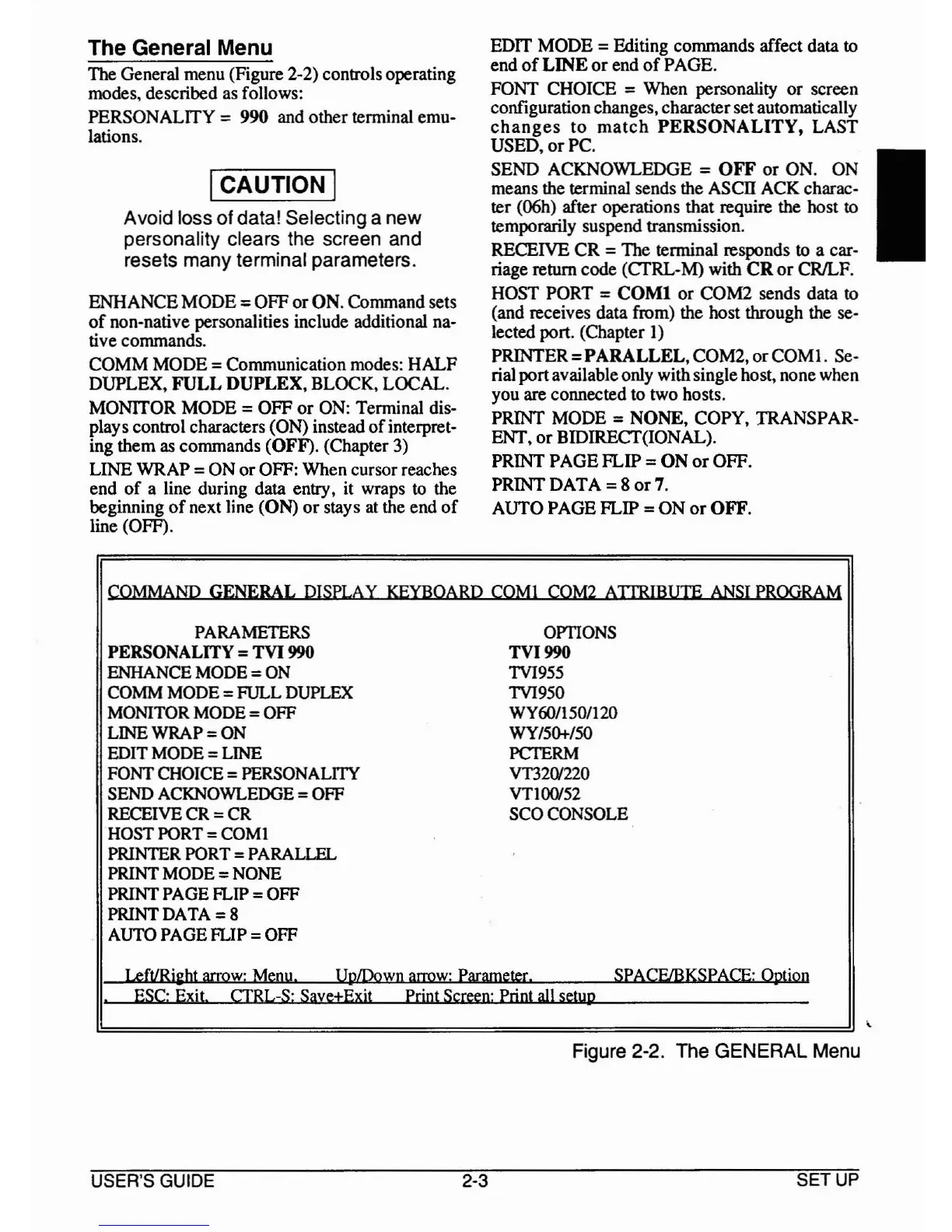
TIle General menu (Figure 2·2) controls operating
modes, described as follows:
PERSONALITY = 990 and other terminal emu-
lations.
ICAUTION I
Avoid loss of data! Selecting a new
personality clears the screen and
resets many terminal parameters.
ENHANCE
MODE
=
OFF
or
ON. Command sets
of
non-native personalities include additional na-
tive commands.
COMM
MODE
= Communication modes:
HALF
DUPLEX,
FULL
DUPLEX,
BLOCK, LOCAL.
MONITOR
MODE
=
OFF
or
ON: Terminal dis-
plays control characters (ON) instead
of
interpret-
ing
them
as commands
(OFF).
(Chapter 3)
LINE WRAP =
ON
or
OFF:
When
cursor reaches
end
of
a line during data entry, it wraps
to
the
beginning
of
next line (ON)
or
stays
at
the end
of
line (OFF).
EDIT
MODE
= Editing commands affect data to
end
of
LINE
or
end
of
PAGE.
FONT CHOICE = When personality
or
screen
configurationchanges, characterset automatically
changes
to
match
PERSONALITY,
LAST
USED,
or
Pc.
SEND ACKNOWLEDGE =
OFF
or
ON. ON I
means the terminal sends the
AScn
ACK charac-
ter (06h) after operations that require the host
to
temporarily suspend transmission.
RECEIVE
CR
= The terminal responds to a car-
riage return code (CTRL-M) with
CR
or
CRILF.
HOST PORT =
COMI
or
COM2
sends data to
(and receives data from) the host through the se-
lected port. (Chapter
1)
PRINTER=PARALLEL,COM2,orCOMl.
Se-
rial portavailableonly withsinglehost, none when
you are connected to two hosts.
PRINT MODE =
NONE,
COPY, TRANSPAR-
ENT,
or
BIDIRECT(IONAL).
PRINT
PAGE
FLIP
=
ON
or
OFF.
PRINT
DATA
= 8
or7.
AUTO
PAGE
FLIP =
ON
or
OFF.
COMMAND GENERAL DISPLAY KEYBOARD COMI COM2 AITRIBlITE
ANSI
PROORAM
PARAMETERS OPTIONS
PERSONALITY =
TVI
990
TVI990
ENHANCE MODE =
ON
TVI955
COMM MODE
= FULL DUPLEX TVI950
MONITOR MODE
= OFF WY60/1501120
LINE WRAP = ON WY/50+/50
EDIT MODE = LINE
PCTERM
FONT CHOICE = PERSONALITY
VT32<V220
SEND ACKNOWLEDGE = OFF
VTIO<V52
RECEIVE CR = CR
SCOCONSOLE
HOST PORT
= COMI
PRINTER PORT = PARALLEL
PRINT MODE
= NONE
PRINT PAGE
FLIP =OFF
PRINT DATA
= 8
AUTO PAGE
FLIP = OFF
Left/Ri~bt
arrow: Menu.
UpLDown
arrow; Parameter.
SPACE/BKSPACE: Option
.
ESC' Exit. CTRL-S: Save+Exit Print Screen: Print all setup
Figure 2-2. The GENERAL Menu
USER'S GUIDE
2-3
SETUP



 To Next Page