Page 4
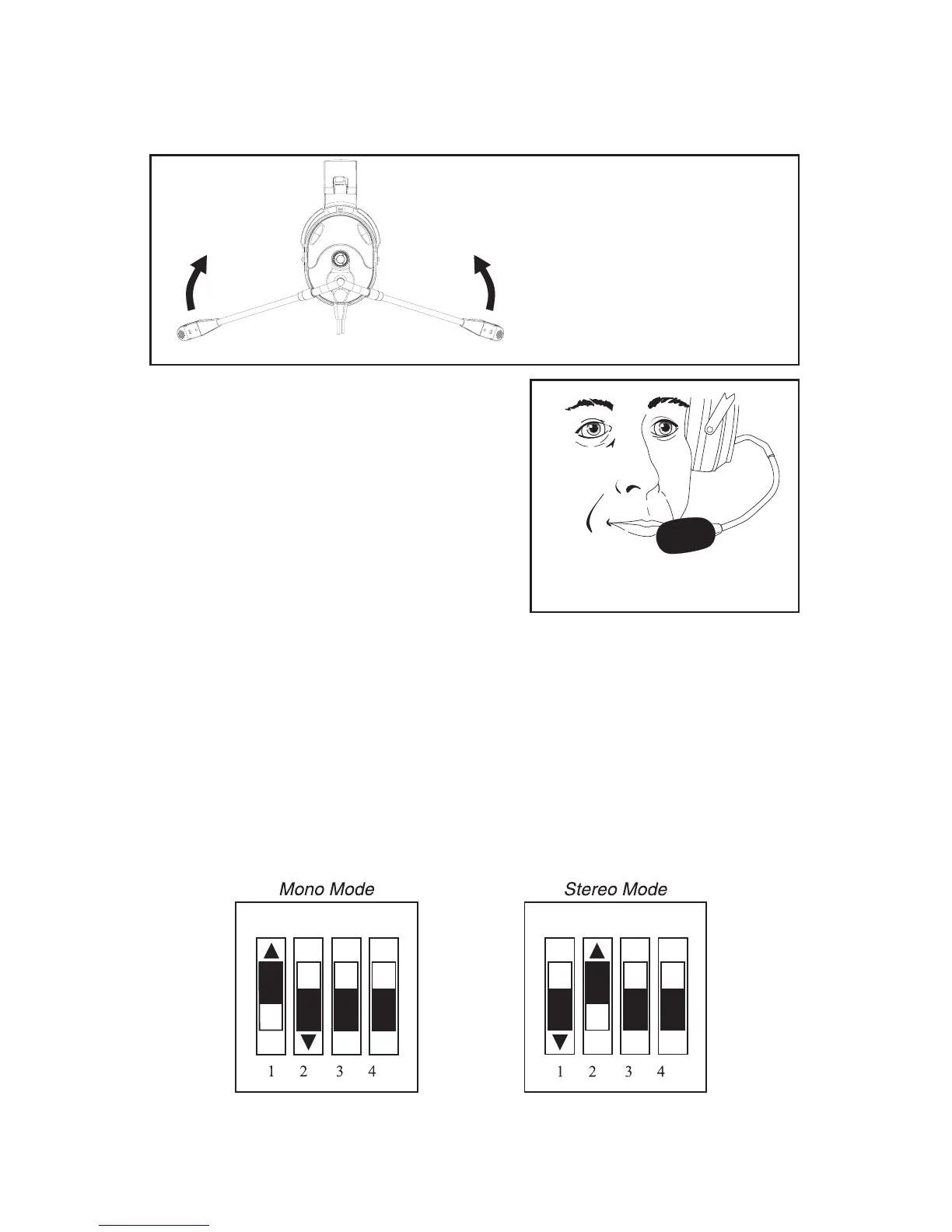
Microphone Boom Rotation
Rotate the entire boom overhead to wear the microphone on either the right or
left side of the head.
Figure 4
Microphone Boom Rotation
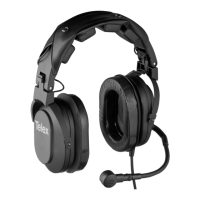
Microphone Placement
Reshape the boom so that the microphone
will be in front of the mouth. To assure
optimal performance, the user should
position the microphone close to the lips
as possible, near the corner of the mouth
with the flat part of the microphone parallel
to the user’s face. Speak in a normal voice.
Figure 5
Mic Placement
Mono/Stereo Selection
The user can set the mono/stereo headphone switches to match the type of
sound system in your aircraft. If the headset is set for stereo and the intercom
is set for mono, sound will only come out of one ear cup.
To change the mono/stereo setting, remove the batteries (see Battery
Installation) and locate the DIP switch in the battery compartment. Using a
small flat-blade screwdriver, set switch positions 1 and 2 to the following
locations:
For mono set switch 1 away from the number 1 and switch 2 toward the
number 2. For stereo set switch 1 toward the number 1 and switch 2 away
from the number 2.
Figure 6
Mono/Stereo Selection


 To Next Page