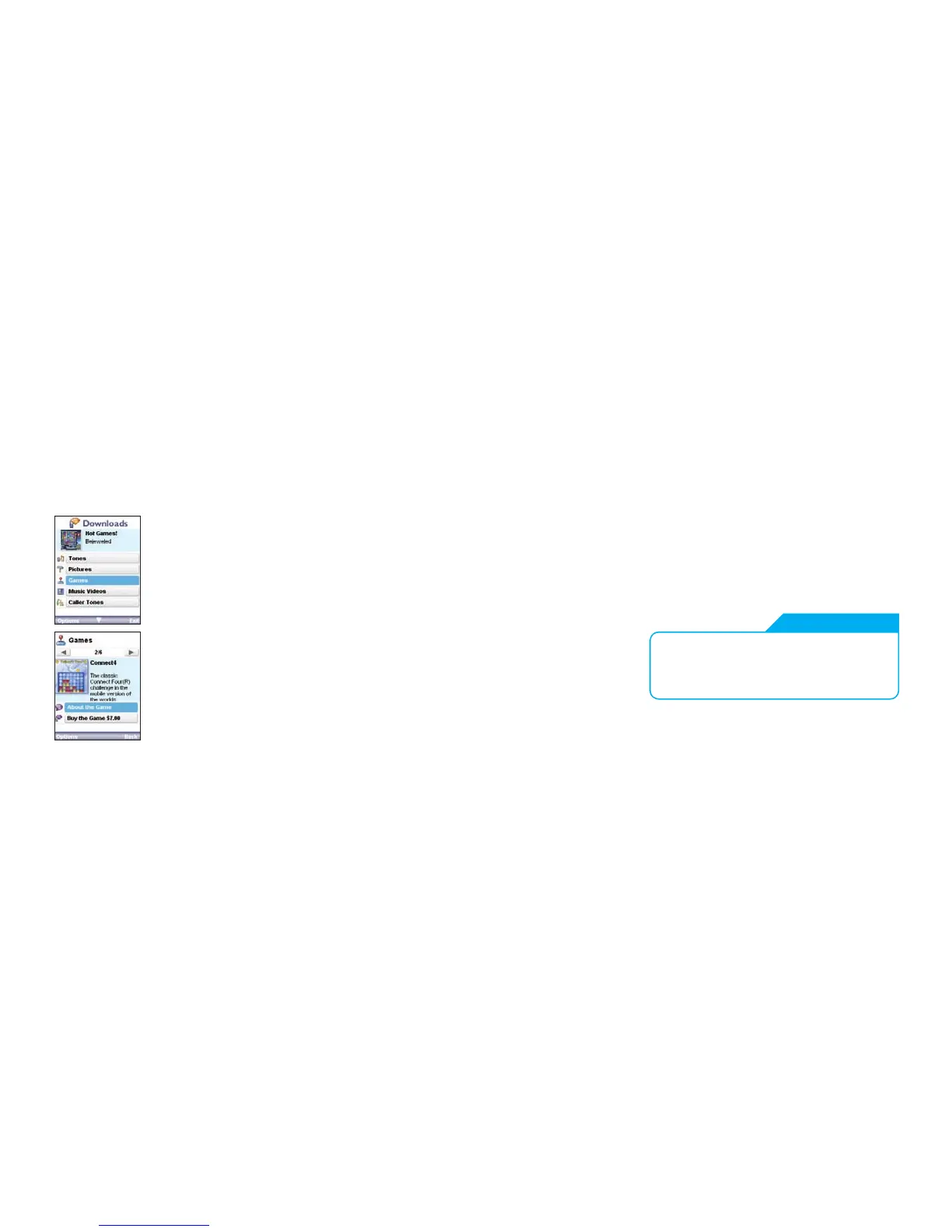
Want to play some games?
1. Click Games from the Home tab to bring up
the Games menu. To see a list of newly
released, popular games select Top 10 Games.
Or you can select the game you want to play
using Games by Genre. This service is free to
browse when accessed via the Home tab
1
.
2. Found the game you want? Click Buy to
purchase. You’ll see the price on the next
screen. Click Accept & Buy and select Yes
to continue installation.
3. Once installation is complete, you will see
a conrmation screen thanking you for your
purchase and the receipt number. You can
now nd and play the game anytime from
your games folder.
Check out the new Web tab
You’ll nd sites such as Hotmail, Yahoo Mail, RSVP and Myspace
Mobile which are now only a click away – you don’t even have to
type in the web address!
Press the BigPond button to access the Web tab.
23 24
WEB TAB
The best way to use the Web tab is with
a Browsing Pack. To nd out more go to
www.telstra.com/mobile or call 125 111.



 To Next Page