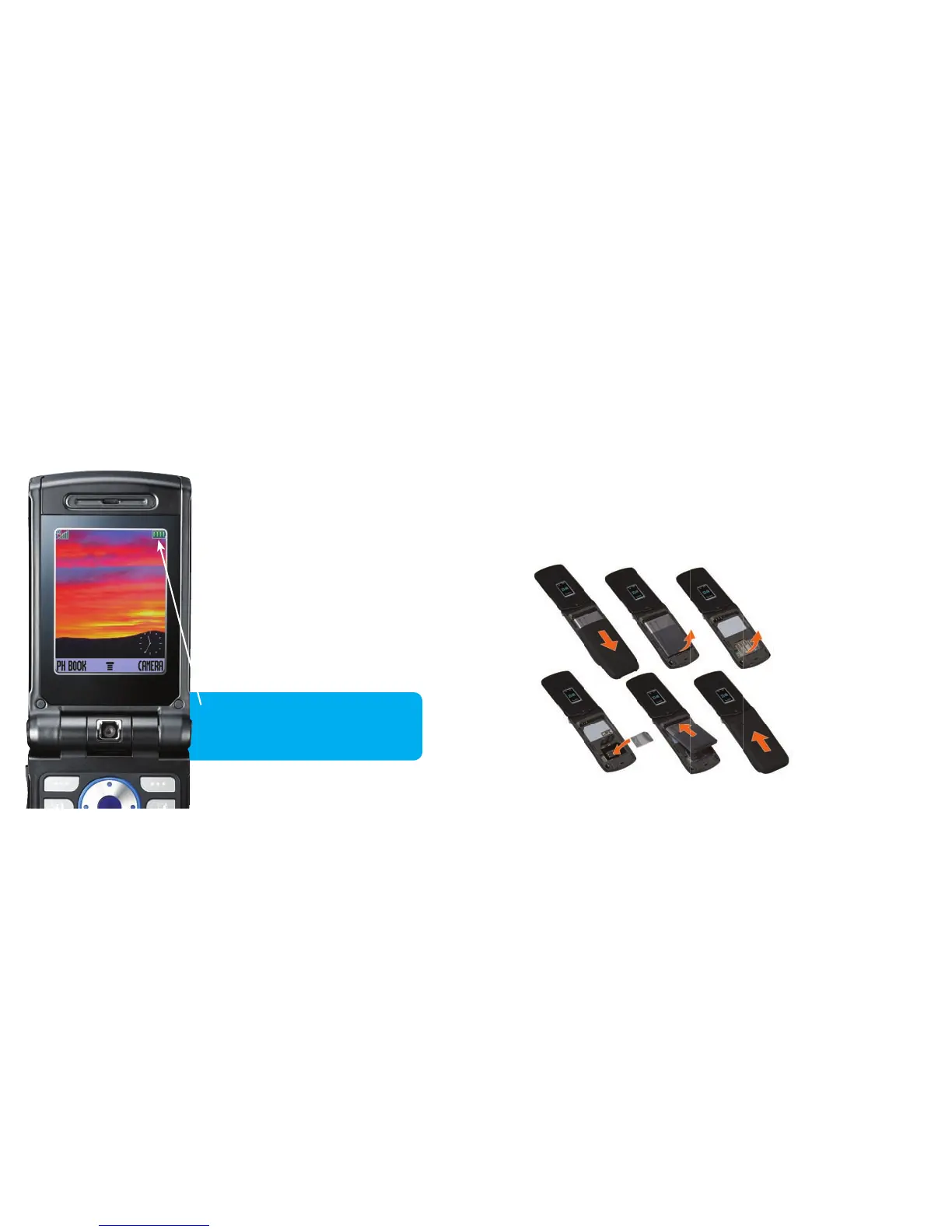
Inserting the Next G™ SIM card
The SIM card stores your contacts and personal settings.
Insert your SIM card like this:
Setting up your phone
Charging your phone
Your phone should already be at
least half-charged. Simply plug
your phone in until the battery-level
indicator on your screen shows it is full
– this is usually after 4 or more hours.
Try to charge your mobile until it is
completely full for the rst charge,
after this you can charge your phone
as and when needed.
Your mobile has a battery-level
indicator on the screen*. Your
battery power level is here.
* Battery indicator and placement on screen
may vary between handsets.
03 04



 To Next Page