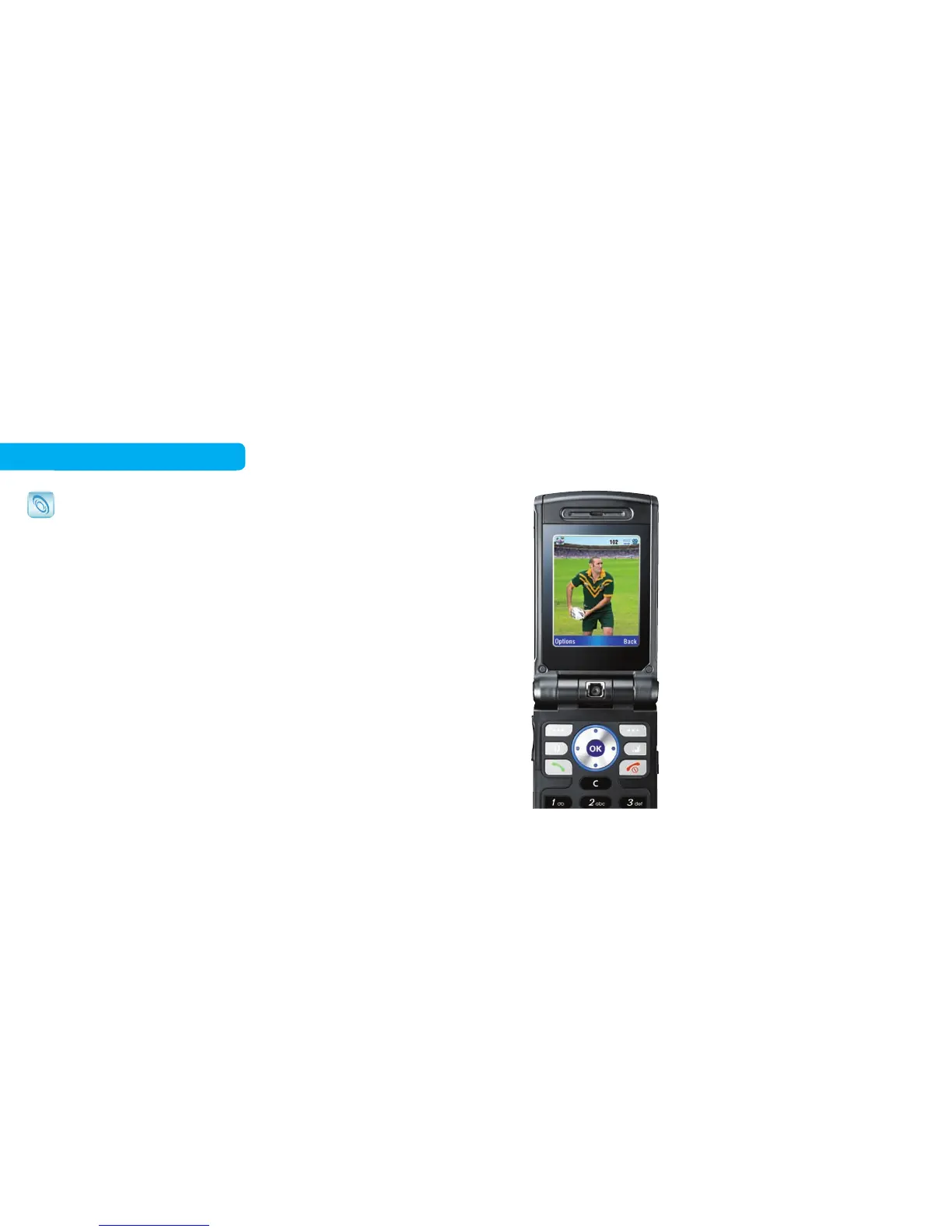
If you want sports…
1. Click Sport from the Home tab to
see the options and choose the
sport you like, for example, NRL,
and you will be redirected to the
NRL page. This service is free to
browse when accessed via the
Home tab
1
.
2. Watch the latest match highlights
by clicking Play in the video section.
You will then see a video card letting
you know the cost to watch this
video. You can watch the video
again anytime in the next 24 hours
without being charged again.
21 22
Free to browse
BigPond® Mobile Services
There’s a whole range of BigPond Mobile Services you
can browse for free in the Home and Today tabs
1
on your
Telstra Next G™ mobile, and when content or subscription
fees apply, we’ll let you know.
Press the BigPond button to access the Home and Today
tabs and browse for free
1
.



 To Next Page