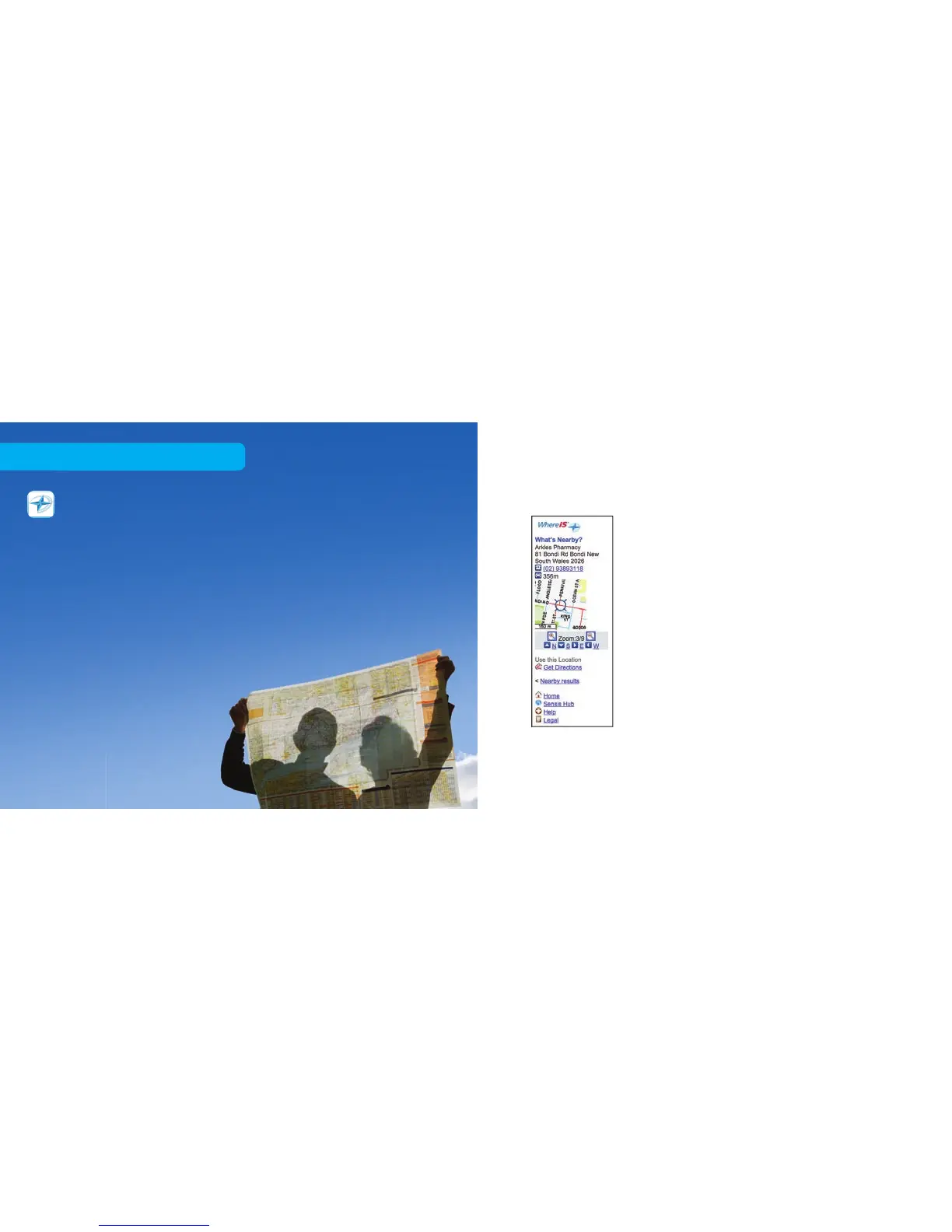
What’s Nearby?
This option lets you nd leisure products and
services nearby, from a nominated address.
You can also browse selected nearby businesses,
and plot them on a map according to your current
location. Don’t forget to save your favourite shops
and services to
My Place
.
1. Click What’s Nearby? from the Whereis®
Mobile homepage. The next screen lets you
choose from several types of businesses.
2. Click the service you want to nd. For instance,
if you want a chemist, click Shops and select
Chemists from the list of services presented.
Whereis® Mobile
Press the BigPond button, then select Whereis® Mobile
on the Home tab
1
and browse for free.
Whereis® Mobile gives you four helpful search options:
What’s Nearby?, Get Directions, Get a Map and even
locate your buddies with Find your Friends.
37 38
Free to browse



 To Next Page