BigPond Music
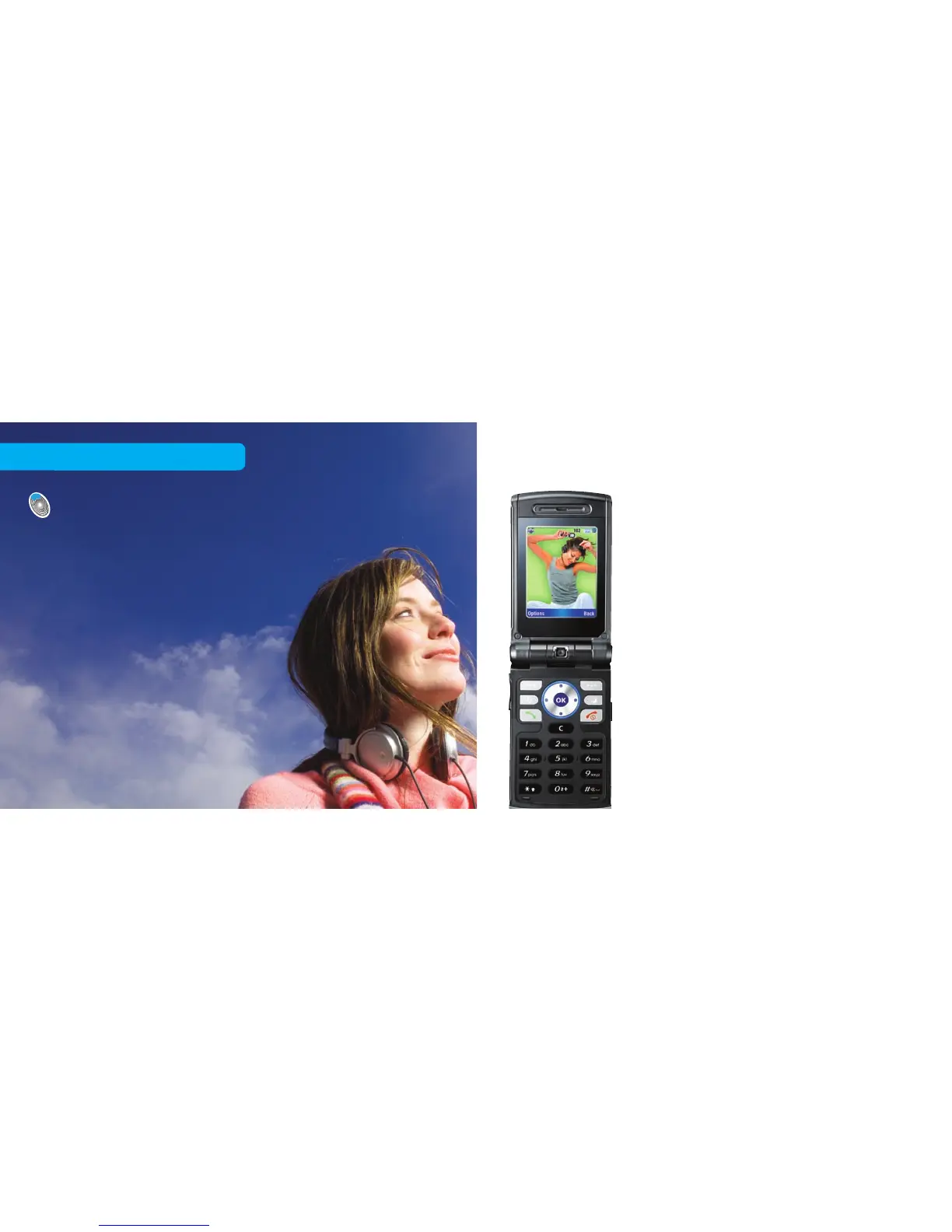
Listen to a sample of that hot new
track on your mobile and, if you
love it, download the song to add to
your music collection – and for dual
download tracks, you pay once and
then get it on your mobile and your
PC! You can also buy it as a hot new
ringtone. It’s music on the move,
the way you want it.
Press the BigPond button, then Music
on the Home tab and this service is Free
to Browse
1
.
29 30
Purchasing and previewing new music
Click the BigPond button and then Music
on the Home tab
1
. Any music you download
will go to your BigPond Music Player.
Not all handsets are able to play music –
please refer to www.bigpondmusic.com
or check your manufacturer’s guide to see
if your handset is music-player capable
(not required when purchasing ringtones).
Free to browse



 To Next Page