Yellow™ Mobile
When you’re out and about and
need results fast, you can now
search the Yellow™ Mobile
directory on your Next G™
phone simply by entering a
business name or type. Find
a bargain on Trading Post®
Mobile, be in all the right
places with Citysearch® Mobile
and search the mobile web with
Sensis® Mobile. When you press
the BigPond button, these services
are Free to Browse
1
.
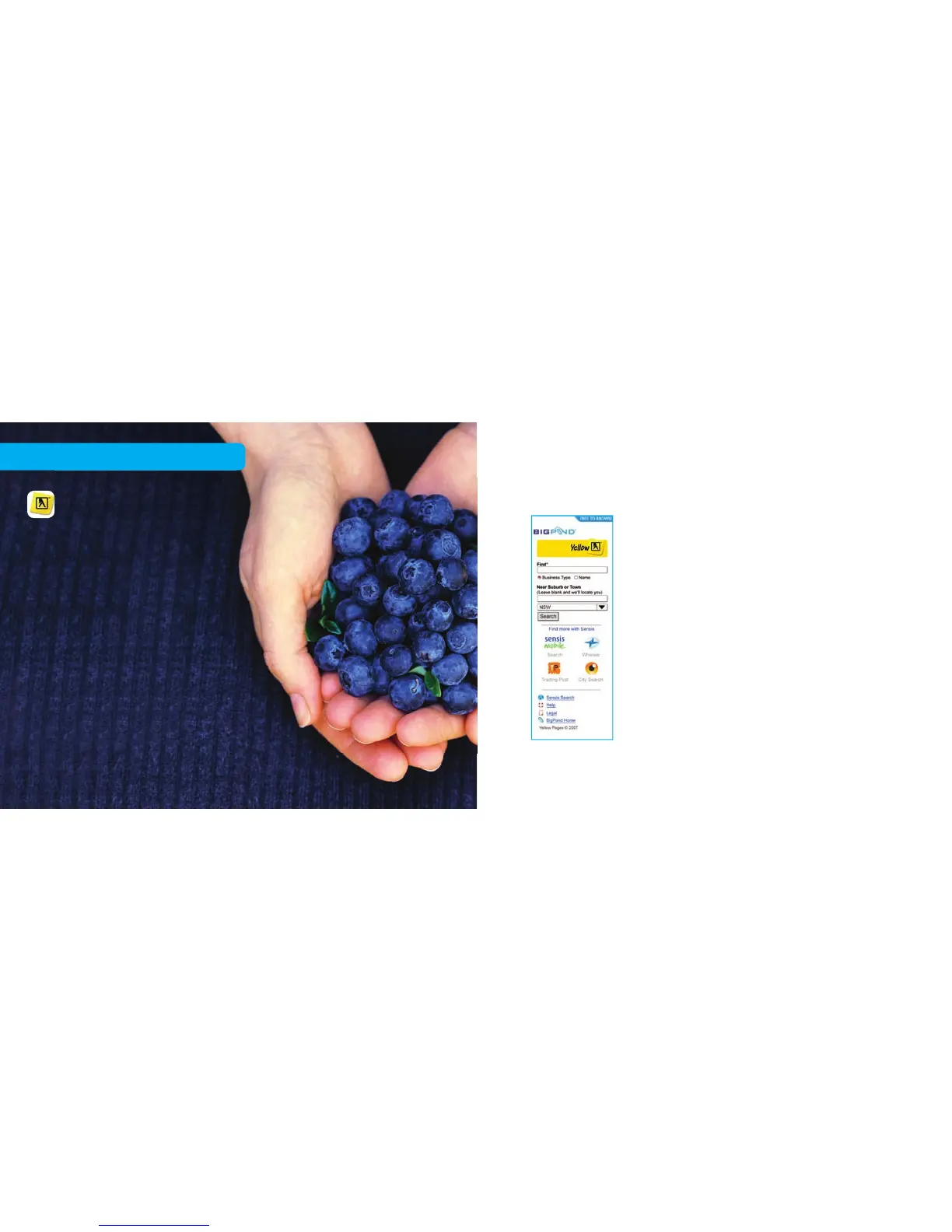
To use Yellow™ Mobile on your handset:
1. Press the BigPond button, then click the
Yellow™ search icon.
2. Once you’re on the Yellow™ Mobile
homepage, simply enter the name or
type of business you need to nd.
3. You can enter a location or leave it blank
and use the Locate Me feature to search for
businesses close to where you’re standing.
27 28
Free to browse



 To Next Page