View and edit your prole
Click View Prole from your BigBlog homepage on your mobile
to see your user prole. Select Edit Prole to change your
information. Simply type over the information currently in the
form elds that you want to change and select Save.
View, edit or add to your BigBlog Photo Gallery or MMS Posts
Click View Photo Gallery or View MMS Posts and select the
gallery or posts you wish to view, edit or add to. You can view
and delete the images in the gallery using the links underneath
the pics.
Using your personal BigBlog
You need a BigPond online account to set
up your BigBlog from your PC before you can
access it from your mobile.
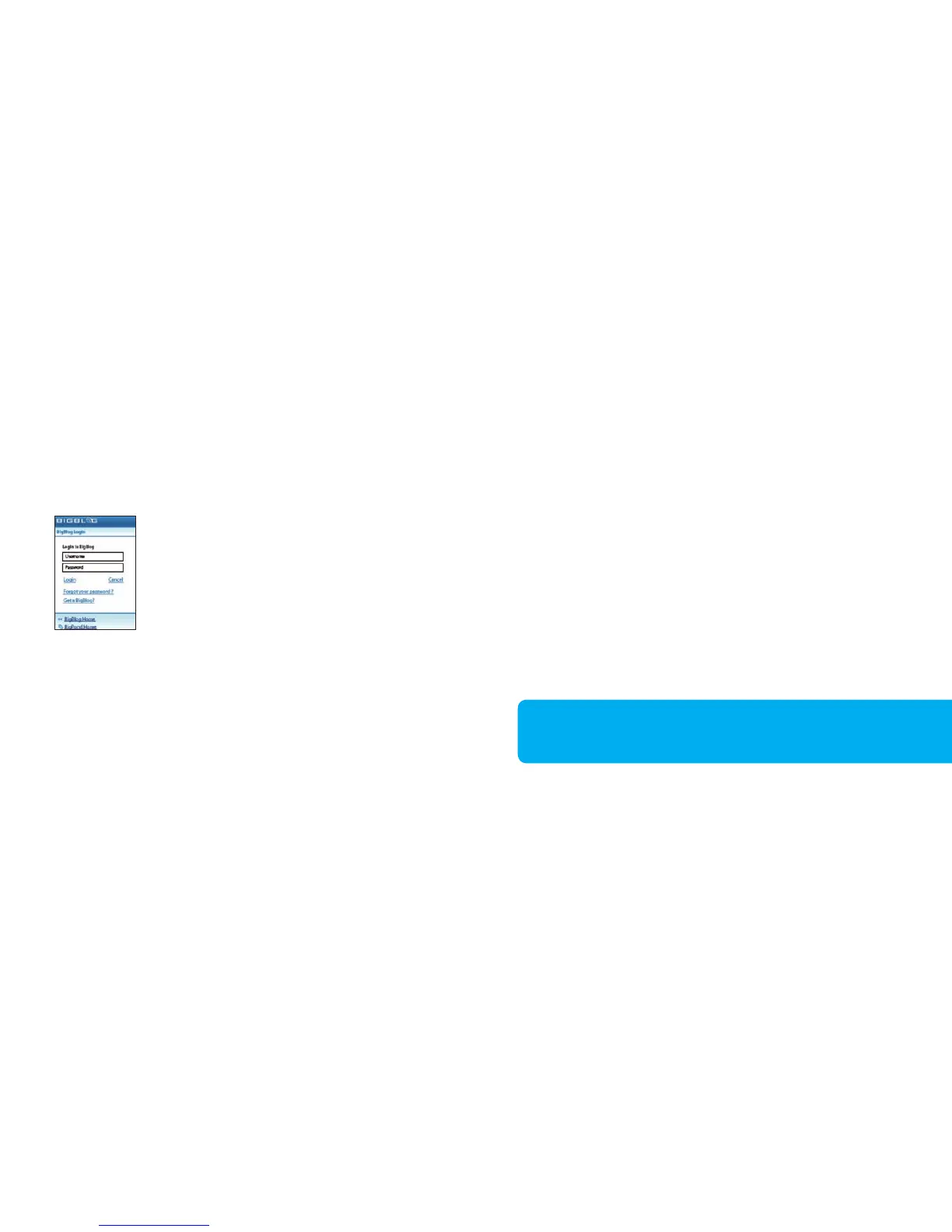
Click Login from the BigBlog mobile homepage
and enter your BigPond User ID and password
in the form eld provided. You will then see your
personal BigBlog page.
Add an entry
Click Add Post and type your entry in the form
eld provided. Click Save to add the post to
your BigBlog. Once you’ve viewed and are
happy with it, click My BigBlog to return to
your BigBlog homepage.
45 46
To add a picture using your mobile, simply take a photo and send
it via MMS to 125 BLOG (125 2564).



 To Next Page