Result Meaning
Error – Port forwarding has not been setup correctly. If your result is showing Error please repeat
the above steps
Open – Your port forwarding configuration is successful. Continue to the next step
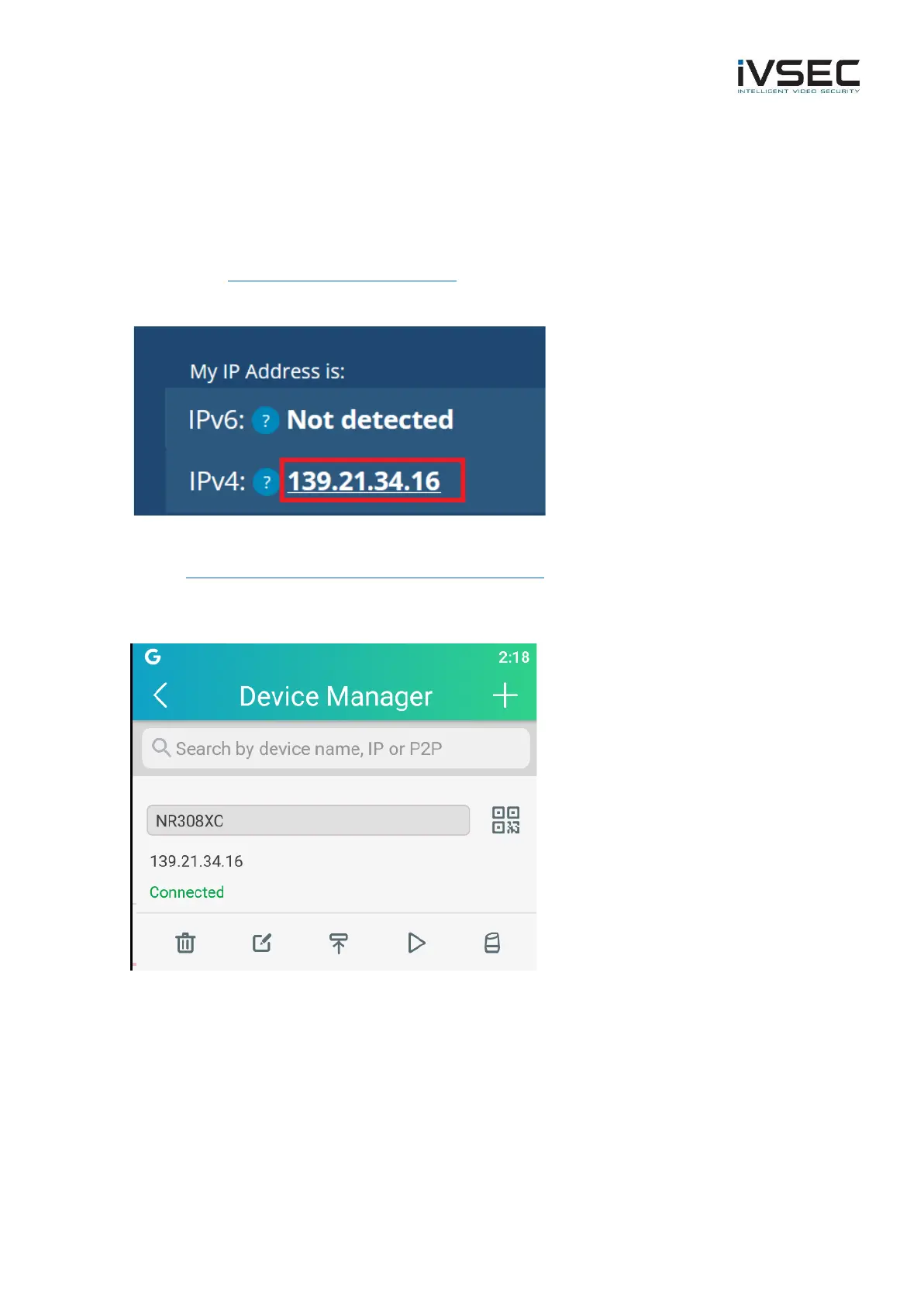
• Go to https://whatismyipaddress.com/
• Take note of the IP address listed against IPv4. This is your public IP address
• Add the public IP address to the IVSEC X app
https://www.youtube.com/watch?v=Qlozy83GMg8
• Ensure that the NVR is showing status: Connected in the app



 To Next Page