Telstra MF65 User Manual v1.0 Page 14 of 30
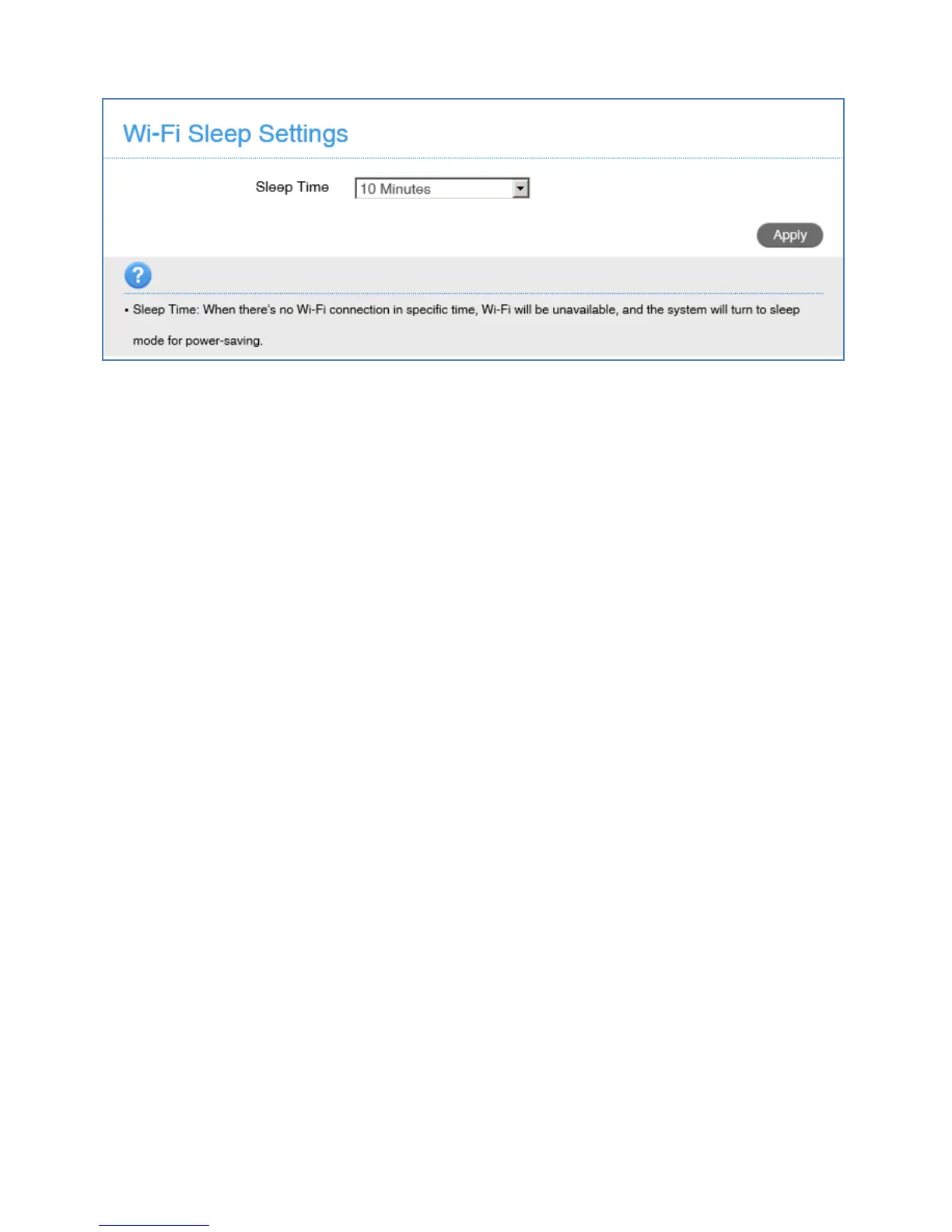
SETTINGS > DEVICE SETTINGS > POWER SAVE
• If there is no Wi-Fi traffic detected then the device will switch off Wi-Fi
as determined by the Wi-Fi sleep setting.
SETTINGS > DEVICE SETTINGS > SOFTWARE UPDATES
• Press Check Now to check for updates for your device.



 To Next Page