Telstra MF65 User Manual v1.0 Page 20 of 30
SMS > DEVICE SMS OR USIM SMS
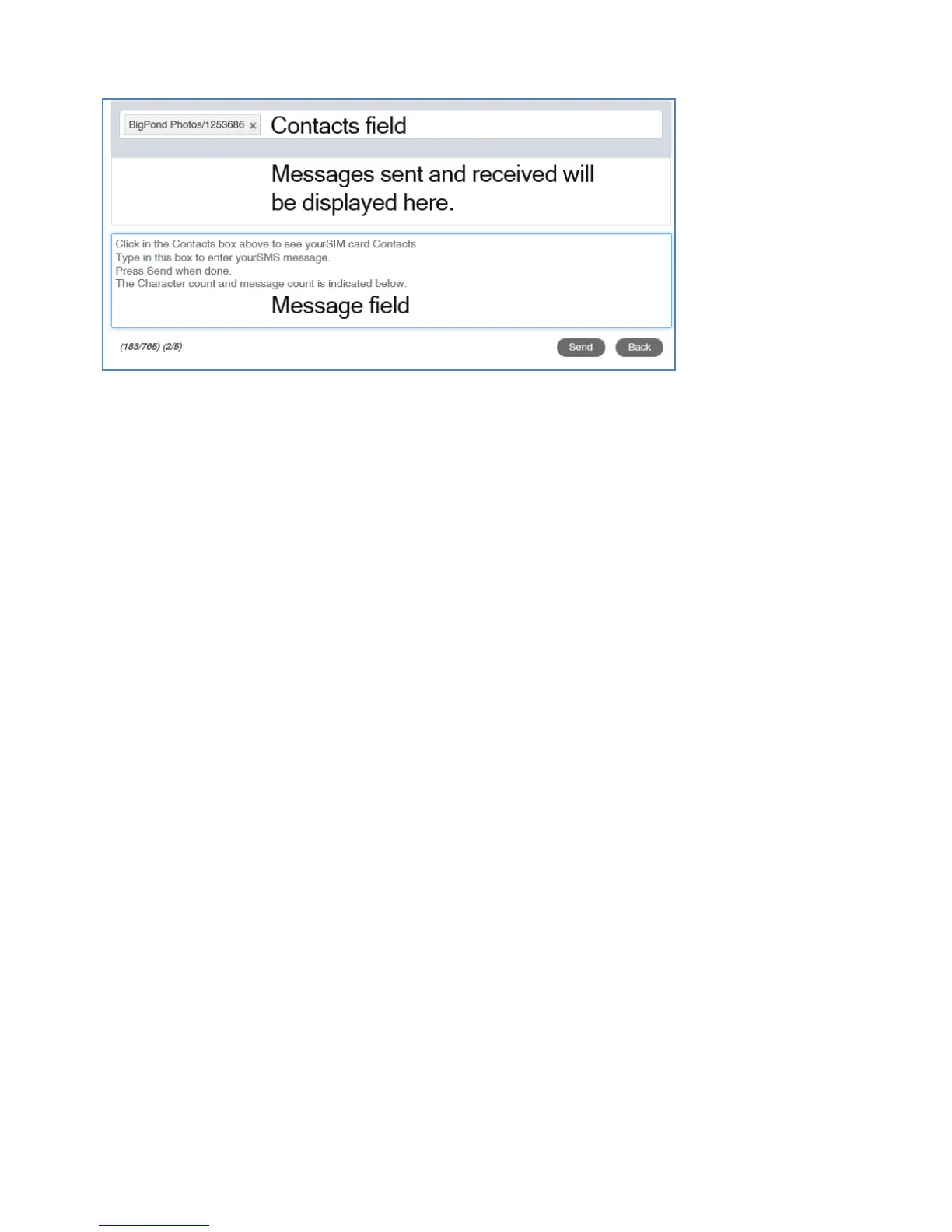
• Click New to write a new SMS
• Click in the top box to add Contacts
• You can enter Contact names in the Contacts field and the device will
search and list applicable matches
• Click in the bottom box to type your message
• Press the Send button when done
• Threaded messages (messages sent and received to the same Contact)
are displayed in the main panel.
• View SMS > SMS Settings to enable delivery reports and to check the
SMS centre number (read from your SIM card)



 To Next Page