Telstra MF65 User Manual v1.0 Page 21 of 30
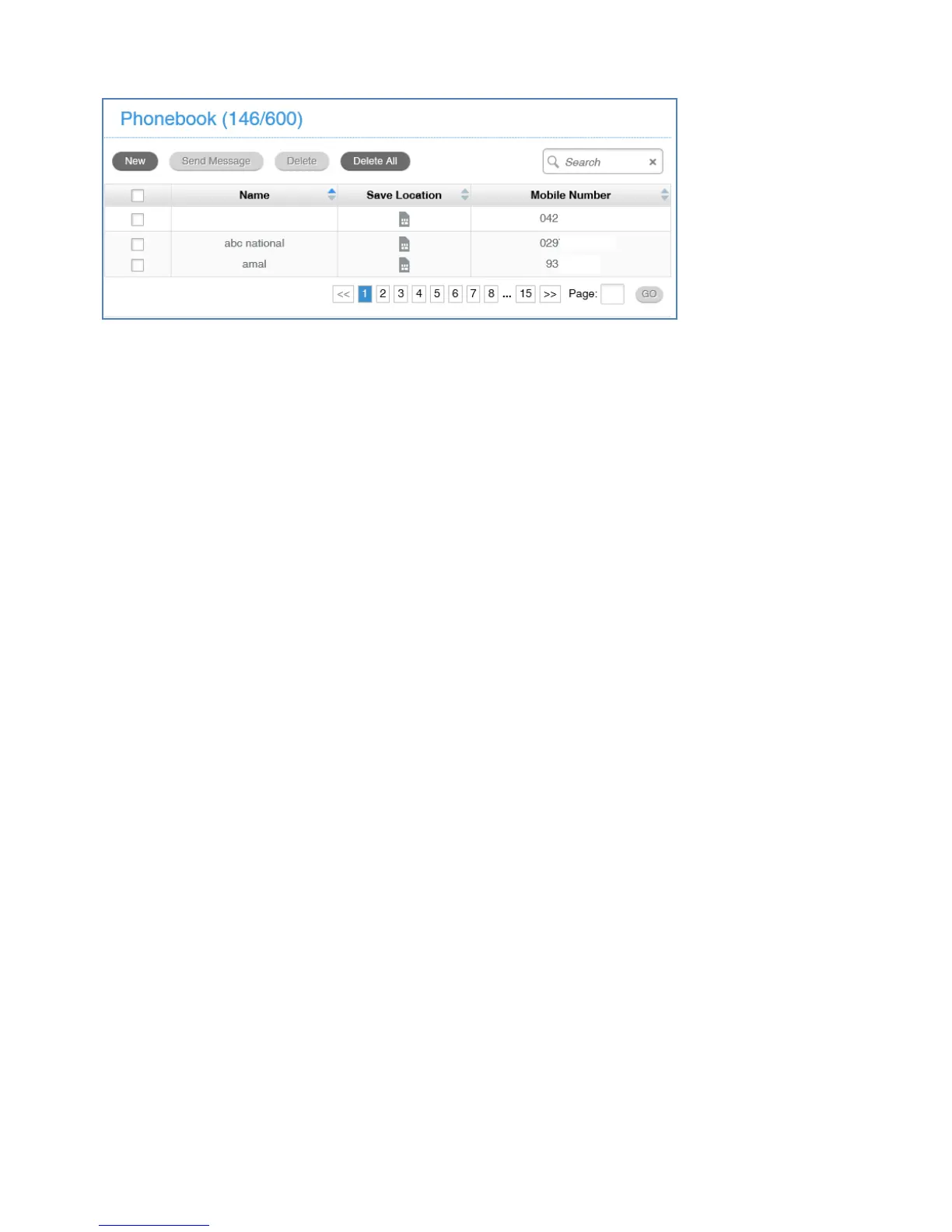
PHONEBOOK
• Click Phonebook to view your USIM card contacts.
• Contacts are automatically read into the device but you can also copy
and save on your device.
• Select the Contact to view more details, click Edit to make any changes,
then select the Save location as Device.
• Contacts stored on the device can include additional fields.
• Select New to create a new contact and choose the save location as
Device or SIM card.



 To Next Page