
 Need help?
Do you have a question about the Teltonika Telematics FMC150 and is the answer not in the manual?
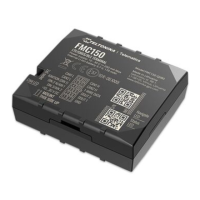
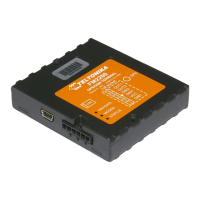
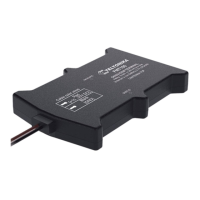
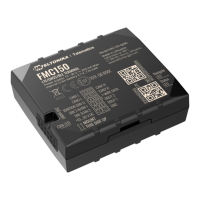
Illustrates the top perspective of the FMC150 device, highlighting external features.
Details the bottom components of the FMC150 device when its cover is removed.
Presents the top view of the FMC150 device with its cover removed for internal component access.
Instructions on how to safely remove the protective cover of the FMC150 device using a pry tool.
Guide on inserting the Micro-SIM card into the FMC150, ensuring correct orientation.
Steps for correctly connecting the battery to the FMC150 device, ensuring proper placement.
Procedure for reattaching the FMC150 device cover after configuration and setup.
Details the process of connecting the FMC150 to a PC via a Micro-USB cable.
Explains how to connect the FMC150 to a PC wirelessly using Bluetooth.
Guidance on properly fastening and isolating wires to prevent damage and interference.
Recommendations for connecting the power source, including fuse usage and voltage checks.
Instructions for identifying and connecting the ignition wire, ensuring correct power supply.
Details on connecting the ground wire to the vehicle's frame for optimal contact.
Explains the LED behavior related to GNSS signal status and device operation modes.
Details the LED indications for device operational states like sleep mode and modem activity.
Details the types of data that can be read from the vehicle via CAN bus.
Lists the sensors integrated or supported by the FMC150 device.
Describes various event-driven scenarios the FMC150 can detect and report.
Explains the different power-saving sleep modes available for the FMC150.
Outlines methods for configuring the device and updating its firmware.



 To Next Page
 General