TEMPUR-PEDIC ACTIVEBREEZE® USER MANUAL | 7
1. Register your
TEMPUR-ActiveBreeze
®
We believe in the quality of our
products, and we build them to
last for years. To protect you
against defects, we include
a limited warranty with most
of our products.
Registering your new TEMPUR-
ActiveBreeze® can help you keep
record of your purchase should
you need to file a warranty claim
in the future.
We encourage you to keep proof-
of-purchase documents in a safe
place to support the warranty you
received with your new product.
Here’s how you can register your
new TEMPUR-ActiveBreeze
®
o Scan the QR code located
on the back of your hangtag,
attached to the zipper pull of
the mattress cover. This QR
code will take you directly to
our product registration page.
OR
o Visit our registration site:
https://register.tempurpedic.
com
Register your mattress
o Click on the image of the
mattress to select the product
you will be registering.
o Fill out the About You section
and the Mattress Details
sections.
o The 11-digit serial number is
located on the mattress law
tag under the head of the
mattress on the left or
right side.
o Take and upload a picture
of your receipt and mattress
law tag.
Please note: Do not remove any law tags
from your product.
o Submit your mattress for
registration.
Register your ProSmart
®
Air Base
o Go back to the registration site:
https://register.tempurpedic.
com
o Click on the image of the bed
bases to select the product type
that you will be registering.
o Fill out the About You section
and the Bed Base Details
sections.
o The 24-digit serial number is
located on the bed base law tag
under the head of the bed base
on the left or right side.
o Take and upload a picture of
your receipt and bed base
law tag.
Please note: Do not remove any
law tags from your product.
o Submit your bed base product
for registration.
2. Register and connect to the
Sleeptracker-AI
®
app.
Learn more about your sleep – and
improve your sleep – with nothing
to wear or charge.
To enjoy the full benefits of your
new TEMPUR-ActiveBreeze® with
ProSmart® Air Base, you will need
to download the Sleeptracker-AI®
app. The app is available in iOS
and Android and can be found on
Google Play and the App Store.
Take your sleep to the next level
with the Sleeptracker-AI
®
app.
Powered by Sleeptracker-AI®, the
app provides daily information
about the quality of your sleep, and
personalized coaching and insights
to help improve your sleep over
time.
You will also be able to enjoy all
the expanded functionality of
your ProSmart® Air Base, including
exclusive relaxation programs that
help you fall asleep and expanded
sleep temperature controls to truly
personalize your experience – night
after night.
Once you have downloaded and
set up the app, you can choose
to control your bed using either
the easy-to-use remote or the
Sleeptracker-AI® app from your
smartphone.
The Sleeptracker-AI® app will guide
you through the setup of your
TEMPUR-ActiveBreeze® smart bed
and personal profile, including a
sleep schedule.
Here are three simple ways to
download the app:
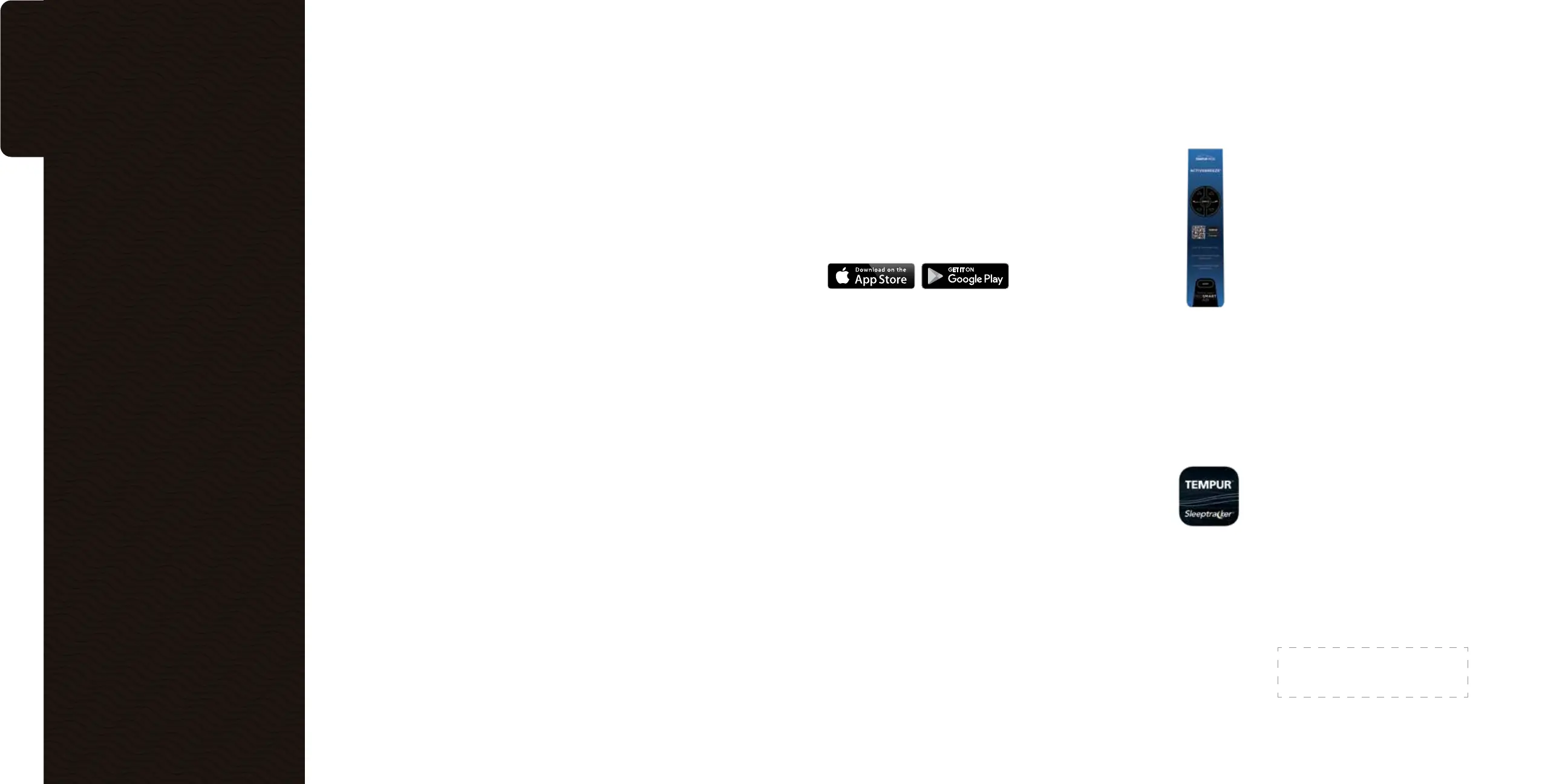
1. Scan the QR code
printed on one of
these locations:
o The ProSmart®
Air Base remote
sleeve
o On the back of
your ProSmart®
Air Base remote
o You can also visit
http://www.sleeptracker.
com/getapp/tempur
2. Install the Tempur-Pedic
®
Sleeptracker-AI
®
from the
App Store or Google Play.
Once you download the app,
create an account, and then
follow the app setup
instructions and
prompts to create
your unique profile.
3. Order your TEMPUR-
ActiveBreeze
®
mattress
cover and TEMPUR-ProAir™
sheet set.*
The purchase of a TEMPUR-
ActiveBreeze® smart bed includes
a water-resistant mattress cover
and set of TEMPUR-ProAir™ sheets
for the optimal sleep environment.
The water-resistant mattress
cover is designed exclusively
for the TEMPUR-ActiveBreeze®
smart bed, repelling liquids so that
you can clean up spills without
compromising on the benefits
of your TEMPUR-ActiveBreeze®.
Our TEMPUR-ProAir™ sheets are
moisture-wicking and ventilated for
maximum breathability, designed
to fit your TEMPUR-ActiveBreeze®.
Follow the below steps to
order your mattress cover
and sheet set:
o Go to https://www.tempurpedic.
com/activebreeze-sleep-bundle/
and select the size of your
mattress cover.
o Select the size and color of your
TEMPUR-ProAir™ sheet set.
o At checkout, enter your personal
information, shipping address,
and the promo code listed below
to complete your order at no
additional cost.
To make sure you enjoy all the
features and benefits of your
new TEMPUR-ActiveBreeze®
smart bed, we’ve put together
a few steps to follow before you
enjoy your first night’s sleep.
Getting
started.
*Included with the purchase of your TEMPUR-ActiveBreeze®
Smart Bed.
PROMO CODE


 To Next Page
 Loading...