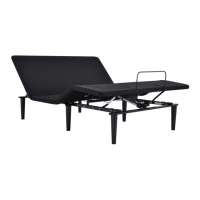
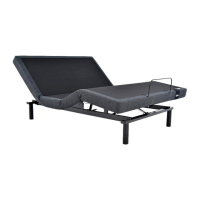
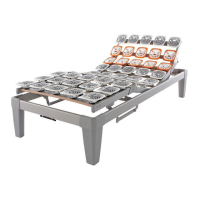
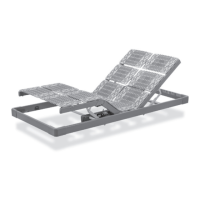
6
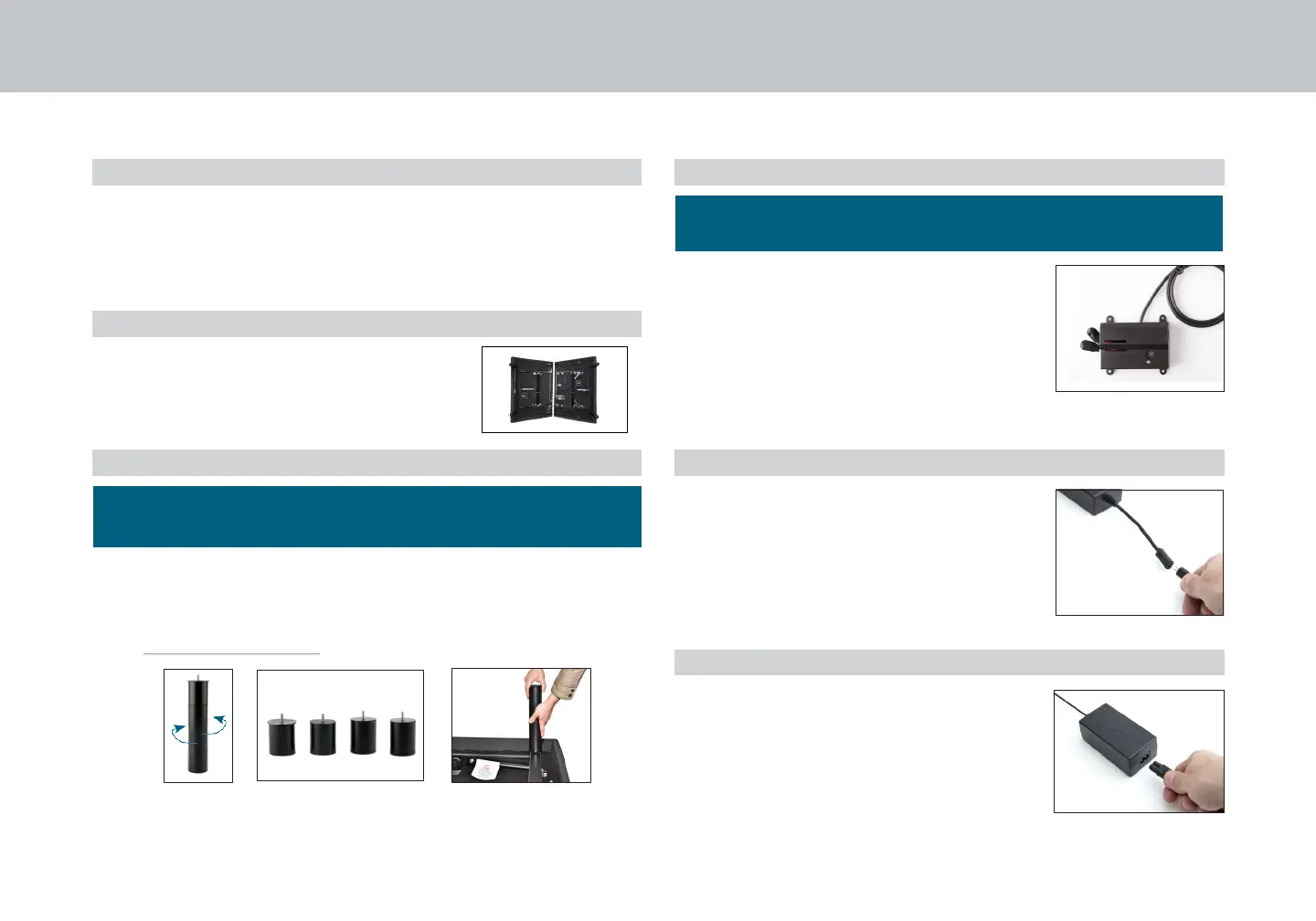
Legs are shipped fully assembled . Alternative heights in 3"
increments can be achieved by removing leg segments .
To install the legs, thread the leg into frame, and tighten by
hand . Do
not over tighten.
STEP 1
STEP 2
installation guide
Always use two people when setting up the base .
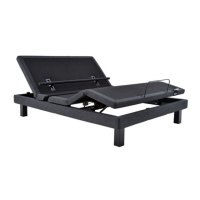
Place the bed base box in a desired location with the
bottom of the box facing up .
Remove the binding straps and packing materials, making
sure not to puncture the box with any sharp objects .
Remove the bed base from the box .
Unfold the bed making sure to keep the
bottom of the bed facing upwards .
STEP 3
STEP 4
STEP 5
STEP 6
Uncoil input power cord (connected
to control box's power port) and plug
into power supply .
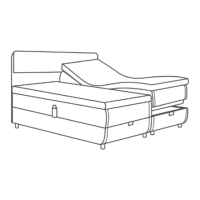
If installing a split unit, see page 13.
To install headboard brackets (sold separately), see
instructions on page 14.
Locate the battery backup box
and install (2) 9-Volt batteries (not
included) .
(For operating instructions see page 11).
Uncoil the power cord and connect to
the power supply . Place power supply
on the ground and extend from the
base . Ensure that the power supply and
all attached cords are directed toward
the desired surge protector .
For customer support, call Customer Service: 1300 306 062, NZ: 0800 483 6789


 To Next Page