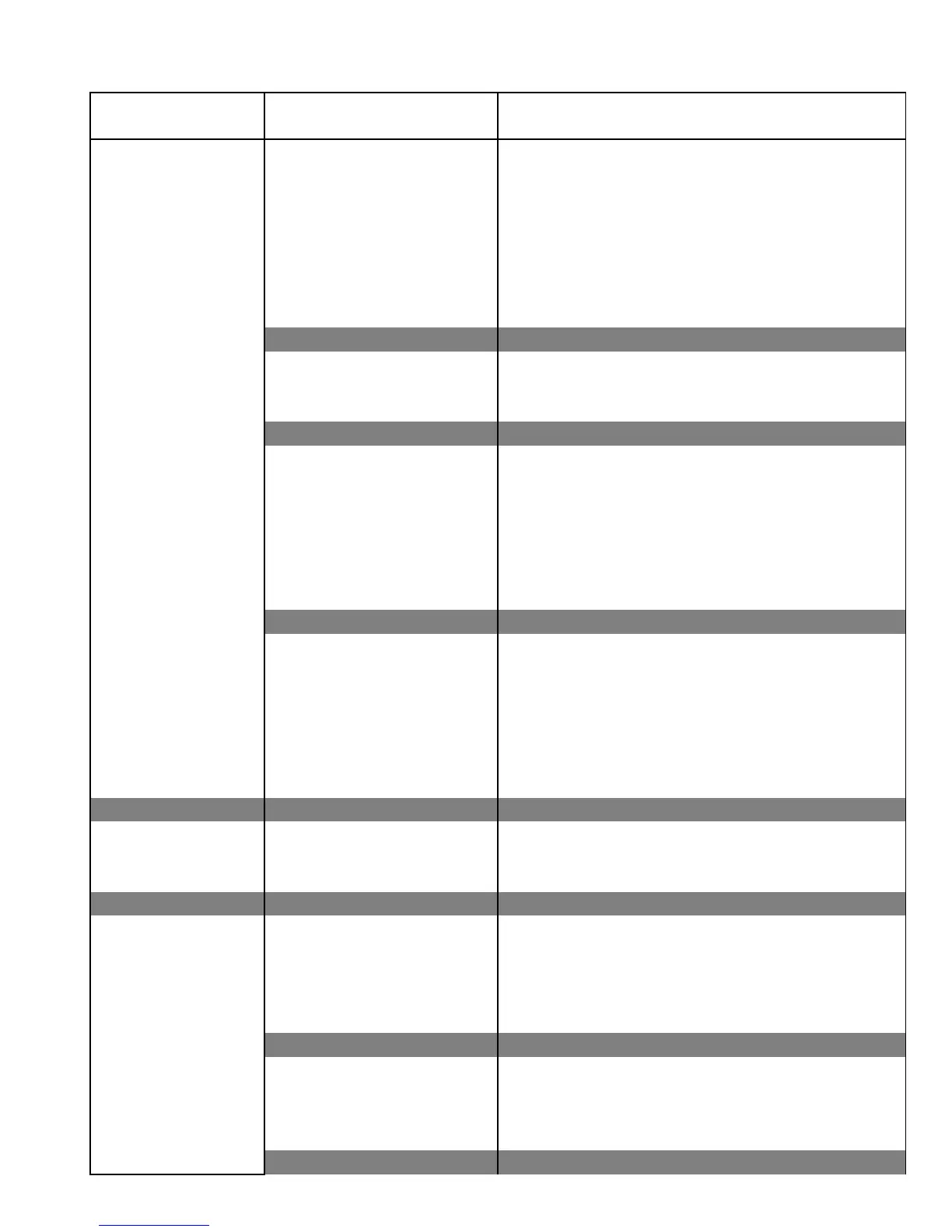
Fanwall Will Not No main power a. Check main power fuses with ohm meter
Start Or Run At All b. Correct problem and replace fuses with size
indicated on electrical diagram.
c. Check disconnect switch.
d. Turn to "On" position.
e. Use volt meter to check for proper main
voltage to unit.
f. Restore power to unit.
Faulty control circuit a. Check contact with ohm meter.
auxiliary contact on b. Replace switch if faulty.
unit disconnect switch
No control transformer a. Check primary and secondary fuses on
output transformer.
b. Correct problem and replace fuse(s) with
size indicated on electrical diagram.
c. Check control transformer primary and
secondary voltages.
d. Replace transformer if faulty.
Tripped overloads on a. Verify overload trip setting is at or slightly
motor starters above the motor nameplate fla.
b. Reset overloads and measure operating
current of motors.
c. If current values are above nameplate fla, go
to Motor Failure.
d. Consult Baldor Service Center.
Motor will not start Usually caused by line trouble, a. Check source of power. Check overloads, fuses,
such as, single phasing at controls, etc
the starter
Motor Failure Improper supply a. Check voltage at motor.
voltage b. If incorrect, correct to proper value.
c. Check for proper wiring at motor.
d. Wire motor per diagram on motor or inside
motor junction box.
Motor overheating a. Verify correct supply cfm.
b. Adjust cfm to unit data plate value.
c. Check for temperatures above 110°F.
d. Consult Baldor Service Center.
TROUBLE SHOOTING GUIDES
FWR - FWT
PROBLEM PROBABLE CAUSE SOLUTION



 To Next Page