EasyManua.ls Logo

Ten-Tec PARAGON - Page 11

Ten-Tec PARAGON
36 pages
Print Icon
To Next Page IconTo Next Page
To Previous Page IconTo Previous Page
Loading...
CHAPTER
2
CONDENSED
OPERATING
INSTRUCTIONS
2-1
INTRODUCTION
Тһе
following
in-
structions
will
enable
the
operator
to
quickly
place
the
PARAGON
into
operation.
Refer
to
CHAPTER
3
of
this
manual
for
more
detailed
descriptions
of
the
controls
and
unique
func-
tions
of
the
PARAGON,
Refer
to
CHAPTER
1
for
information
on
connecting
power
supply,
microphone,
an-
tenna,
and
other
accessories.
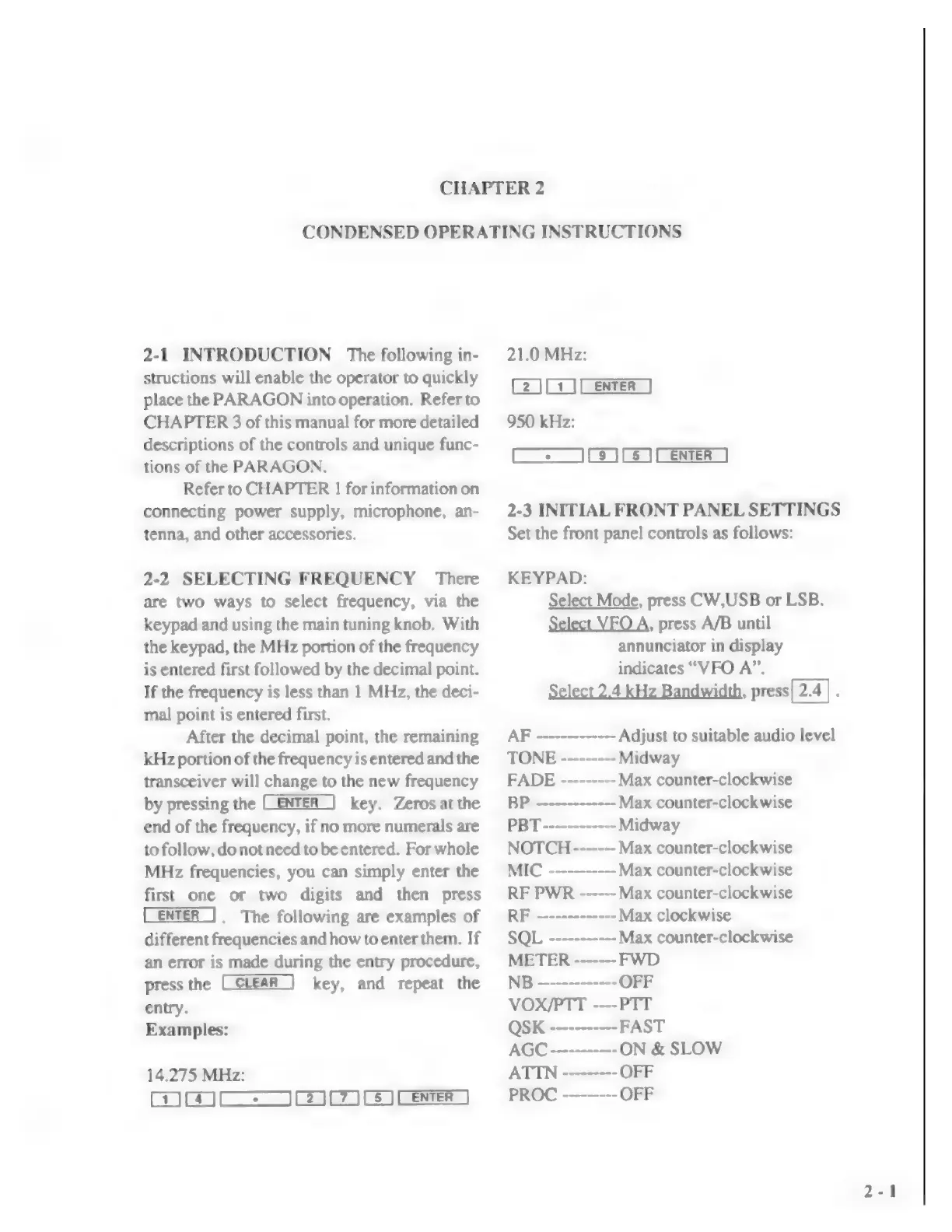
2-2
SELECTING
FREQUENCY
There
are
two
ways
to
select
frequency,
via
the
keypad
and
using
the
main
tuning
knob.
With
the
keypad,
the
MHz
portion
of
the
frequency
is
entered
first
followed
by
the
decimal
point.
If
the
frequency
is
less
than
1
MHz,
the
deci-
mal
point
is
entered
first.
After
the
decimal
point,
the
remaining
kHz
portion
of
the
frequency
is
entered
and
the
transceiver
will
change
to
the
new
frequency
by
pressing
the
key.
Zeros
at
the
end
of
the
frequency,
if
no
more
numerals
are
to
follow,
do
not
need
to
be
entered.
For
whole
MHz
frequencies,
you
can
simply
enter
the
first
one
or
two
digits
and
then
press
(ENTER
|.
The
following
are
examples
of
different
frequencies
and
how
to
enter
them.
If
an
error
is
made
during
the
entry
procedure,
press
the
key,
and
repeat
the
entry.
Examples:
14.275
MHz:
wH
CZJEZ3
CS
ENTER
|
21.0
MHz:
[2
][
1
][
ENTER
]
950
kHz:
[IS
ILS
1L
ENTER
|
2-3
INITIAL
FRONT
PANEL
SETTINGS
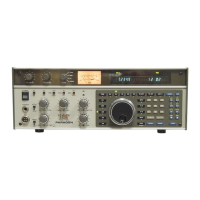
Set the
front
panel
controls
as
follows:
KEYPAD:
Select
Mode,
press
CW,USB
or
LSB.
Select
VFO
A,
press
A/B
until
annunciator
in
display
indicates
“VFO
А".
Select
2.4
kHz
Bandwidth,
press[
2.4]
.
AF
-------------
Adjust
to
suitable
audio
level
TONE
---------
Midway
FADE
---------
Max
counter-clockwise
BP
-------------
Max
counter-clockwise
PBT
------------
Midway
NOTCH
-------
Max
counter-clockwise
MIC
-------
Max
counter-clockwise
RF
PWR
------
Max
counter-clockwise
RF
-------------
Max
clockwise
SQL
---------
--
Max
counter-clockwise
METER
-------
FWD
NB
—-----------
OFF
VOX/PTT
----PTT
QSK
-----------
FAST
AGC
-----------
ОМ
&
SLOW
ATIN
---------
OFF
PROC
---------
OFF

Related product manuals