5.Computer or Laptop Live Stream Settings (USB connection)
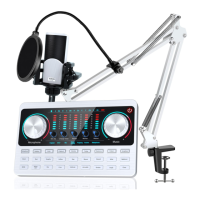
The charging cable of the sound card is connected to the charging port of the audio console, and the
other end is connected to the USB port on the computer host (recommended to connect to the black
USB2.0 port). The laptop is also connected to the USB port. Turn on the audio console, the computer
prompts that the device is plugged in and it is connected.
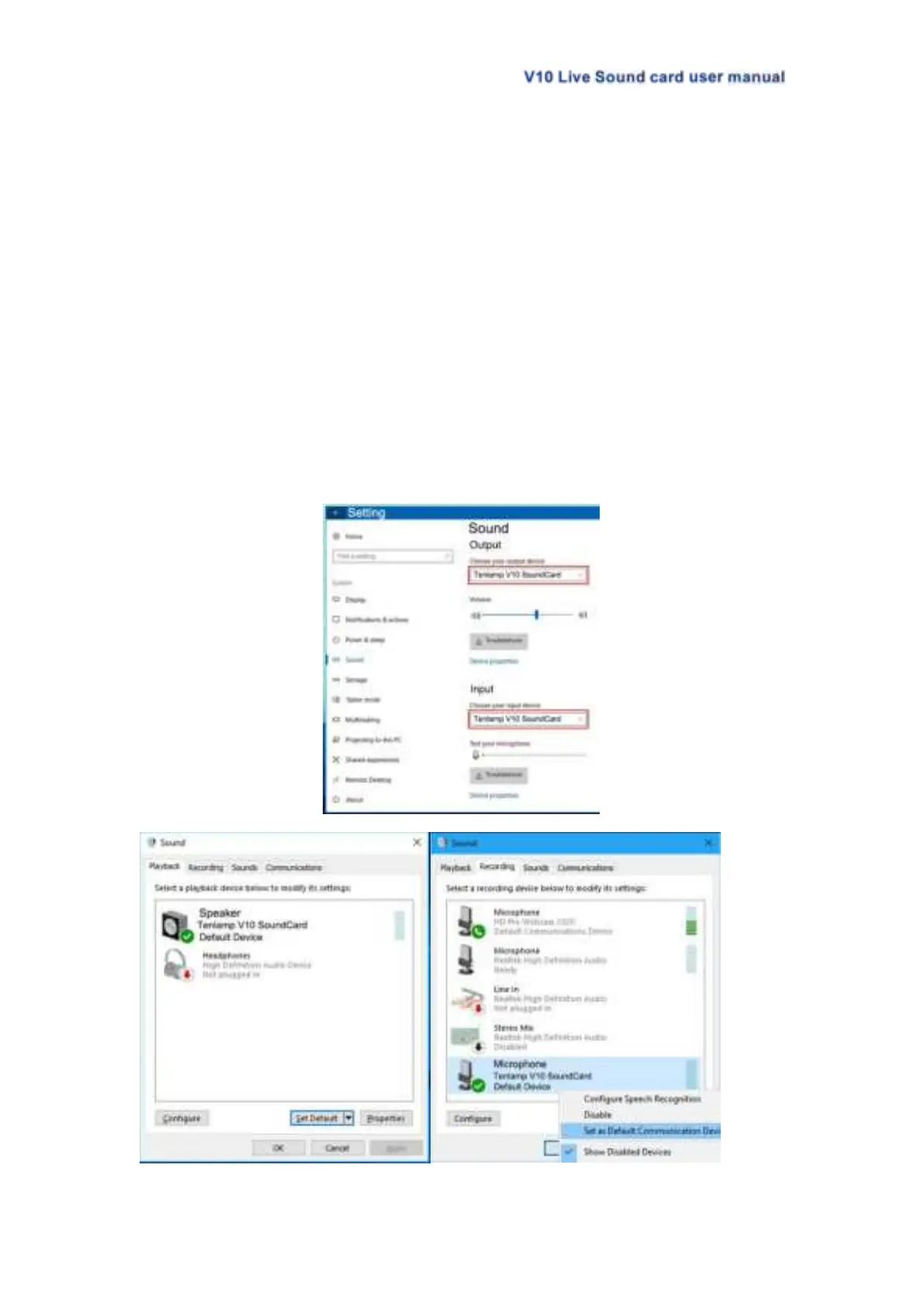
After connected, find the small speaker in the lower right corner of the computer screen,
right-click---select the Open Sound Setting, if not, you can select playback device and the recording
device. Then set both the input and output (or speaker on the playback page and the microphone on the
recording page) to: "Tenlamp V10 SoundCard" or "MV-AP82X". After setting, click Apply to confirm.
The software used by the computer also needs to be set, such as accompaniment software and live
stream software. In the software-"Settings", set the audio input and output of "sound card", "audio output",
"microphone", etc. to: "Tenlamp V10 SoundCard" or "MV-AP82X", click Apply and confirm.
Warm Tip:Above
.....
setting
.......
is
..
for
...
USB
...
digital
.......
connection
..........
when
....
live
....
streaming
.........
or
..
playing
.......
musi
....
on
..
PC
..
.


 To Next Page