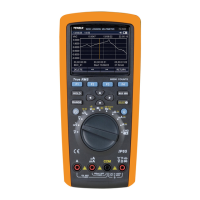
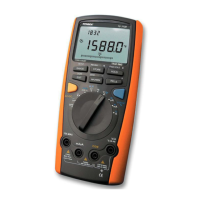
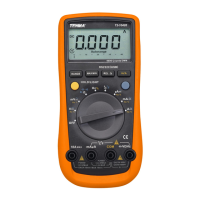
3
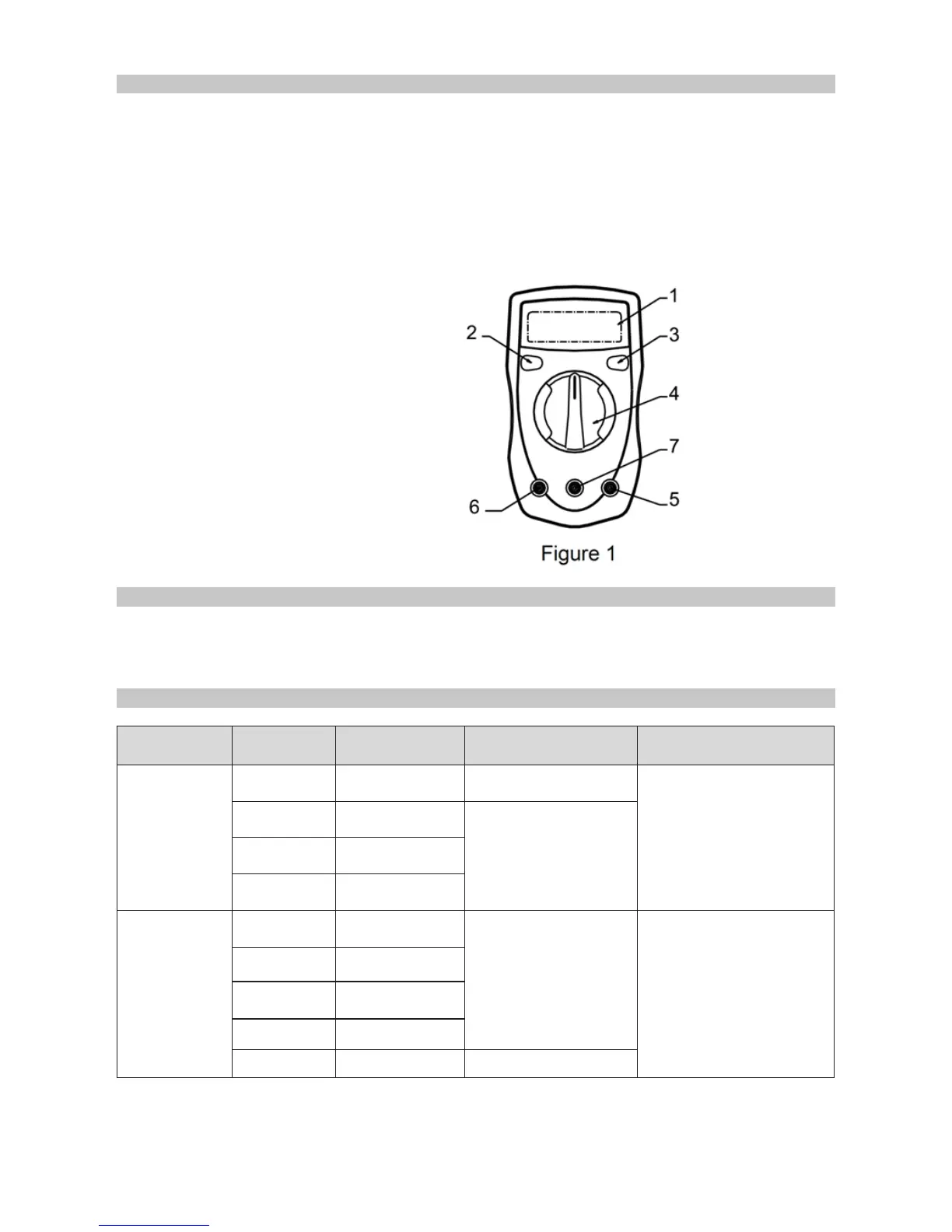
FUNCTIONS
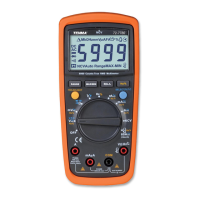
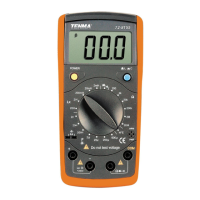
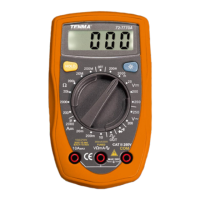
1. LCD display
2. Range button (72-7765A) (Press the yellow button to switch between AC and DC
current, or between continuity and diode measurements, indicated by buzzer. In
standby mode, press it to activate the meter and cancel auto power off function.)
3. HOLD button (72-10420A/72-7770A) (Press the yellow button, then the current
displayed data will be held with letter H shown on LCD. Press it again to exit data
hold operation.)
4. Backlight display button
(Press the blue button to turn on
backlight.)
5. Range selector.
6. COM input terminal.
7. 10A input terminal.
8. Other input terminal.
OPERATING PARAMETERS
• Operating temperature: 23ºC ± 5ºC.
• Relative humidity: <75%.
DC VOLTAGE
Model Range Resolution Accuracy Overload Protection
72-7765A
400mV 0.1mV ± (0.8%+3)
250V AC
4V 1mV
± (0.8%+1)
40V 10mV
250V 100mV
72-10420A
72-7770A
200mV 100μV
± (0.5%+2)
250V DC and AC
2000mV 1mV
20V 10mV
200V 100mV
250V 1V ± (0.8%+2)
Note:
• Input impedance is 10MΩ.


 To Next Page