Measurement Operation(1)
Measurement Operation
Make sure the Sleep Mode is not on if there is no display on the LCD after turning
on the Meter.
Make sure the Low Battery Display is not on, otherwise false readings may
occour.
Pay extra attention to the symbol which is located besides the input terminals
of the Meter before carrying out measeurement.
12
l
l
l
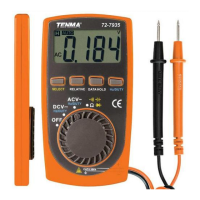
Model 72-7935: OPERATING MANUAL


 To Next Page