Note
When continuity testing has been completed, disconnect the connection between
the leads and the circuit under test.
Measurement Operation(11)
22
Testing for Continuity
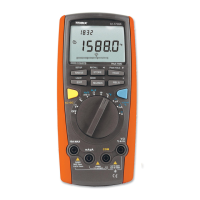
To test for continuity, connect the Meter as below:
1. Set the rotary switch to Ω range.
2. Press SELECT button to select continuity test.
3. Connect the test leads across with the object being measured.
The buzzer sounds continuously if the resistance of a circuit under test is less
than 100Ω.
The LCD displays the resistance value of a circuit under test.
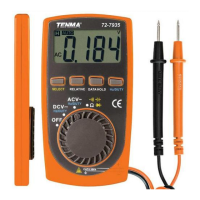
Model 72-7935: OPERATING MANUAL
l


 To Next Page