Measuring Insulation Resistance
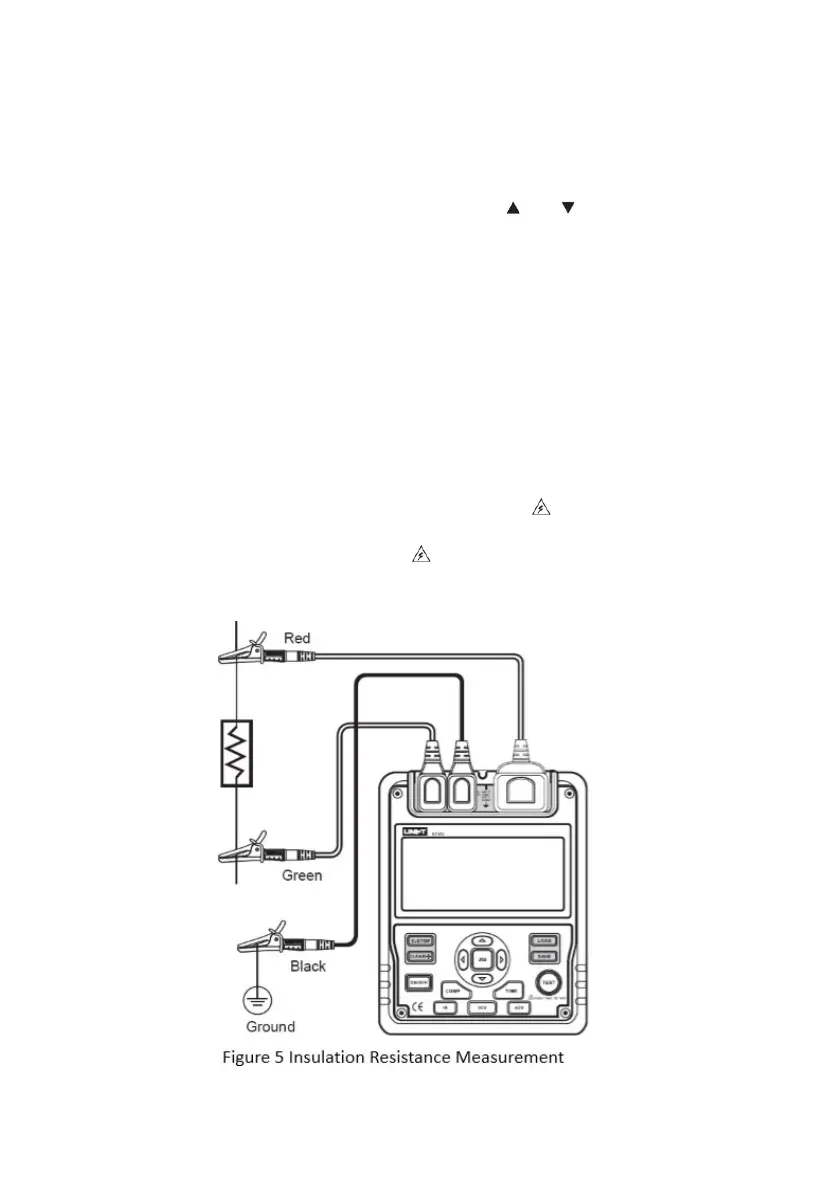
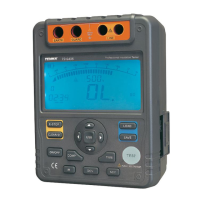
To measure insulation resistance, set up the meter as Figure 5 and perform the
steps below.
•
•
Press IR button to select insulation resistance measurement.
When there is no testing voltage output, press
1000V, 2500V or 5000V range.
•
When performing insulation resistance tests, discharge all the power of the
circuit to be measured, and keep it away from power circuit.
Insert the red test lead into two LINE terminals, the black one into GUARD
and the green one into EARTH.
Connect the red and green alligator clips to the circuit to be measured.
Negative voltage outputs from LINE terminal.
Choose one of the insulation resistance measurement modes shown as
•
•
•
• Press TIME button to select continuous mode. No timer icon shows on the
LCD.
•
Press and hold TEST button for 1s to begin and output insulation
resistance testing voltage. TEST button lights up,
•
Press TEST button to turn off the voltage output, when the measurement is
completed. TEST button lights off,
disappears. The LCD shows the
current insulation resistance measurement value.


 To Next Page