This section explains how to make measurements.
•
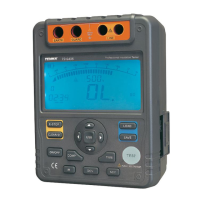
Press and hold ON/OFF to turn on, and press it again to turn off the meter.
•
After turning on the meter, it defaults at 500V range and continuous
measurement of insulation resistance.
Measuring Voltage
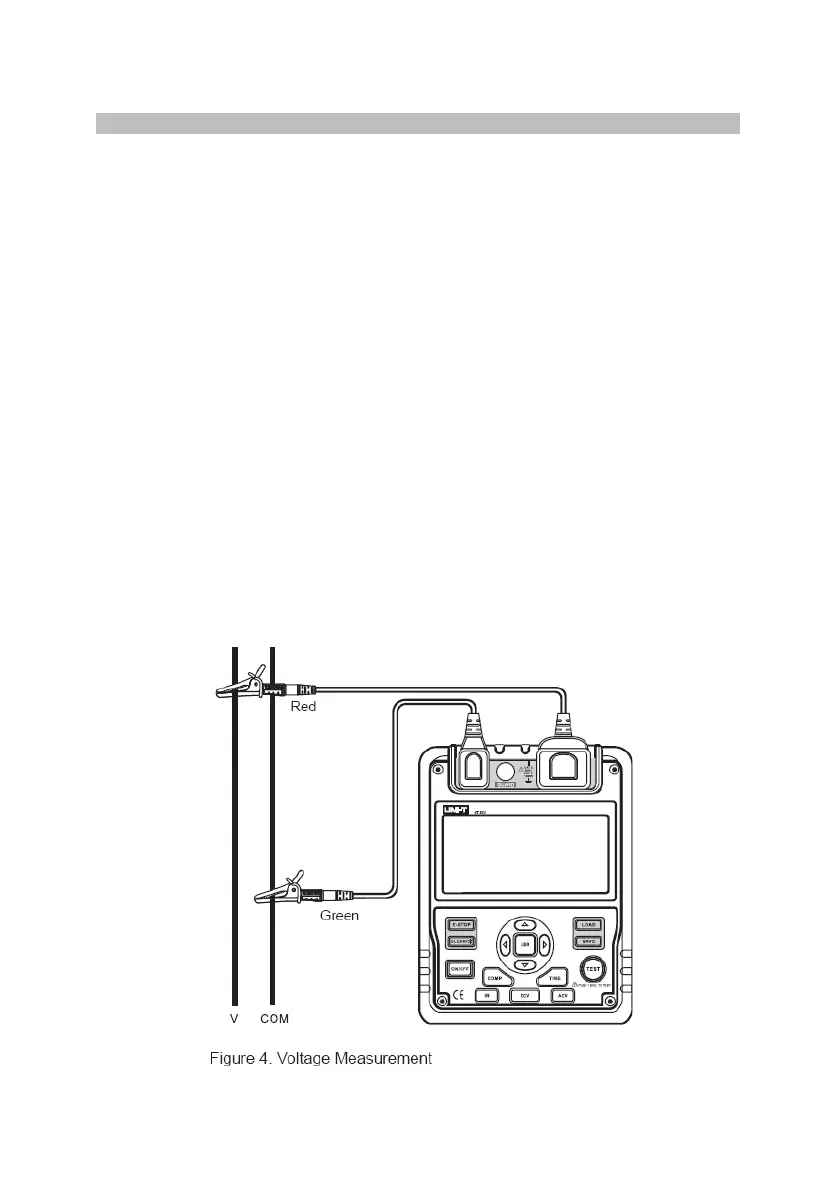
To measure voltage, set up the meter as in Figure 4 and perform the steps
below,
•
Press DC V or AC V button to select DC or AC voltage measurement.
•
•
Insert the red and green test leads into EARTH and two LINE terminals.
When measuring DC voltage, if negative voltage is present on the red test
lead, “-” will show on the display.
To avoid harm to you or damage to the meter, please do not attempt to
measure voltage higher than 600V or 600V rms, although the reading may
be obtained.
Special care should be taken when measuring high voltage.
•
Note: When voltage measurement has been completed, disconnect the test
leads from t
he circuit under test and remove them away from the meter input
terminals.


 To Next Page