APPENDIX continued
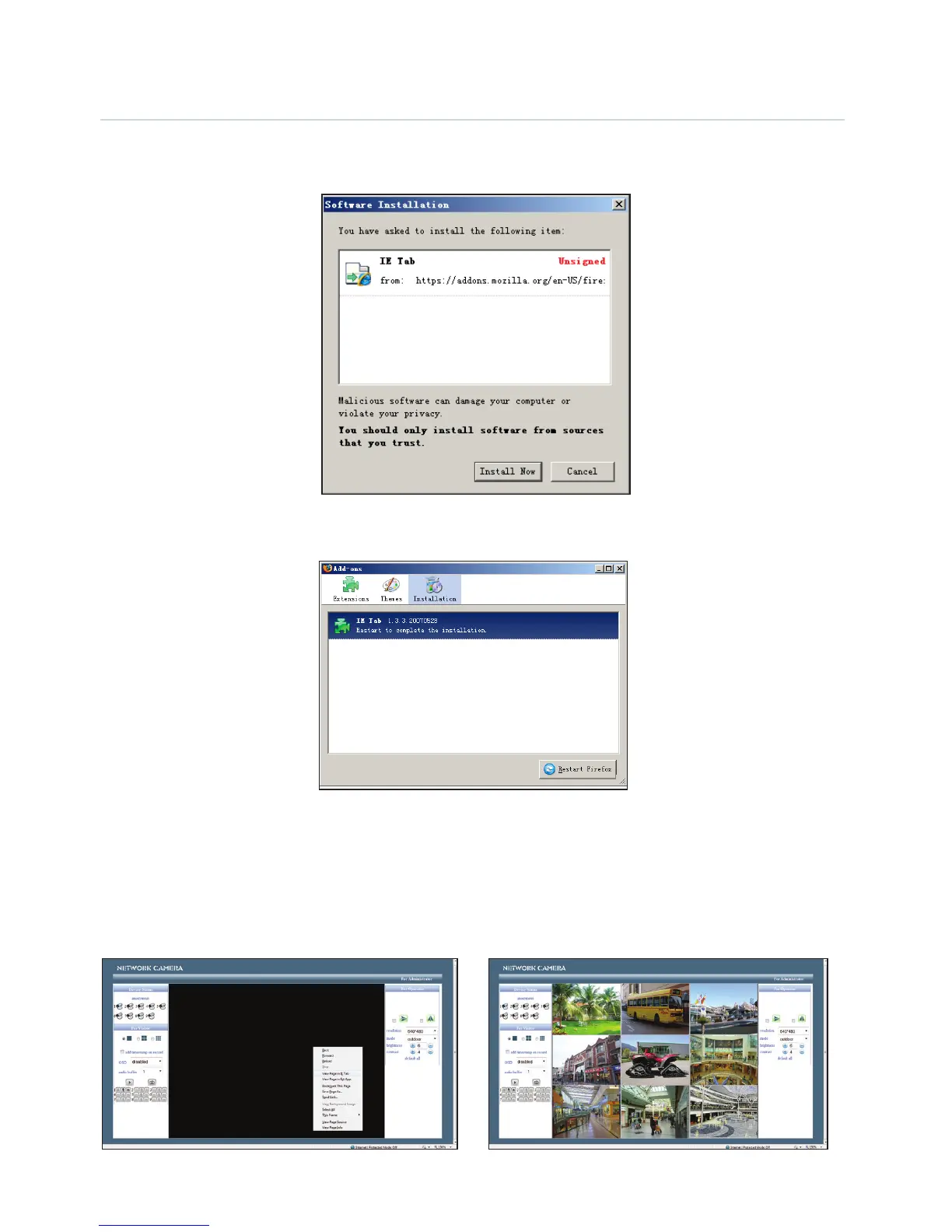
3. Wait for the download to complete. A dialog box will pop-up as shown as in the chart below.
4. Click the ‘Install Now’ button to start installation.
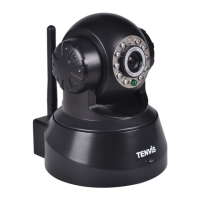
5. After installation, click ‘Restart Firefox’ to restart the browser.
6. Login to your device and locate the monitoring page, right click on the web broswer page and
click the new menu item named ‘View page in IE-Tab’ to login to the IP camera again.


 To Next Page