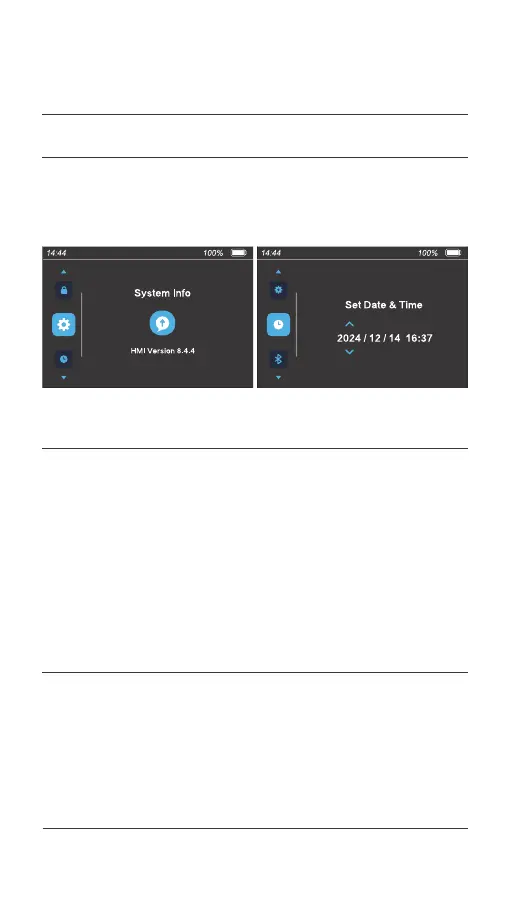
Go to the "System Info" interface to view system information such as the
software version. The following figure is for reference only.
4.7 View system information
On the "Set Date & Time" interface, press the [ i ] button to enter the date
and time. Press the [ + ] or [ - ] button to select a value ranging from 2000
to 2099 when the year flashes. Press the [ Power ] button to confirm the
setting. The month item is selected. Select a value ranging from 01 to 12
and press the [ Power ] button to confirm the setting. The day item is
selected. Select the current date and press the [ Power ] button to
confirm the setting.
The hour item is selected. Select a value ranging from 00 to 23 and press
the [ Power ] button to confirm the setting. The minute item is selected.
Select a value ranging from 00 to 59. Press the [ i ] button to confirm and
save the setting. The next menu item is displayed.
4.8 Set the time
Press the [ i ] button to exit the user menu.
4.9 Exit the menu
046 Display operations
04.
USER MENU



 To Next Page