Teo IP Phone 4104 User Guide 25
Select NORMAL or SINGLE to change the setting.
Press the
OK key to return to the Personal Ringing
menu or press the
MENU key to exit Setup Mode.
R
R
i
i
n
n
g
g
i
i
n
n
g
g
C
C
o
o
n
n
t
t
r
r
o
o
l
l
f
f
o
o
r
r
I
I
n
n
d
d
i
i
v
v
i
i
d
d
u
u
a
a
l
l
L
L
i
i
n
n
e
e
A
A
p
p
p
p
e
e
a
a
r
r
a
a
n
n
c
c
e
e
s
s
You can control the audible ringing at your telephone for each
line appearance.
Line appearances set to ALWAYS will ring immediately. Use
this setting for your primary line appearances.
NEVER completely disables ringing on the line appearance. Use
this selection for monitored line appearances that are normally
answered elsewhere.
WAIT delays ringing at your telephone for 2 to 7 ringing cycles
(6 seconds per cycle). Use this option for backup answering on
line appearances that are primarily answered on other phones.
Calls that do not ring, due to the ringing control selection, do
not display call information and are not recorded in the call log
until audible ringing begins.
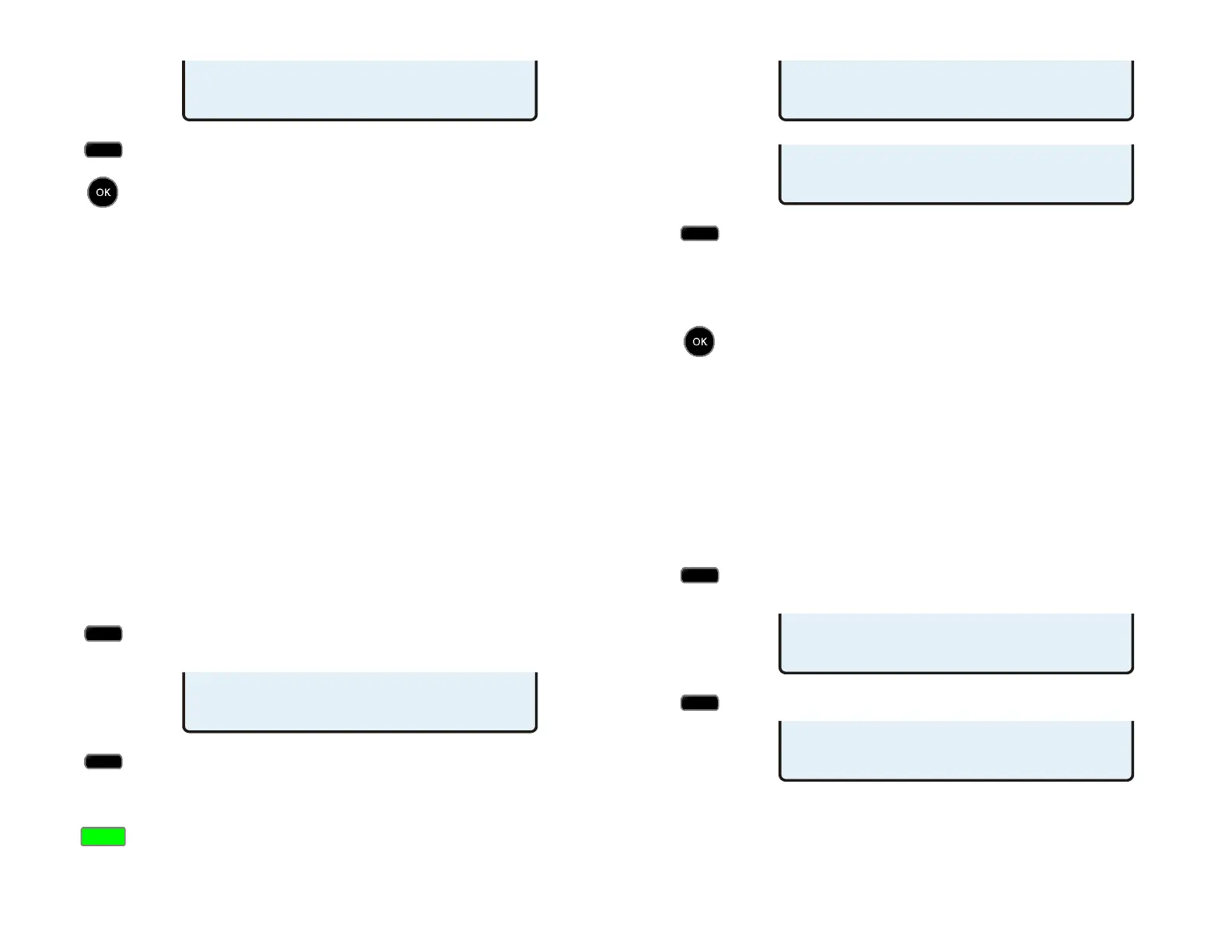
From the User Options menu, select RING.
(
MENU → USER
→ RING)
Select CONTRL.
All multifunction keys that are programmed for call
appearances will have a steady green indication.
Press a lit key to view its current ring control setting.
If you want to change the setting for the selected
key, select ALWAYS, NEVER, or WAIT2-WAIT7.
Consecutive line appearances that share a single phone
number will use the same ringing control setting.
Press the
OK key to return to the Personal Ringing
menu or press the
MENU key to exit Setup Mode.
L
L
o
o
c
c
a
a
l
l
C
C
a
a
l
l
l
l
F
F
o
o
r
r
w
w
a
a
r
r
d
d
i
i
n
n
g
g
–
–
N
N
o
o
A
A
n
n
s
s
w
w
e
e
r
r
D
D
e
e
l
l
a
a
y
y
This option sets the delay in seconds before an unanswered
ringing call is forwarded.
Note: If your phone is connected to a Teo UC System, call
forwarding delay is not controlled by this option.
From the User Options menu, select RING.
(
MENU → USER
→ RING)
Select LCFWD.
LOC CFWD NOANSWR SEC=12
DELETE CLEAR 123
PERSONAL RINGING
TONE OFFHK CONTRL
KEY01=ALWAYS RING ¤
WAIT4 WAIT5 WAIT6 WAIT7
KEY01=ALWAYS RING ¤
ALWAYS NEVER WAIT2 WAIT3
PERSONAL RINGING
TONE OFFHK
LCFWD
OFFHOOK RING=SINGLE
NORMAL SINGLE



 To Next Page