Calibration
26 V-04/2018
Step 4
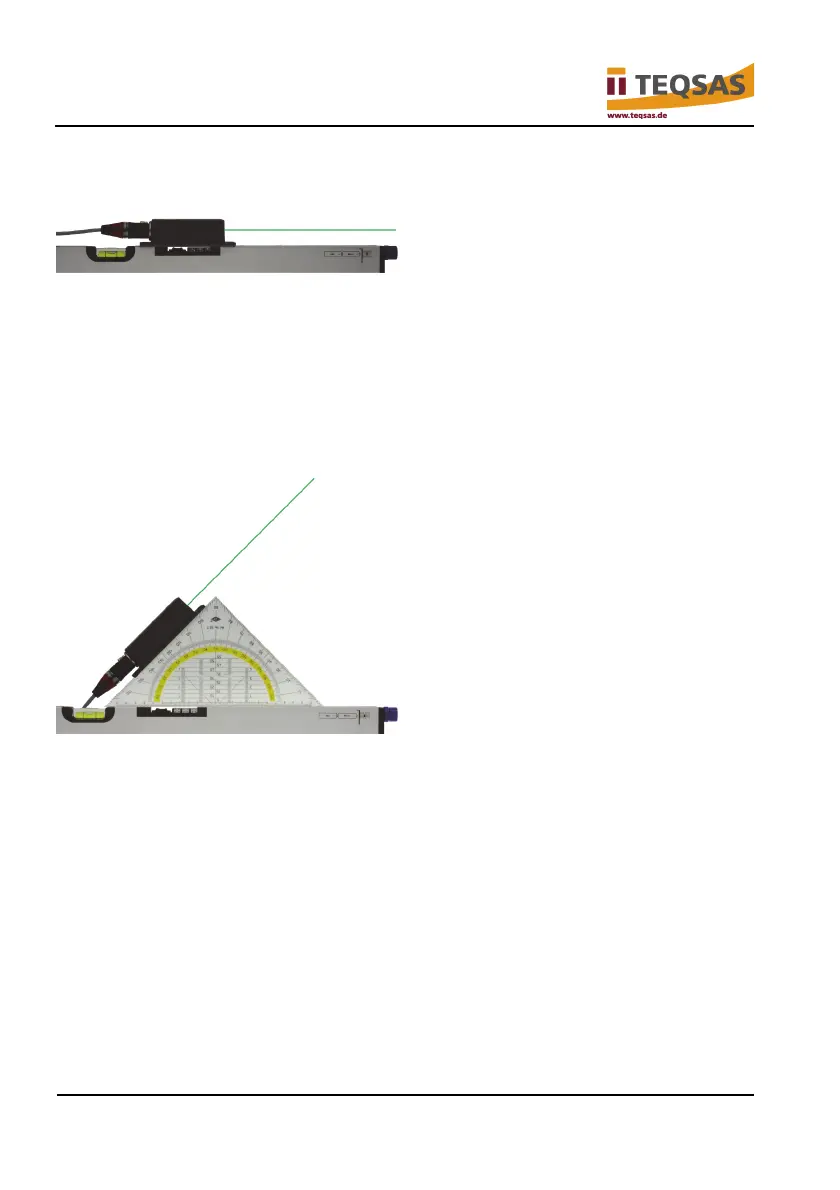
► Turn the sensor unit so that the laser beam exit points to the right.
► Press the “CAL” button again to start calibration in direction “B”.
Again, “don’t move” appears on the display, followed by a numerical value for
“B” and the question “calibrte +45.0°?”
Step 5
► Use the set square to align the sensor unit so that the laser shines upward
at a 45° angle.
► Press the “CAL” button again to start calibration in “+45.0°”.
“don’t move” appears on the display, followed by a numerical value for
“+45.0°” and the question “calibrte -45.0°?”


 To Next Page