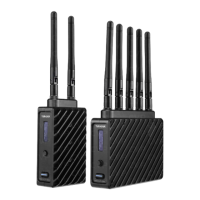
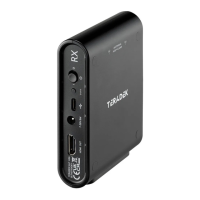
- Bolt 6 receivers can pair with up to four transmitters at a time.
Switch TX allows you to quickly switch from one paired transmitter's camera feed to
another paired transmitter. This feature is especially useful in multi-camera situations
when you need to switch to a different camera's view mid-shoot, without having to
perform the pairing process every time.
NOTE: The transmitter(s) need to first be
wireless frequency. The 5GHz frequency
provides more channels but is utilized by more devices, resulting in frequent
interferences and video dropouts. The 6GHz frequency is less crowded than the 5GHz
frequency, resulting in faster connections and less interference.
(Bolt 6 LT MAX transmitters only)
allows you to transmit to multiple receivers simultaneously (non-DFS frequencies only),
while also extending your Bolt 6's transmission range.
Broadcast Mode Disabled (
connected receiver(s) coordinate and maintain two-way communication with each
other to optimize frequency usage and video transmission.
- Data uplink channel is disabled, allowing the
transmitter to connect to an unlimited number of receivers, as long as they have
already been paired. To achieve even better range performance, attach the
receiver to your Bolt Panel Antenna while in Broadcast Mode.
750 and 1500 receivers will not link to a Bolt 6 LT MAX transmitter in Broadcast
TX/RX Configuration Menus
Bolt 6 LT Quick Start Guide | Bolt 6 | Teradek User Guide
https://guide.teradek.com/a/1604143-bolt-6-lt-quick-start-guide



 To Next Page