7-2
7.2 Selecting a receiver tank
Select a receiver tank to be used with the
Tank
selector
switch on the operation panel.
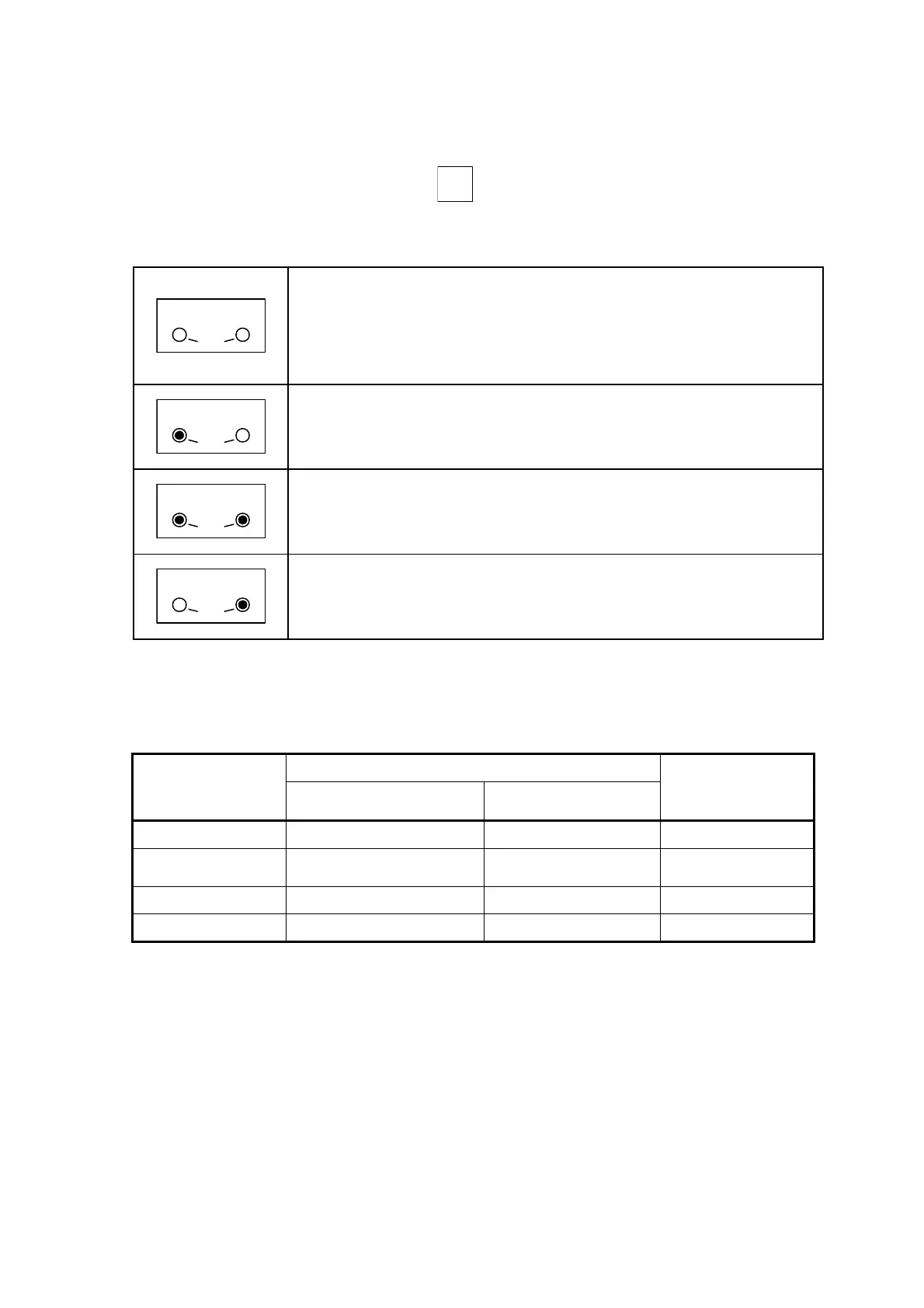
For the tank selection and the circuits to be used, see Table 7-2(b).
Table 7-2 (a) Tank Selection Setting
No.1 No.2
Com
mon
“No tank”
Select this option if no control is carried out for receiver tanks.
Selecting “No tank” enables the system to ignore electrode signals and
disables dry-run prevention.
Selecting this option turns off all the indicator lights for the Solenoid Valve
Operation setting and disables the selection of any options.
No.1 No.2
Com
mon
“Tank No.1”
Selects the use of Tank No.1.
Select this option if you use one receiver tank.
In addition, select this option to clean Tank No.2 while both tanks are used.
No.1 No.2
Com
mon
“Common”
Select this option if you use two receiver tanks.
When “Common” is selected, install a communicating tube between the
tanks to ensure that both tanks have the same level of water.
No.1 No.2
Com
mon
“Tank No.2”
Selects the use of Tank No.2.
Normally, select this option to clean Tank No.1 while both tanks are used
.
The Tank Selection setting is set to “No tank” before shipment.
The system enables the setting one second after the indicator light comes on.
Table 7-2(b) Circuits to be used for each option of Tank Selection
Water level electrode circuit
Tank Selection
setting
For alarms and dry-run
prevention
For solenoid valves
Solenoid valve
circuit
No. 1 1E0, 1E1, 1E2, 1E3, 1E4 1N1, 1N2 SVC-SV1
Common 1E0, 1E1, 1E2, 1E3, 1E4 1N1, 1N2
SVC-SV1
SVC-SV2
No. 2 2E0, 2E1, 2E2, 2E3, 2E4 2N1, 2N2 SVC-SV2
No tank N/A N/A N/A



 To Next Page