8-2
8.2 Inspection mode
You can put the system into the inspection mode to nortify other personnel that inspection is in progress.
(1) Entering and exiting the inspection mode (ĺ see 7.5.)
c To enter the inspection mode
Set the basic parameter
to “on.”
d To exit the inspection mode
Set the basic parameter
to “off.”
* The system automatically exits from the inspection mode in 24 hours, just in case the user forgets
cancellation.
(2) Operations in the inspection mode
c Display
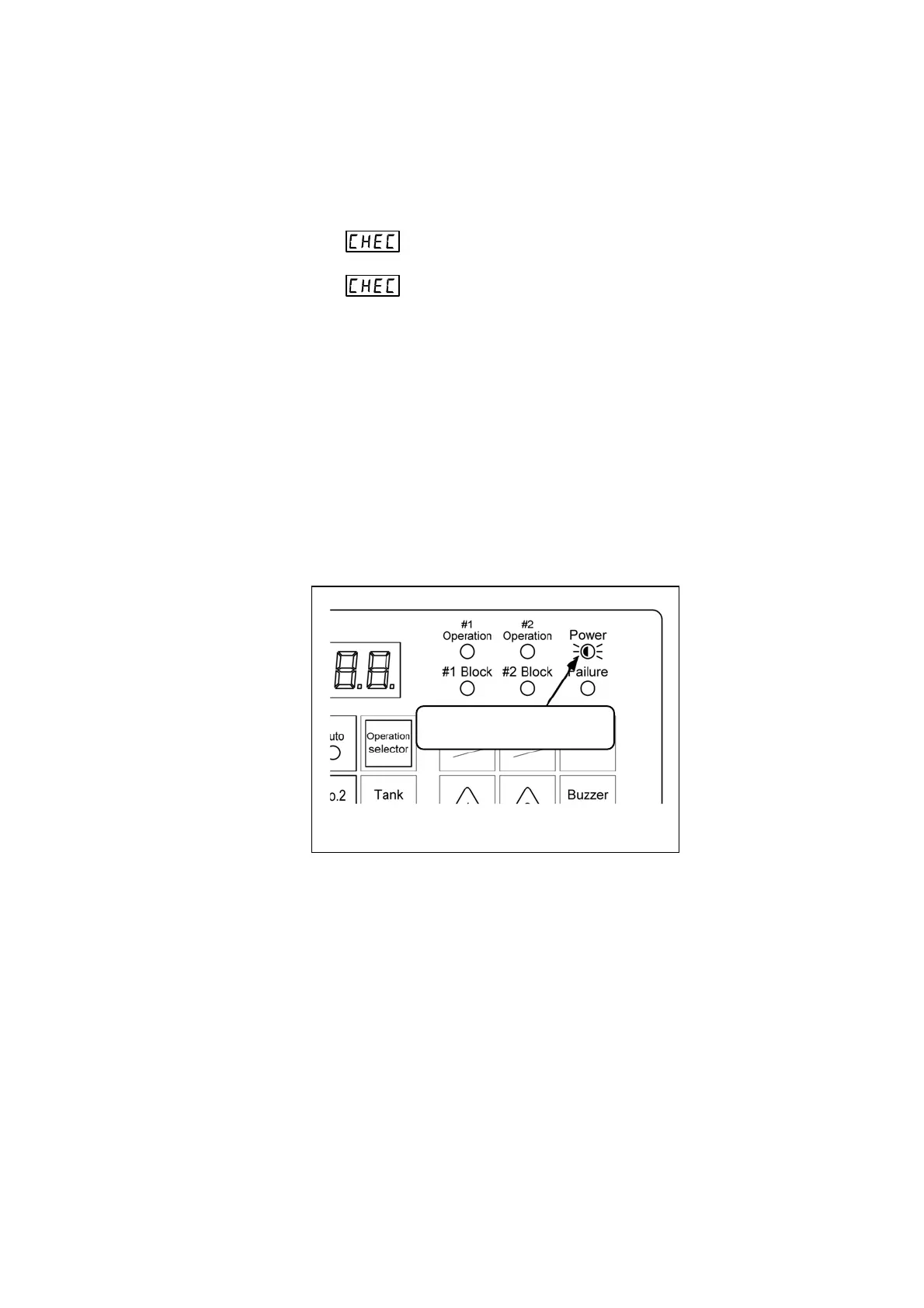
The power indicator light flashes while in the inspection mode.
Any other indications are the same as in normal mode.
d External output
Signals are output externally via M2 and MC (no-voltage a-contact) in the inspection mode only
when the External Relay Output Pattern setting (parameter: P100) is set to “4.”
No signals are output externally when the External Relay Output Pattern setting is set to a value
between “0” and “3.”
e Other operations
Other operations are carried out in the same way as in normal mode.
Power indicator flashes while
in inspection mode.
Fig. 8.2 Indication in inspection mode



 To Next Page