1. Introduction
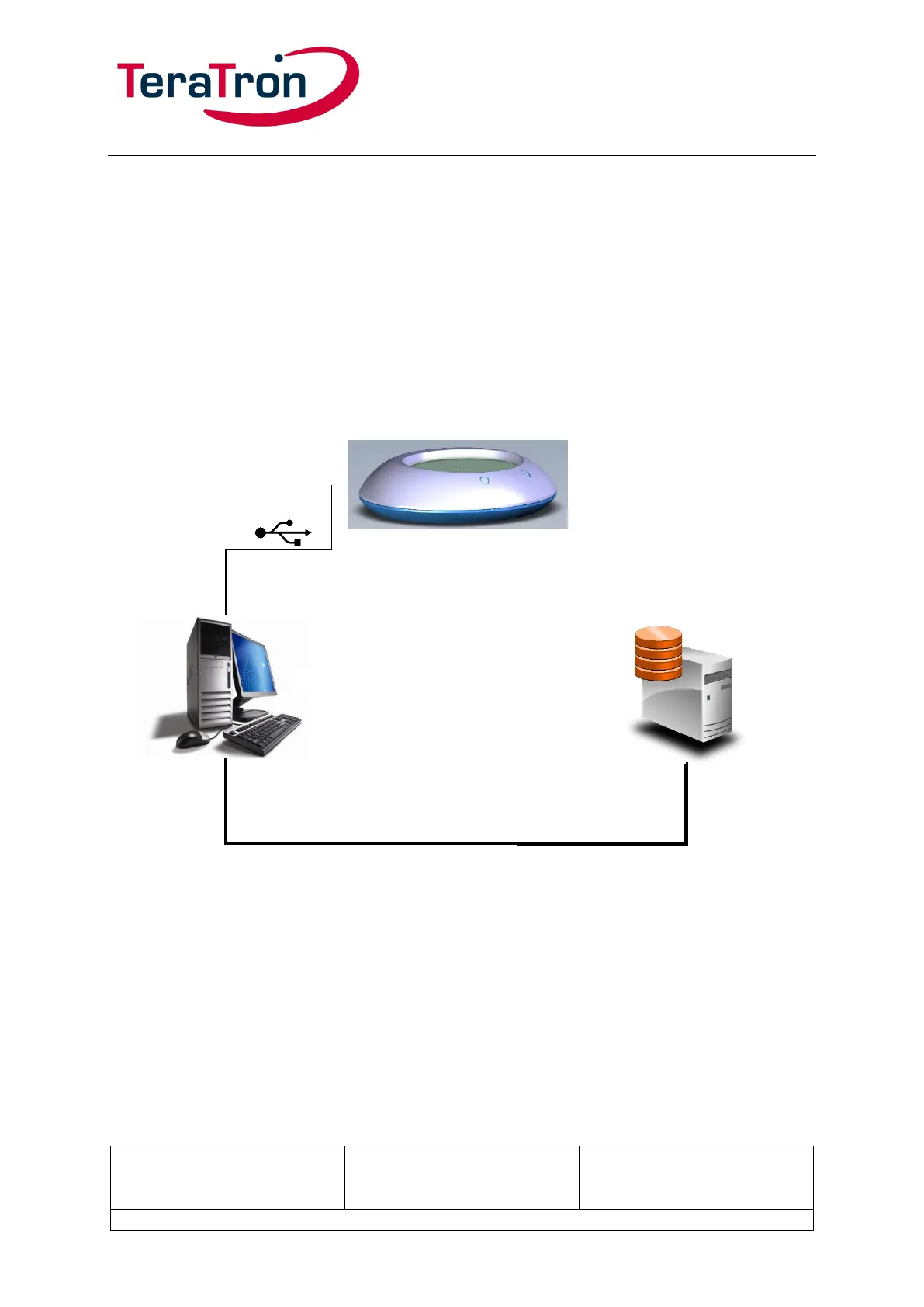
Desktop KeyReader Plus is a stationary device for reading out the vehicle data stored in the vehicle
key. Once successfully read, the data is transmitted to a USB-connected PC. From there, the data is
transmitted to a target system (KAI server).
The USB connection also ensures the power supply.
1.1. Setup
To run and configure Desktop KeyReader Plus on a PC, first install and launch the ITOOLS-
USBTrayApp software. This tool communicates with Desktop KeyReader Plus, receives read-out key
data, and sends configuration commands, e.g. to adjust the volume.
This communication begins as soon as Desktop KeyReader Plus is connected.



 To Next Page