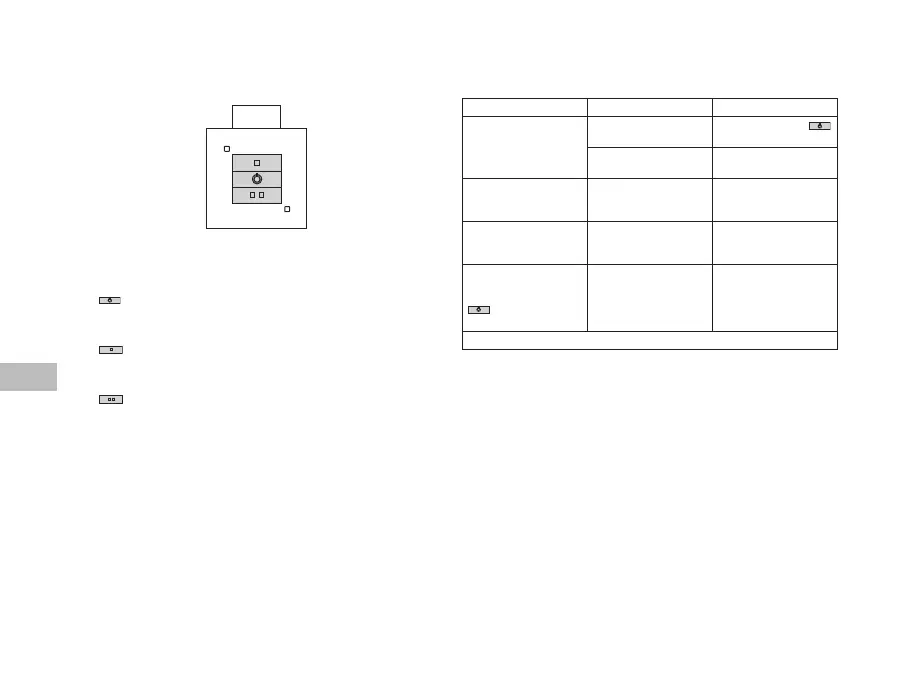
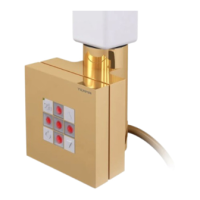
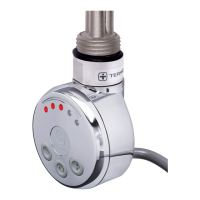
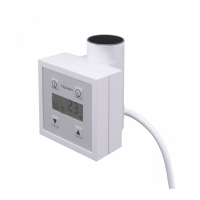
Heang element unit heats the radiator that it is installed in. The device has
a user-friendly temperature regulaon system allowing the device to work with only a
half or full of its heang output.
Buon is used to turn the device on / o.
When turned o and then back on again, the device will heat with the same heang
output as before it was turned o.
Buon is used to set the ECONOMICAL mode – this is indicated by a yellow diode
in the top le corner (the device will start operang by turning itself on and o every 7
seconds).
Buon is used to set the COMFORT mode (the device will operate with its full
output connuously) – this is indicated by a red diode in the boom right corner.
Built-in temperature sensor protects the device from overheang, liming the tempera-
ture of the radiator to maximum of 60°C.
Construcon of the heang element unit as well as physical characteriscs of the heang
agent cause that the boom pipes (especially the two at the very boom of the radiator)
may have a lower temperature than the remaining parts of the radiator – this is a normal
phenomenon.
Problem
Device is connected, no
diodes are on, heang ele-
ment does not heat.
Device is not turned on Turn the device using
buon
Connecon problem Check the connecon,
plug and the socket.
Heang element does not
heat, diodes are ashing
alternately.
Device signals emergency,
temperature sensor is
damaged.
Turn the device o, wait
for the radiator to cool
down and turn it back on.
Heang element does
not heat, diodes indicate
correct operaon.
Thermal fuse is burnt
or heang element is
damaged.
Turn the device o, wait
for the radiator to cool
down and turn it back on.
Heang element heats
although the device has
been turned o with the
buon.
Electronics damage. Disconnect the device
completely from the
installaon, wait for the
radiator to cool down and
turn it back on.



 To Next Page