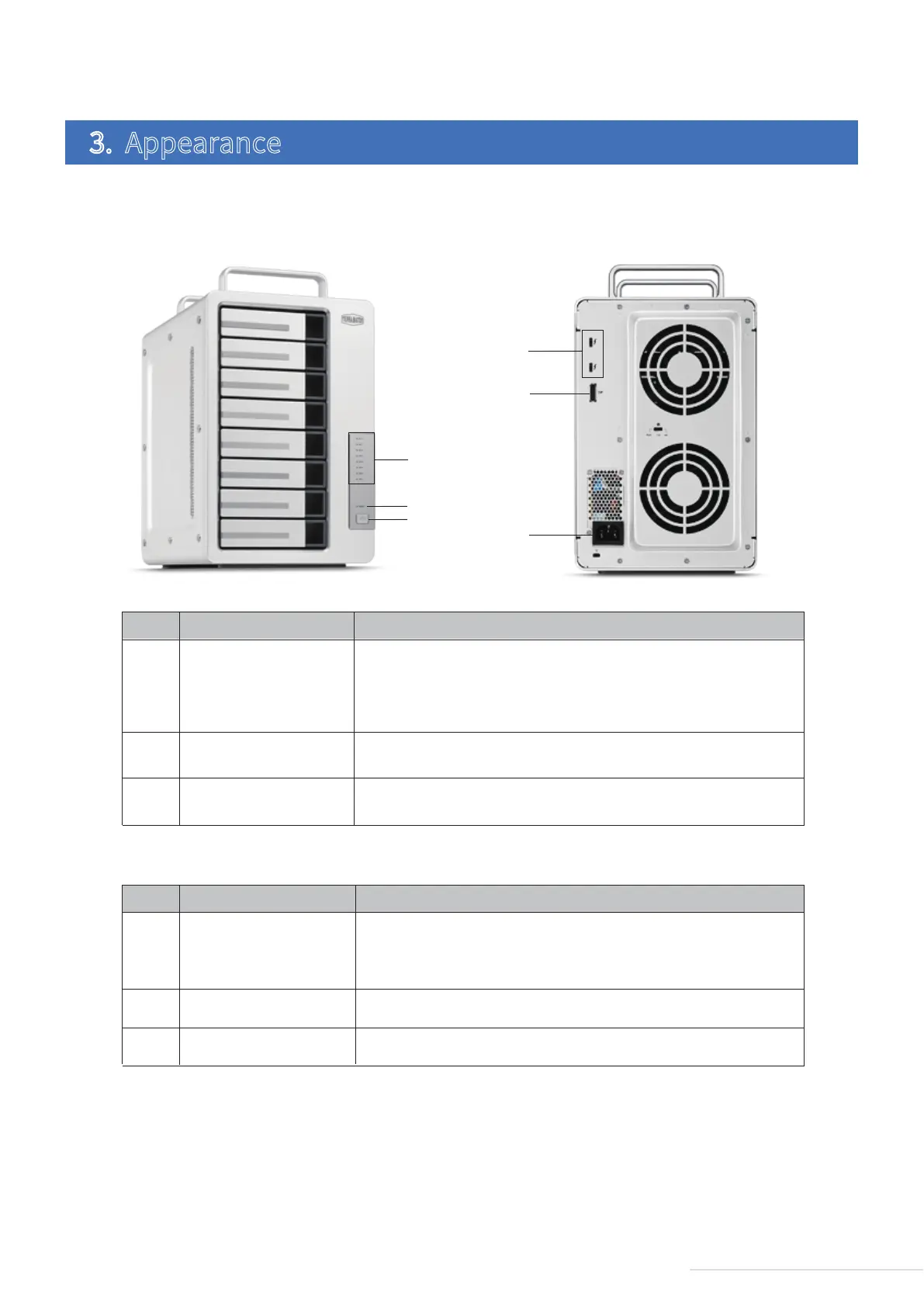
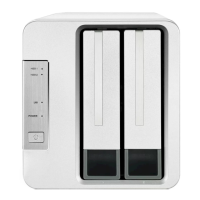
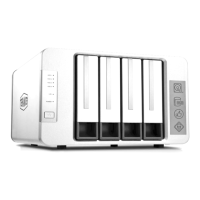
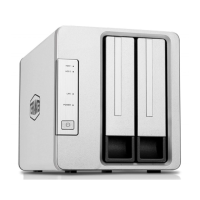
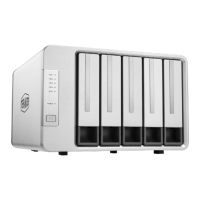
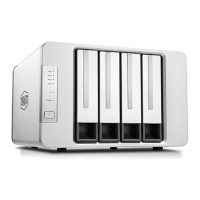
Front Panel: Rear Panel:
3. Appearance
①
②
③
NO.
Description
ITEM
HDD Indicator
Power Switch
Power Indicator
Off: Hard drive not detected.
Green light (flashing): reading and writing data.
Red Light: Hard drive failure or array damage.
Short press once to power on, andpress for 4 seconds to power off.
Off: Powered off. Green light: Powered on. Red light: Sleeping.
④
⑤
⑥
NO.
Description
ITEM
Power Jack
Thunderbolt 3 Port
DP Port
Power input interface. Please note that you should not use any power
adaptor other than the original. If you do, the device may be damaged.
Use this to connect a computer or another Thunderbolt 3 device.
Use this to connect the DP monitor.
3
Model:D8 Thunderbolt 3
④
⑥
⑤
①
②
③



 To Next Page