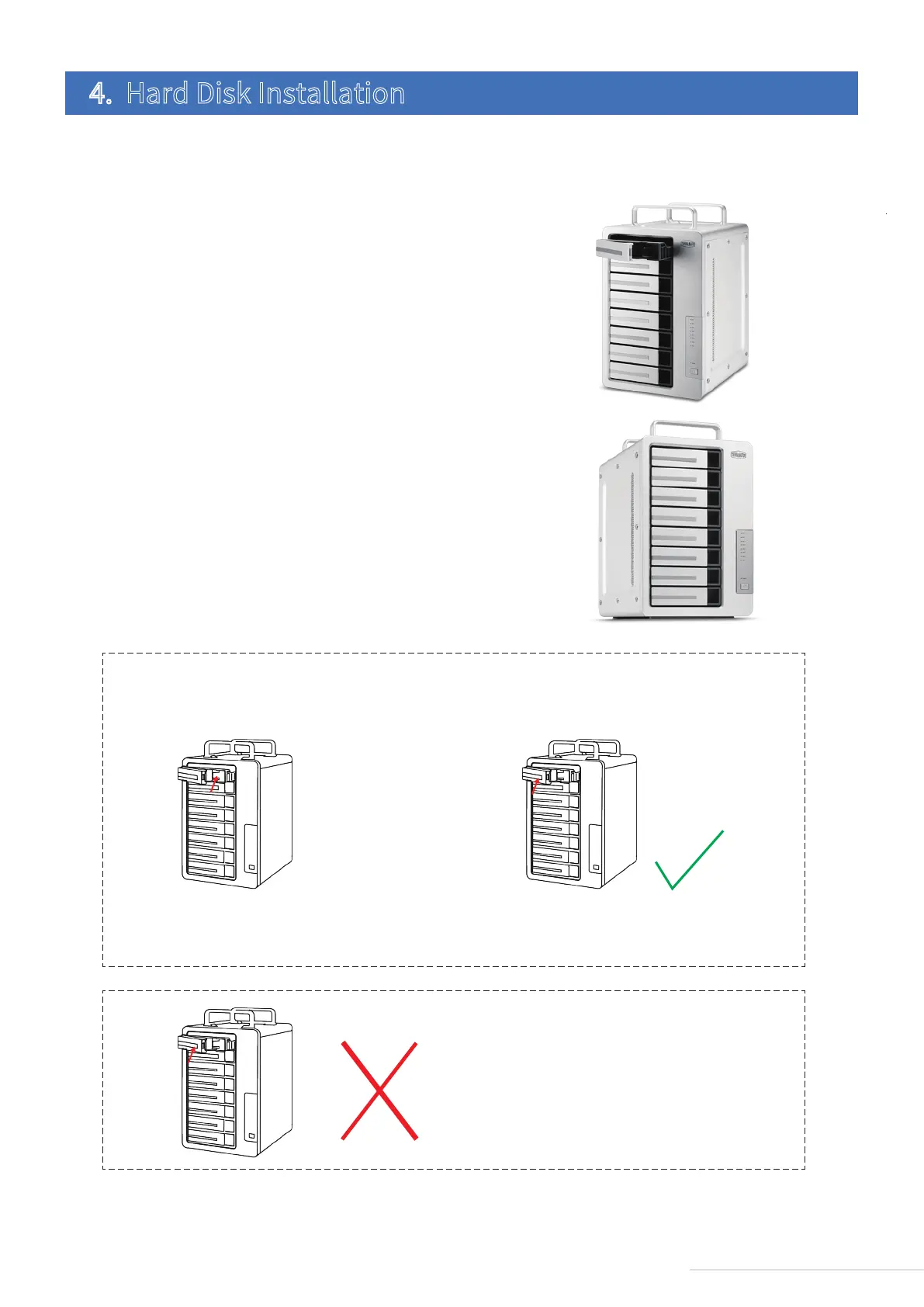
Prior to use, hard drives must be installed properly into the device. Therefore, if you have no hard drives for your device,
please purchase a compatible one and oversee its installation.
1.Pull the handle from the hard drive tray, then take the handle
and use it to slide the hard drive tray from the device;
To install a hard drive, please complete the following instructions:
2.When the tray is completely inserted, the handle will close.
Now, hard drive installation is complete.
4. Hard Disk Installation
4
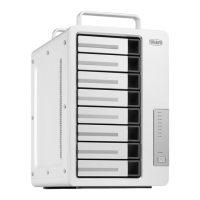
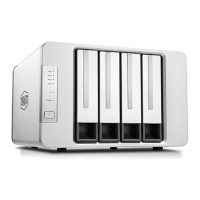
Model:D8 Thunderbolt 3
1.Push the lowest part of the hard drive tray to ensure
its full insertion;
step 1 step 2
2.After insertion, lock the tray in place by pressing the
handle. If you do this before full insertion, take-out
fails or unstable read-write are likely.
3.The hard drive trayis locked withoutfully inserting it.
Warning



 To Next Page