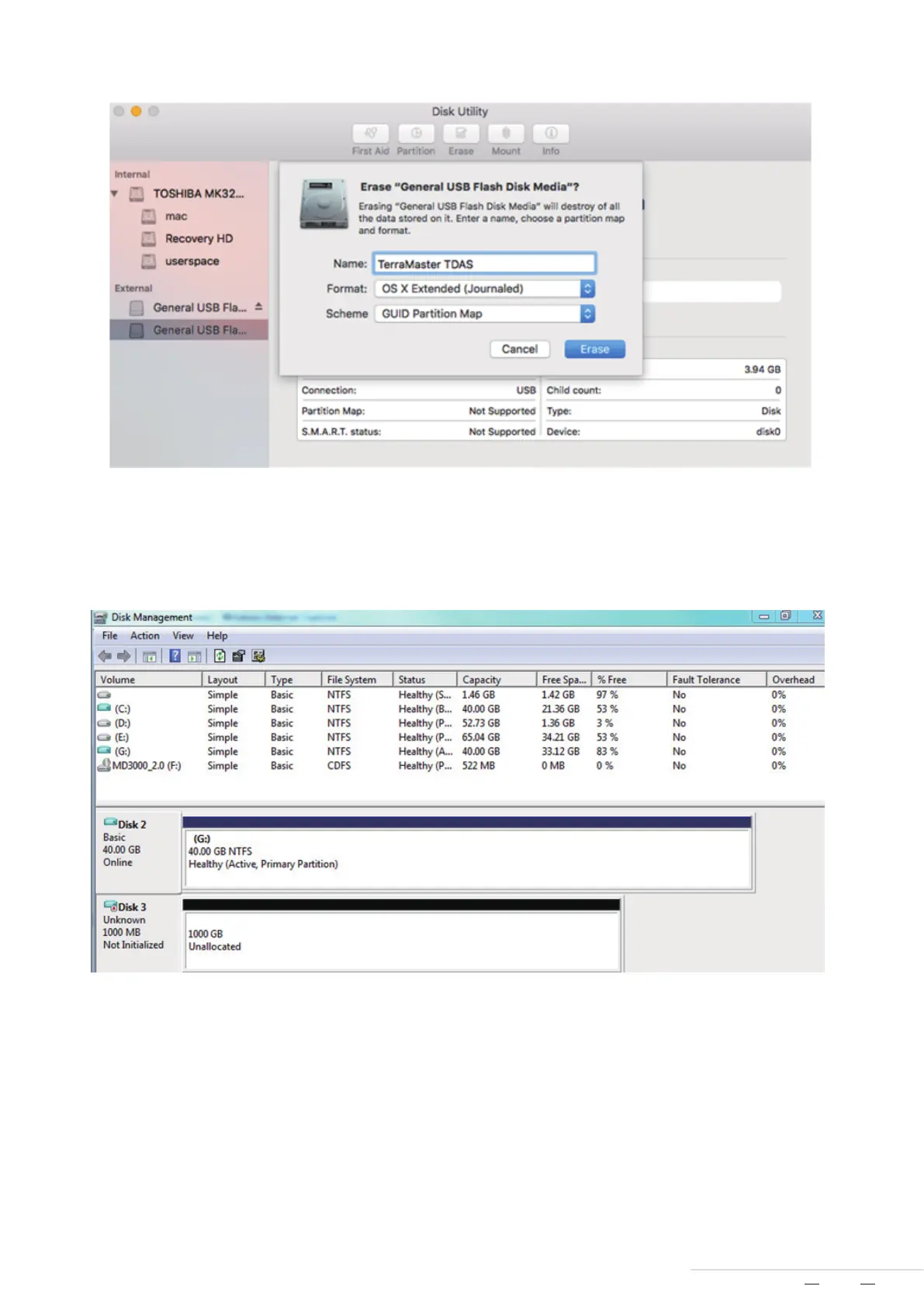
For Windows users, disk array initialisation and formatting can be completed as below:
1.Move your cursor to “My Computer”, then right-click;
2.Go to Property > Disk Management;
3.Locate the unallocated disk in the menu, then initialise and format it.
4.If you having difficulties initialising and formatting the array, please see Windows’ help file.
After initialisation and formatting, your device is now ready to use.
To ask any questions when installing, initialising, or using your device, please get in touch with TerraMaster’s technical
support team. Support email: support@terra-master.com
END
8
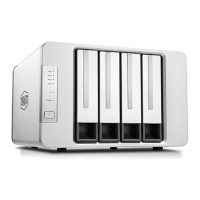
Model:D8 Thunderbolt 3



 To Previous Page