2. CHARGING THE TERRANO XT
Make sure that your TERRANO XT battery is charged for at least 4 hours before initial use.
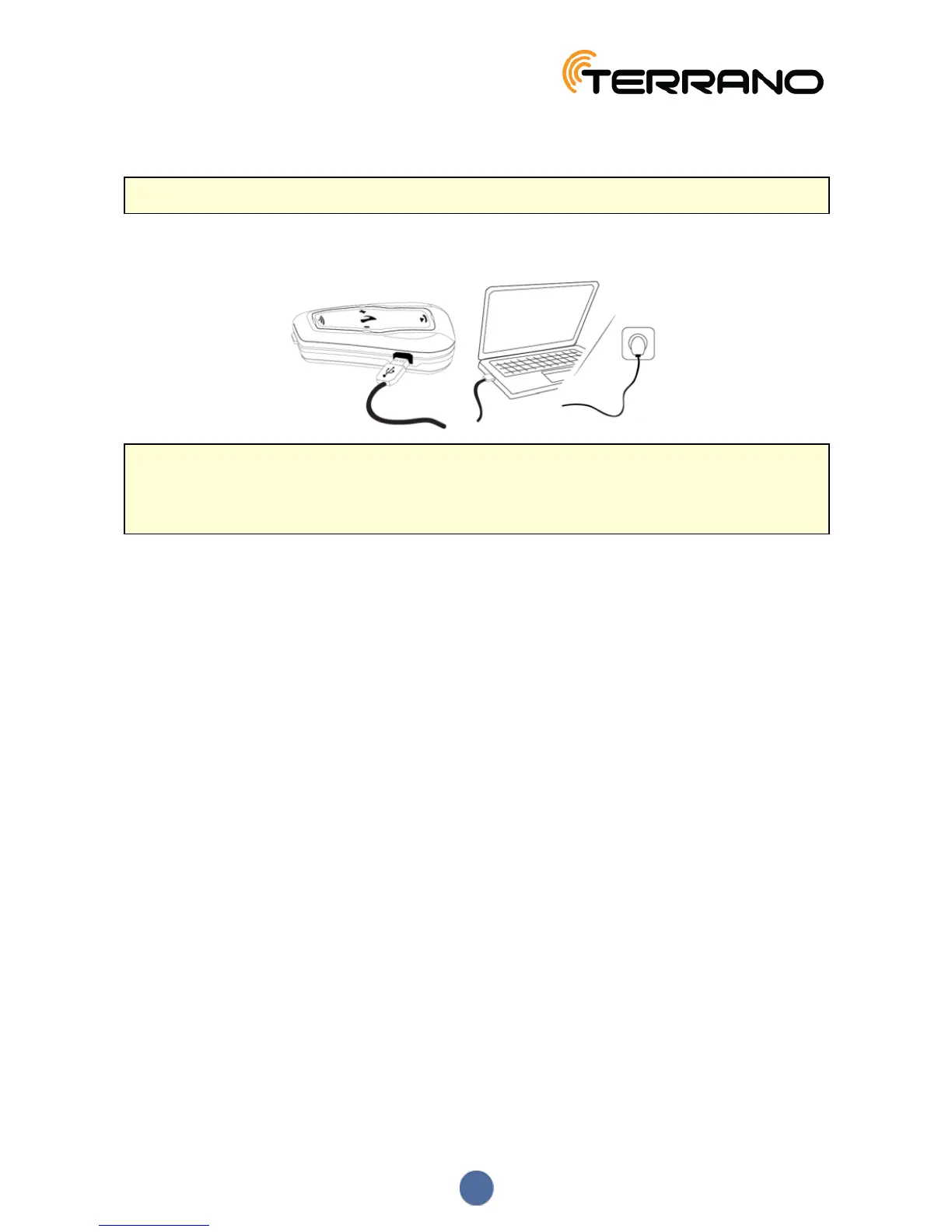
To charge the TERRANO XT:
● Using the supplied USB cable, connect your computer or wall charger to the TERRANO XT USBport.
● Charging with the wall charger is faster than via a computer USB port.
● Charging your unit switches it off automatically. To use your unit while it is being charged, switch it on.
(see Switching Your Unit On/Off on page 6).
● You can charge the unit while riding using a power bank.
During charging, the LED indicates charging status as follows:
● Red LED on - charging
● Red LED off - charging complete
If the battery level reaches 20%, a battery status voice announcement warns you that your battery is low.
5


 To Next Page