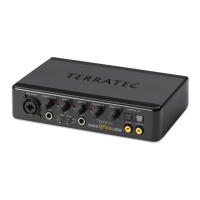
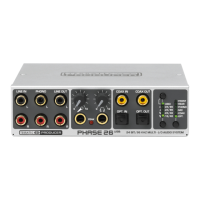
MAC installation - step by step.
Be sure to follow these instructions carefully and in the order in
which they are described. First connect the PHASE 26 USB
module to the computer at the installation point indicated.
Do you know what the operating modes are?
Before you start installing the PHASE 26 USB System, please read the previous chapter
to learn about the various operating modes of the PHASE 26 USB System on Ü page 7.
Oh, but of course! Being the attentive person you are, you've already read that chapter.
;-) (But really, read the previous chapter no matter how excited you are to install your new
device: the information it provides is extremely important.)
Which operating system?
The PHASE 26 USB System can be used with MAC OS 9.x and MAX OS 10.x (OS X). A
special ASIO driver is available for OS 9, but there is no MIDI driver. Furthermore, the
OS 9 Sound Manager is not supported. Implementing the PHASE 26 USB System in
OS X is easy with the help of OS X CoreAudio and CoreMIDI. We recommend purchas-
ing and installing the MAC OS X “Jaguar” upgrade, as it includes several improvements in
detail, including some for audio applications.
Driver installation.
Installing the ASIO under OS9.
Copy the compressed .SIT file from the installation CD
(<CD>:\PHASE 26 USB\Driver\Mac\OS9\ASIO\) to the MAC OS9 Desktop and then
extract it using an application such as StuffIt-Expander. Now copy the
”PGTerraTecPhase26” file from the extracted folder to the system extensions folder.
Then copy the ASIO driver, called “TerraTec Phase 26 ASIO Driver”, to the ASIO folder of
your audio application and reboot the computer.
Installation under OS X.
As mentioned above, the PHASE 26 USB System implements the operating system's
own CoreAudio and CoreMIDI drivers. Because of this, there is no need to install other
drivers. Once you've plugged the module into the MAC USB port, it is immediately
available for your use.
PHASE 26 USB (English) 17


 To Next Page