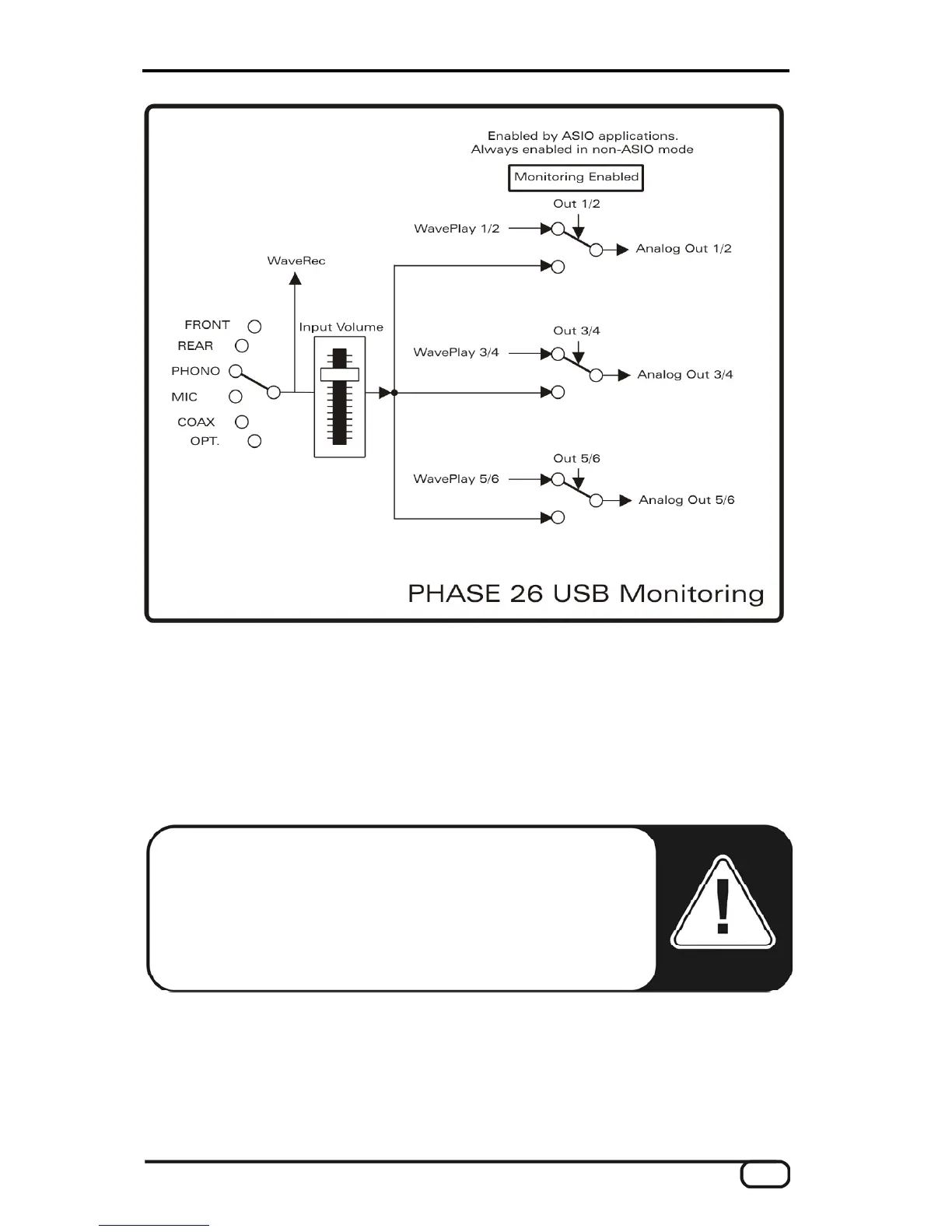
The Phono button enables the filtering required to play back a vinyl record. In commer-
cially available hi-fi amplifiers, RIAA filtering is permanently activated. The audio system
PHASE 26 USB, on the other hand, has the option of disabling RIAA filtering. You thus
have the option of applying custom filters (when restoring shellac recordings, for example)
with special editing software that supports them. The Phono button is disabled until the
PHONO input is selected on the device.
Note: The RIAA equalizer in the monitor channel is only for the
pick-up. If you want to record a phono signal, the “TerraTec RIAA
plug-in”, which is included with the product, has to be installed in
the VST folder of your audio application. Once the plug-in is in-
stalled, the TT_RIAA filter also becomes available for realtime
editing of your vinyl recordings.
PHASE 26 USB (English) 37


 To Next Page