16
2.3 On-Screen Display
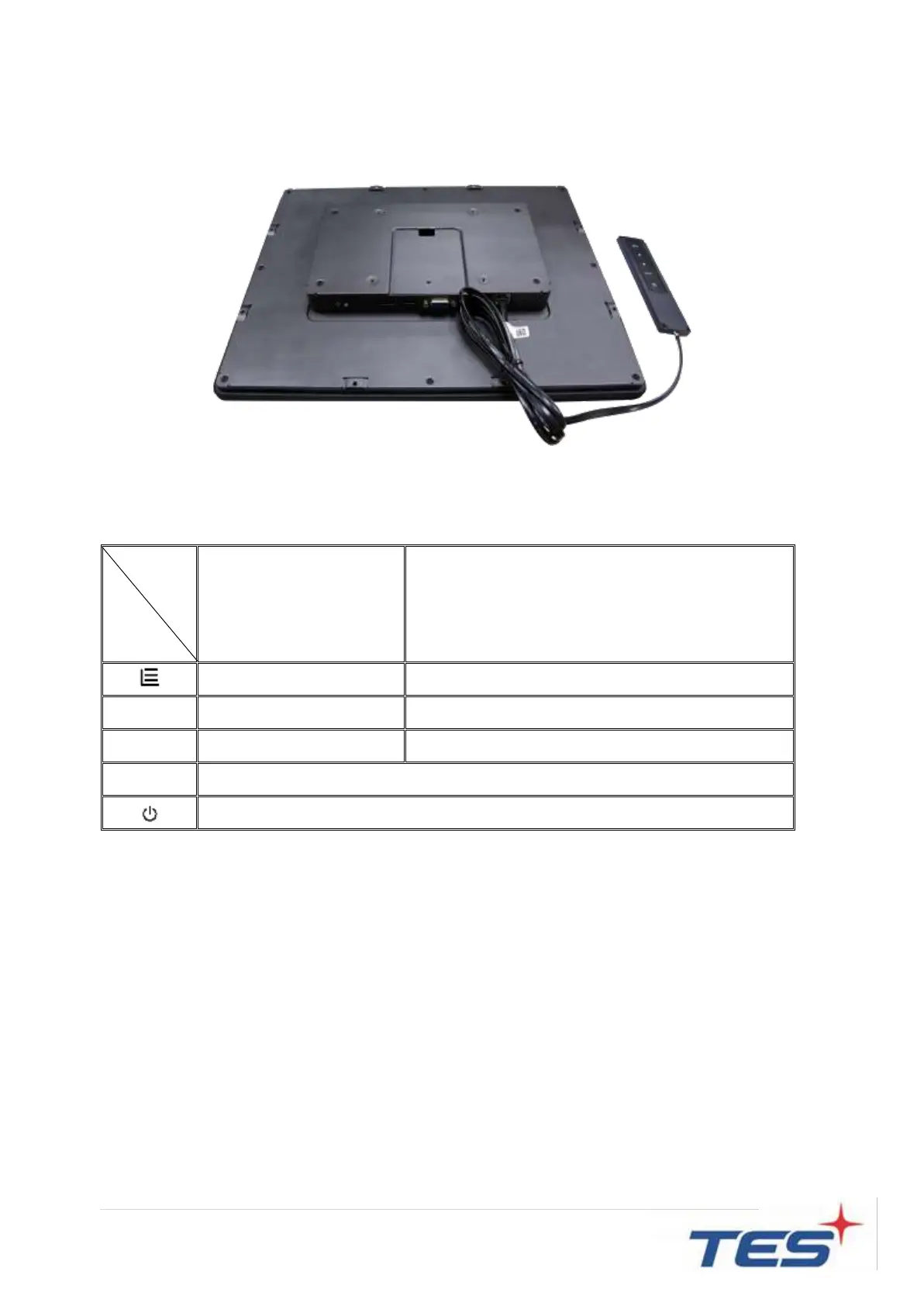
The APM-15 series provide RJ45 port for connecting with OSD remote key. And the
following is OSD key function table:
Menu disappear/ return to main item
Main item select up/ Adjust up
Main item select down/ Adjust down
Enter/Select sub-item function
1. Press the “MENU” button to pop up the “on-screen menu” and press “Up” or “Down” button to
select among the five functions in the main menu.
2. Choose the adjustment items by pressing the “Enter” button.
3. Adjust the value of the adjustment items by pressing the “Up” or “Down” button.
4. With the OSD menu on screen, press “Menu” button to return main menu or exit OSD.
5. The OSD menu will automatically close, if you have left it idle for a pre-set time.
6. To Lock the OSD / Power menu buttons, please follow the instructions below.
(Please note: the monitor has to be turned ON with a valid signal pre-set)
a. Press “Menu” key, the OSD menu will pops upon display.



 To Next Page