5
GETTING STARTED
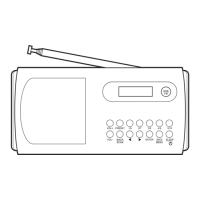
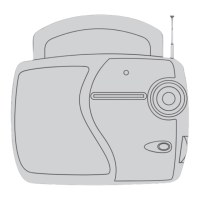
DAB/FM AERIAL
Before using your radio for DAB or FM reception,
always fully extend the telescopic aerial. The telescopic
aerial has a swivel base to enable it to be adjusted to
dierent positions for the clearest sound.
CONNECTING POWER
Before connecting the power, check that the mains
voltage on the rating plate of the AC adapter is the
same as the voltage in your area.
Plug the large USB plug on the DC power cable into •
the AC adapter.
Connect the small plug into the DC-In jack on the •
back of the unit.
Plug the AC adapter into the wall socket and switch •
the mains power on.
The unit is now ready for use.
NOTE:- The AC adapter may become warm during
operation - this is normal.
SETTING THE CLOCK
The clock on your radio is automatically set when rst
used from the time signal broadcast with DAB radio
stations.
If a DAB station is not available, the clock may be set
manually via the MENU system (see page 13).


 To Next Page